Top Data Recovery Tools for Mac and Windows (Free and Paid)
When disaster strikes and files vanish due to system errors, accidental deletions, or formatting issues, powerful data recovery software can be your savior. Below, we’ll walk you through some of the best tools available for retrieving lost data, covering free and premium options.
1. Disk Drill (Compatible with Mac & Windows)
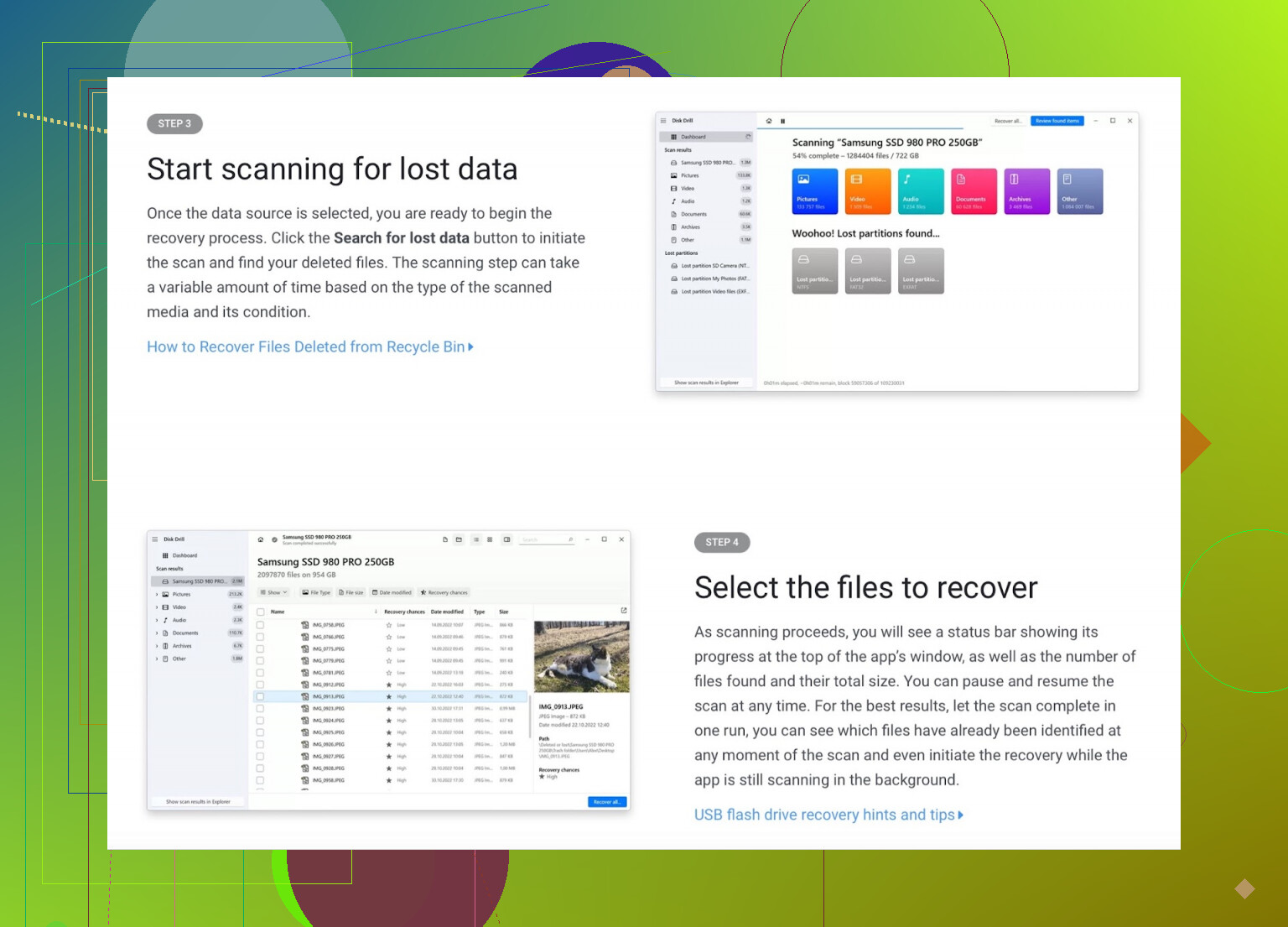
Perks of Disk Drill
- Simple to navigate: Perfect for beginners seeking a seamless process.
- Broad file support: Can recover more than 400 file types.
- Added protections: Built-in tools like Recovery Vault prevent future data loss.
- Free recovery trial: Windows users can restore up to 500MB without charge.
Room for Improvement
- Mac limitations: Free version only previews files on macOS.
- Time-consuming deep scans: Deeper analysis may take longer.
- Pay-to-unlock features: Full recovery capability requires a license purchase.
Summary
Disk Drill is an intuitive, potent choice, offering excellent recovery support for both casual users and experts.
Explore Disk Drill’s official site | Check a Reddit review here
2. EaseUS Data Recovery Wizard (Both Mac & Windows Compatible)

Best Features
- Quick recovery process in 3 steps.
- AI-powered scanning delves deeper for complex file loss situations.
- Free option: Restore up to 2GB of data at no cost.
- Supports advanced scenarios: Lost partitions and RAW recovery are manageable.
Drawbacks
- Small free recovery limit: Inadequate for recovering large files.
- Sluggish during deep scans.
- Paid plan required for complete functionality.
Verdict
EaseUS is a straightforward and reliable tool, ideal for regular data recovery needs.
Check a Reddit user’s perspective here
3. Recuva (Exclusive to Windows Users)
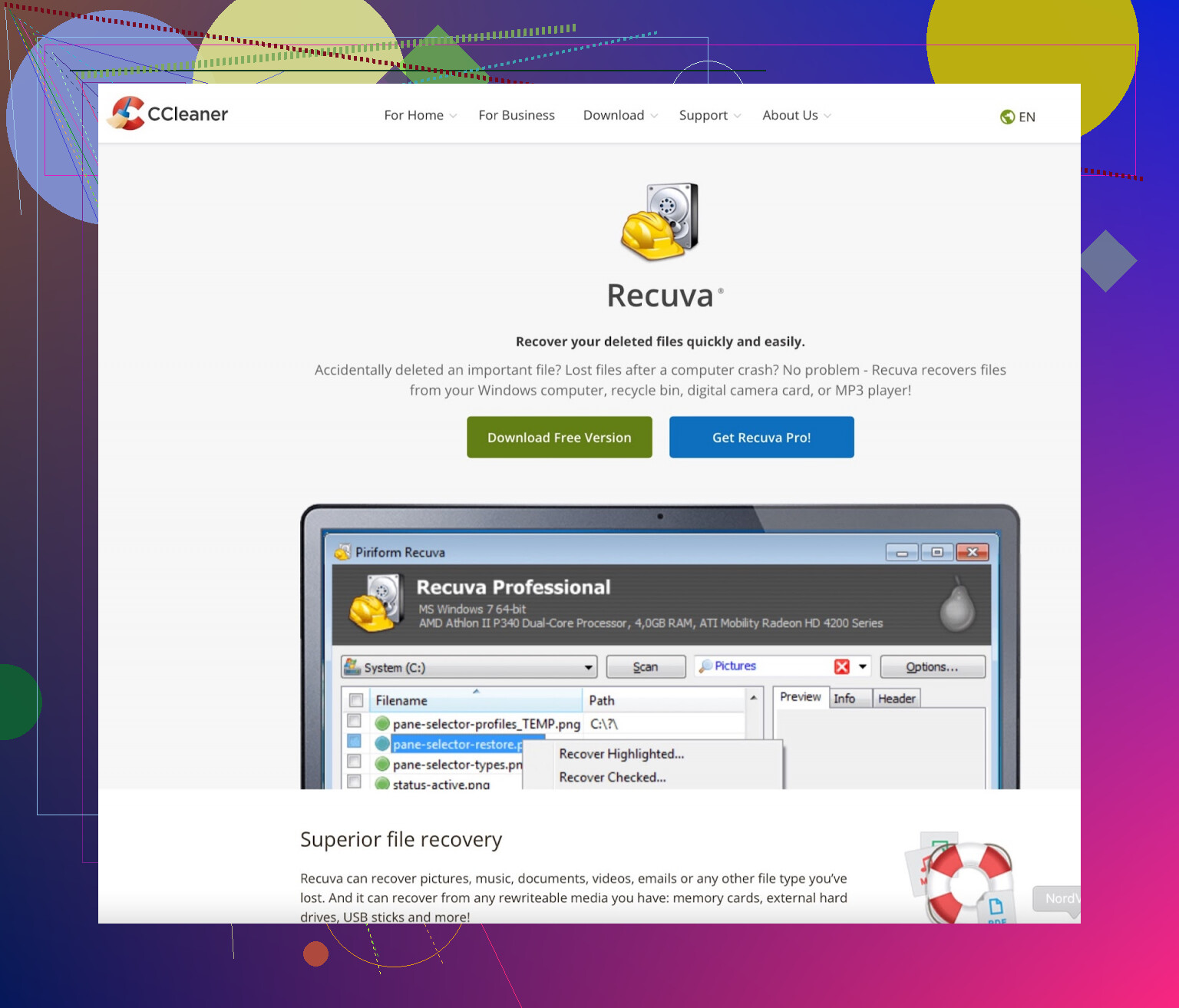
What’s Great About It?
- Free unlimited recovery option (not common among tools).
- Compact and speedy operation.
- Portable version for external device recovery.
Setbacks
- No Mac support.
- Lacks advanced or sophisticated features.
- Not suitable for retrieving heavily corrupted files.
Wrap-Up
Recuva is an excellent budget-friendly choice for straightforward file recovery on Windows systems.
Read more on Reddit
4. Stellar Data Recovery (Available on Mac & Windows)
Pros
- Recovers photos, videos, emails, and a variety of file types.
- Compatible with many storage devices.
- Offers a free version for up to 1GB of recovery.
- Known for consistently strong recovery outcomes.
Cons
- Free recovery capped at only 1GB.
- Scanning efficiency may be slow.
- Advanced features locked behind expensive licenses.
Verdict
This versatile tool is highly effective for users who require professional-grade recovery features.
5. TestDisk & PhotoRec (Open-Source for Mac & Windows)
Key Benefits
- 100% free and open for public modification.
- Reputable for partition restoration and deep scans.
- Runs seamlessly across multiple platforms.
Limitations
- Text interface: Lacks a user-friendly GUI.
- Challenging for newbies: Requires expertise to navigate.
Final Thought
A practical choice for tech-savvy users experienced with command-line utilities.
6. R-Studio (Mac & Windows)
Advantages
- Regarded as one of the most advanced recovery programs available.
- Offers RAID and networked recovery, making it a go-to for critical setups.
- Extensive file-system compatibility.
Drawbacks
- Comes with a complex interface that may intimidate inexperienced users.
- No free tier available for significant restoration tasks.
Verdict
Optimal for IT professionals and those handling intricate data infrastructures.
7. Wondershare Recoverit (Mac & Windows)
Highlights
- User-friendly design makes recovery stress-free.
- Recognizes and recovers over 1000 file types.
- Dedicated tools for video-specific recovery and repair.
Weaknesses
- Only 500MB available free of charge.
- Sluggish performance during deeper recovery scans.
Takeaway
Recoverit makes a perfect companion for beginners, particularly for video-related tasks.
8. Ontrack EasyRecovery (For Mac & Windows)
Why Use This?
- Trusted by professionals in the data recovery space.
- Free bonus: Recover up to 1GB without payment.
- Includes RAID and email recovery with certain pricier plans.
Why Think Twice?
- Free tier restrictions: Max file size capped at 25MB per file.
- Higher-tier licenses can significantly increase costs.
Verdict
This software shines for mission-critical, professional scenarios but isn’t necessarily suitable for personal use.
9. Prosoft Data Rescue (Supports Mac & Windows)
Upsides
- Powerful performance and dependable results.
- Features unique drive cloning for recovering damaged drives.
- Tailored for Apple enthusiasts recovering lost macOS files.
Caveats
- Confusing pay-per-recovery pricing model.
- No option for a one-time lifetime license.
Verdict
This program is a steadfast choice for users intent on robust recovery.
10. MiniTool Power Data Recovery (For Windows-Only Users)
Strengths
- Friendly interface that’s easy to pick up.
- Allows 1GB of recovery at no cost.
- Perfect for basic recovery situations.
Weak Points
- Mac users are left out—it supports Windows exclusively.
- Cannot handle advanced file-loss predicaments.
Judgment
An excellent starter option for quick, low-complexity recovery tasks on Windows systems.
Final Recommendations
To make your choice easier:
- Beginner-Friendly Picks: Disk Drill, EaseUS, Wondershare Recoverit
- Best Free Solutions: Recuva (Windows) and TestDisk (Mac/Windows)
- Professional Needs: Disk Drill, R-Studio, Prosoft Data Rescue, Ontrack EasyRecovery
- Top Video Recovery Tools: Disk Drill, Wondershare Recoverit
For simple fixes, start with free options. If recovery complexity increases, upgrade to a premium tool for enhanced results.
