Hello! For some reason, the pCloud app does not work even on my Sequoia Mac. This is likely because the current version of pCloud Desktop is not fully compatible with later versions of macOS.
I fired up pCloud after updating my Mac, and it just kind of… shrugged at me. Turns out, it’s an old story: pCloud Desktop isn’t keeping up with Apple’s relentless march, especially now that the OS 26.
pCloud use this thing called macFUSE to make your cloud storage appear like a regular folder on your Mac. But this trick relies on a kernel extension—a behind-the-scenes driver that Apple now treats like a suspicious package left here since 2017. If you want it to even attempt to work, you’re forced to loosen your Mac’s security settings. Not exactly ideal if you value stability or sanity.
Here’s the magic trick I stumbled into: stop messing with temperamental kernel extensions. Instead, take a sharp left and just mount your pCloud drive directly through Finder, as if it’s been on your Mac all along.
Instead of fighting with pCloud’s own iffy drivers, I installed CloudMounter and connected my pCloud account, and watched as my cloud files appeared like regular folders, right alongside Documents and Downloads. Suddenly, moving stuff around, dragging, editing — basically, all the things I need — were drama-free. No security popups, no rollbacks.
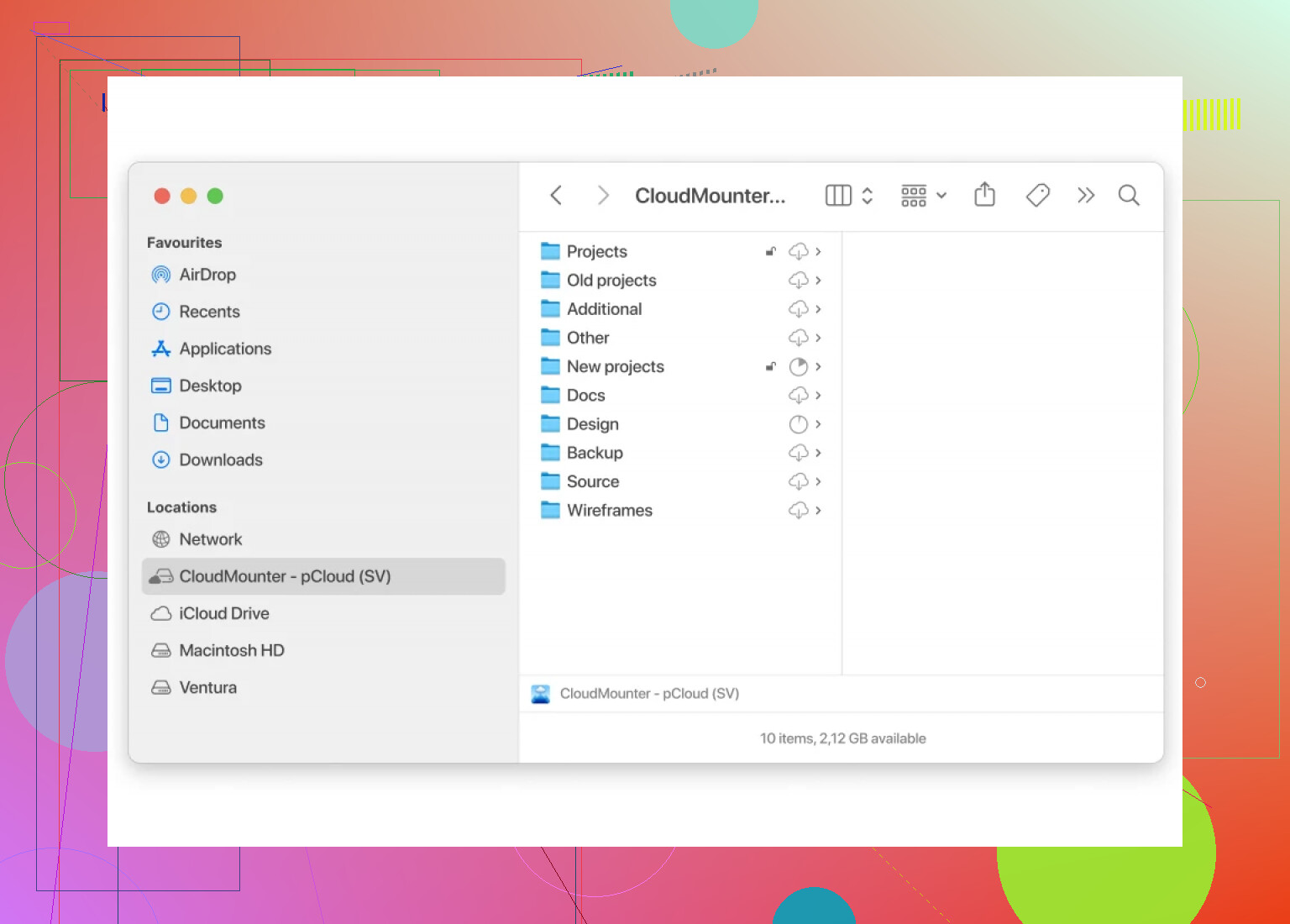
If you’re still wrestling with pCloud’s desktop madness, honestly, just skip it. Mount with CloudMounter and let your Mac do what it was built for: not making you babysit your file system.