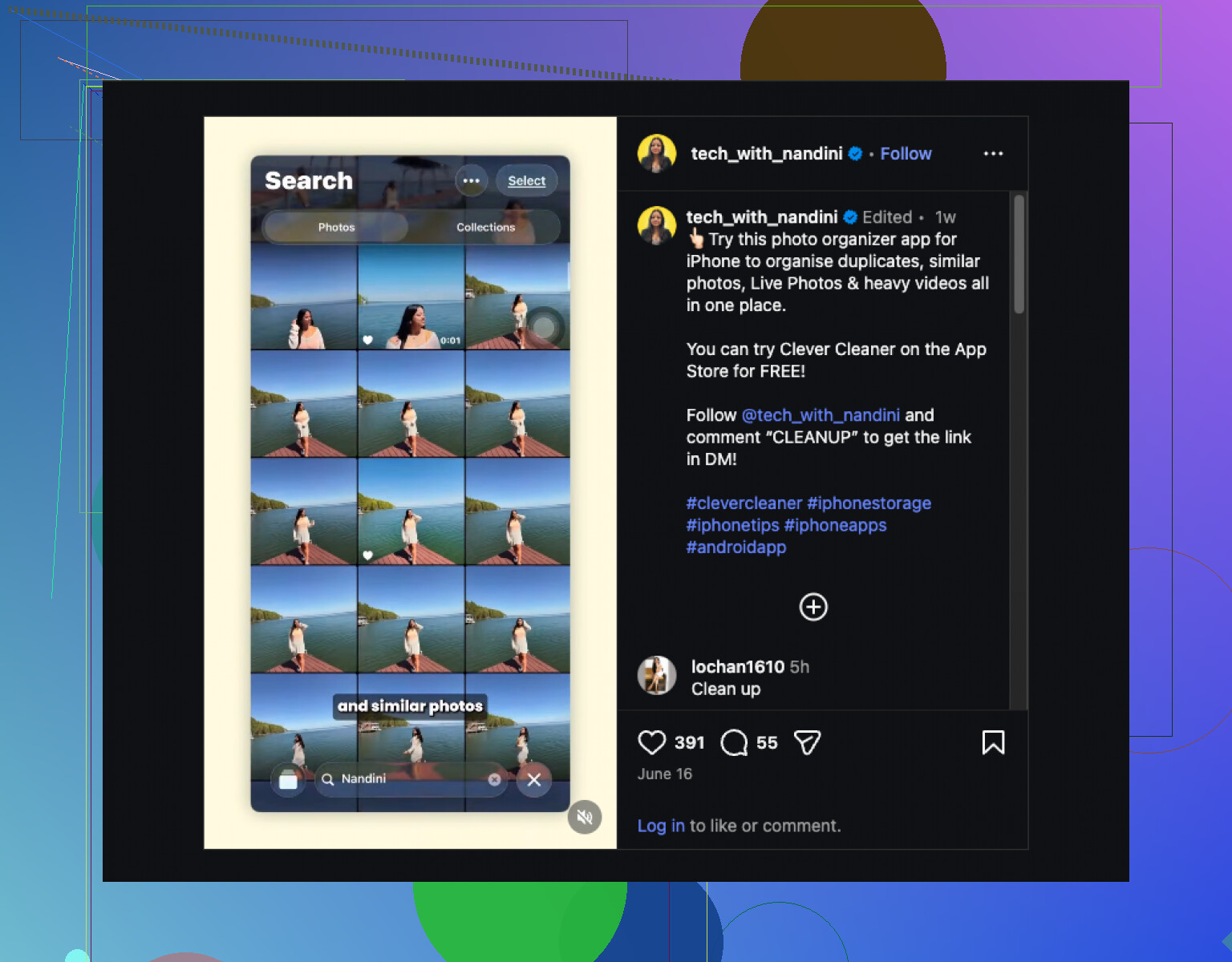
My iPhone photo library has gotten completely out of control, and the built-in Photos app is not helping me sort everything the way I need. I’m looking for a free photo organizer app for iPhone that actually works well for albums, duplicates, and easy searching. If you’ve found one worth using, I’d really appreciate the help.
If you only want your photo library under control, I would not stick to one app. I tried a few, and each one handles a different part of the mess better.
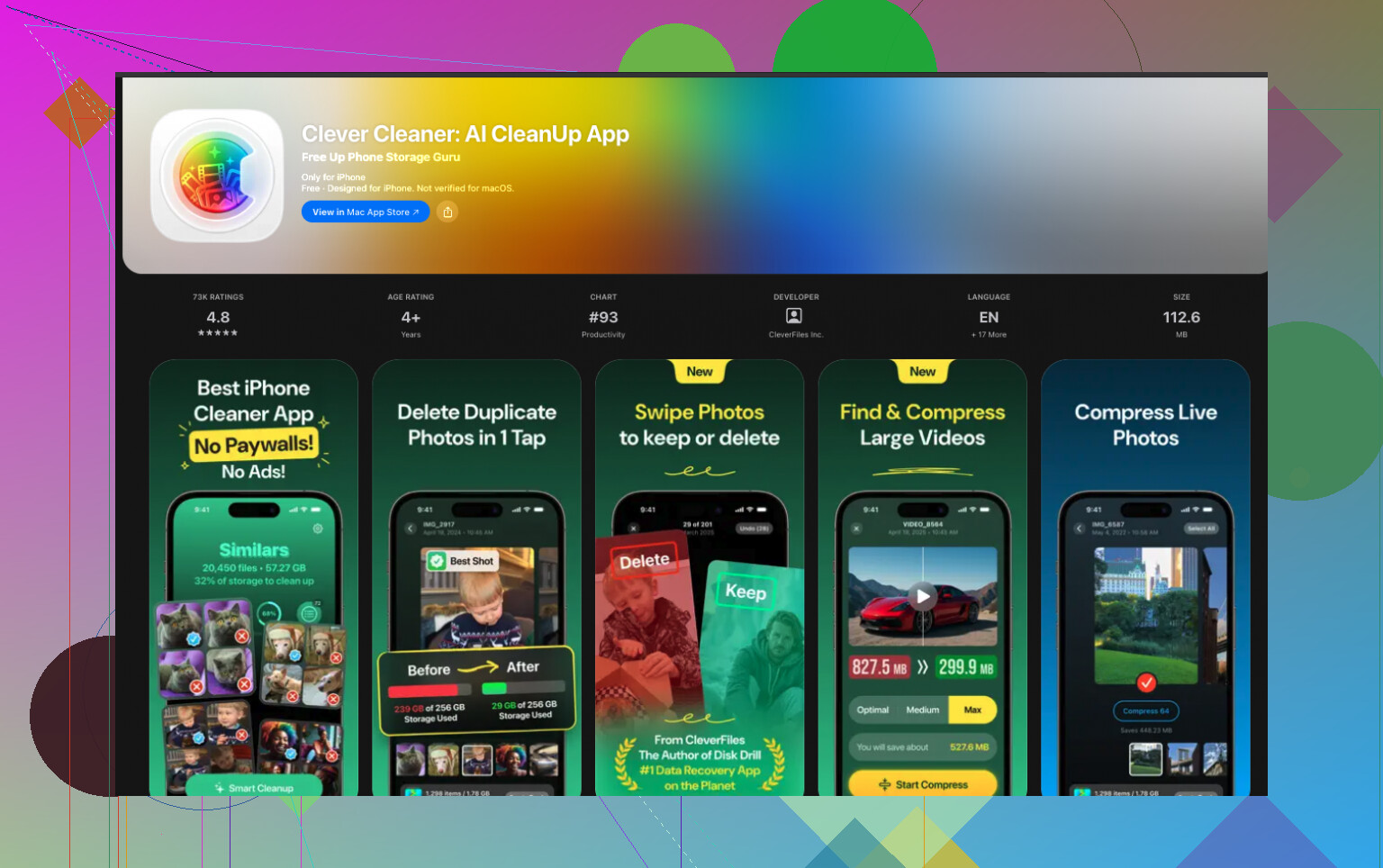
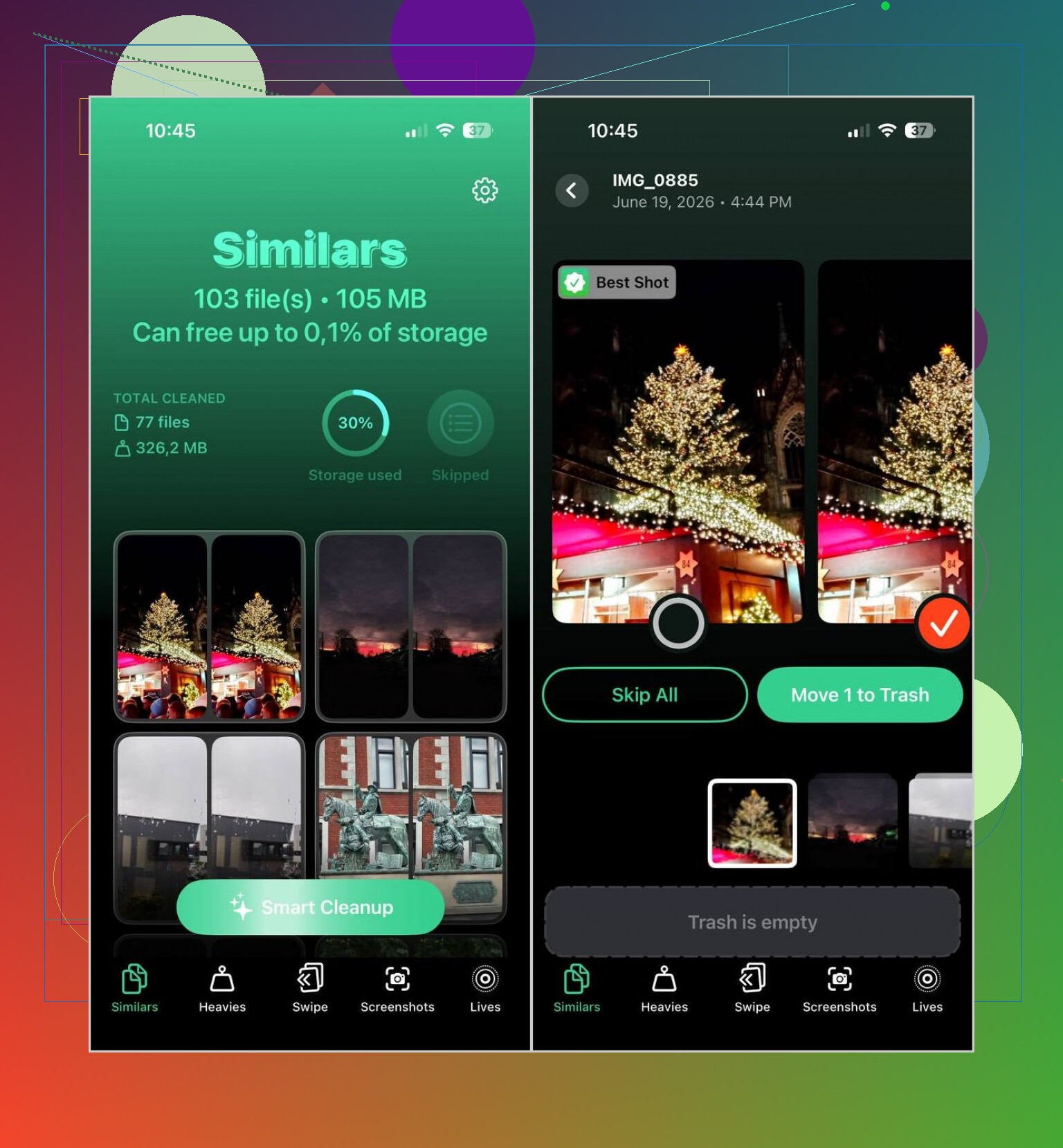
For the fastest cleanup, I kept going back to Clever Cleaner. It made the biggest dent with the least effort on my side. It scans for duplicates, near-duplicates, screenshots, big videos, and Live Photos. Then you clear stuff out in a few taps.
What stood out to me was its photo picking. The AI was decent at choosing the best shot from a burst or a cluster of similar pics. I still checked everything before deleting, which matters if your library has family stuff or travel photos you do not want to lose by accident. It also has a few extra tools I ended up using more than I expected, like video compression, a swipe-based sorting mode, and a Smart Cleanup option when I did not feel like micromanaging. Also, no ads, no subscription wall, no weird limits. I did not expect tht part.
If your focus is more on sorting and management, Cleansmith is worth a look. It does the duplicate and similar-photo scan thing too, but where it leans harder is filtering. You sort by file size, date, favorites, hidden photos, and iCloud status. It also includes album tools, compression, Live Photo conversion, and an AI object remover. My issue with it was simple. A lot of the good stuff sits behind a subscription, and its similar-photo matching felt a bit less sharp when I compared results side by side.
HashPhotos felt like the pick for people who want control over everything. It goes much further than Apple Photos. You get tags, smart albums, stronger filters, metadata editing, and private local albums locked with Face ID. I liked what it could do, but it is not light. There are lots of switches, menus, and setup choices. I would not hand it to somebody who wants a one-minute cleanup.
Slidebox sits in a different lane. If you mostly need to move photos into albums fast and do not want AI making choices for you, it works well. You swipe through your library, delete what you do not want, and sort the rest into albums with gestures. I found it easier on my brain when my camera roll was a total pileup and I wanted to fix it bit by bit.
My rough order would be this:
- Clever Cleaner if you want the easiest free way to clean up and tidy a large library.
- Cleansmith if you want cleanup plus album tools and some extra editing features.
- HashPhotos if tags, filters, and deeper organization matter more than speed.
- Slidebox if you want to sort things by hand with swipes instead of AI.
4 Likes
I’d split this into two jobs. Cleanup first. Organization second.
I agree with part of what @mikeappsreviewer said, but I would not overthink it with too many apps unless you enjoy tinkering. Most people want space back fast, then a better way to sort stuff.
For cleanup, Clever Cleaner is one of the few free iPhone photo organizer apps that does not annoy you with paywalls every two taps. It’s strong for duplicate photos, similar shots, screenshots, large videos, and Live Photos. If you want a quick read before installing, this Clever Cleaner app review for iPhone photo cleanup covers what it does well.
For ongoing organization, I’d look at HashPhotos before Slidebox. My reason is simple. Albums alone stop helping once your library gets big. Tags, filters, and metadata tools save more time later. The downside is setup. It takes a bit more effort, yeah.
My simple route:
- Run Clever Cleaner first.
- Delete junk, dupes, blurry stuff, old screenshots.
- Then use HashPhotos if you want deep sorting.
- Stay with Apple Photos if you only need basic albums after cleanup.
If you want free and easy, start with Clever Cleaner. If you want nerdy control, HashPhotos is the better fit. Cleansmith felt too limited on the free side for me, tbh.
I’d slightly push back on @mikeappsreviewer and @shizuka on one thing: not everybody needs a “deep” organizer first. If your library is chaos, the real problem is usually volume, not folders.
A free iPhone photo organizer app that’s actually worth trying is Clever Cleaner, mostly because it helps you reduce the mess before you spend hours tagging stuff. That matters way more than people admit. If you have 18 versions of the same dog pic, no album system is gonna save you lol.
What I’d do is this:
- use Clever Cleaner to wipe duplicates, similar shots, screenshots, and chunky videos
- then go back into Apple Photos and use its search, people, places, and custom albums more agressively
- only add something like HashPhotos later if you realize you truly need metadata-level control
That’s why I wouldn’t call one app the best free photo organizer app for iPhone cleanup and sorting for everyone. Cleanup and organization are kinda two different battles.
My short version:
- Clever Cleaner for fast cleanup
- Apple Photos after that for basic sorting
- HashPhotos only if you’re super picky or archive evrything
Free apps get real limited real fast, so this setup felt the least annoying to me.