My iPhone storage is almost full and it’s slowing everything down. I’ve tried manually deleting photos and apps, but it barely makes a difference. Can anyone recommend a trustworthy free iPhone cleaner app that actually helps clear cache, junk files, and organize storage without messing up important data
Skip the “iPhone cleaner” apps from random ads. Most of them do nothing useful on iOS or push subscriptions hard.
iOS handles RAM on its own. What slows you down is storage being close to full. You get better results by targeting the usual hogs.
Here is a practical setup that works:
-
Use iOS built in storage tools
• Go to Settings > General > iPhone Storage.
• Check “Recommendations” at the top.
• Offload Unused Apps. It removes the app but keeps data.
• Review large attachments in Messages and delete old videos and gifs. -
Tame Photos and videos
• Big gains come from videos, not pictures.
• In Photos, go to Albums > scroll to “Media Types” > Videos and Screen Recordings. Sort by size if you sync with iCloud on a Mac, or remove the obvious large clips on iPhone.
• Also clear Recently Deleted after you remove stuff, or the space stays blocked for 30 days. -
Cache from social apps
• TikTok, Instagram, Facebook, Telegram, Reddit, etc store a lot of cached media.
• Open each app’s settings and look for “Clear cache” or similar.
• If there is no option and the app is huge in Settings > iPhone Storage, delete and reinstall it. That resets its cache. -
Use a helper app that respects how iOS works
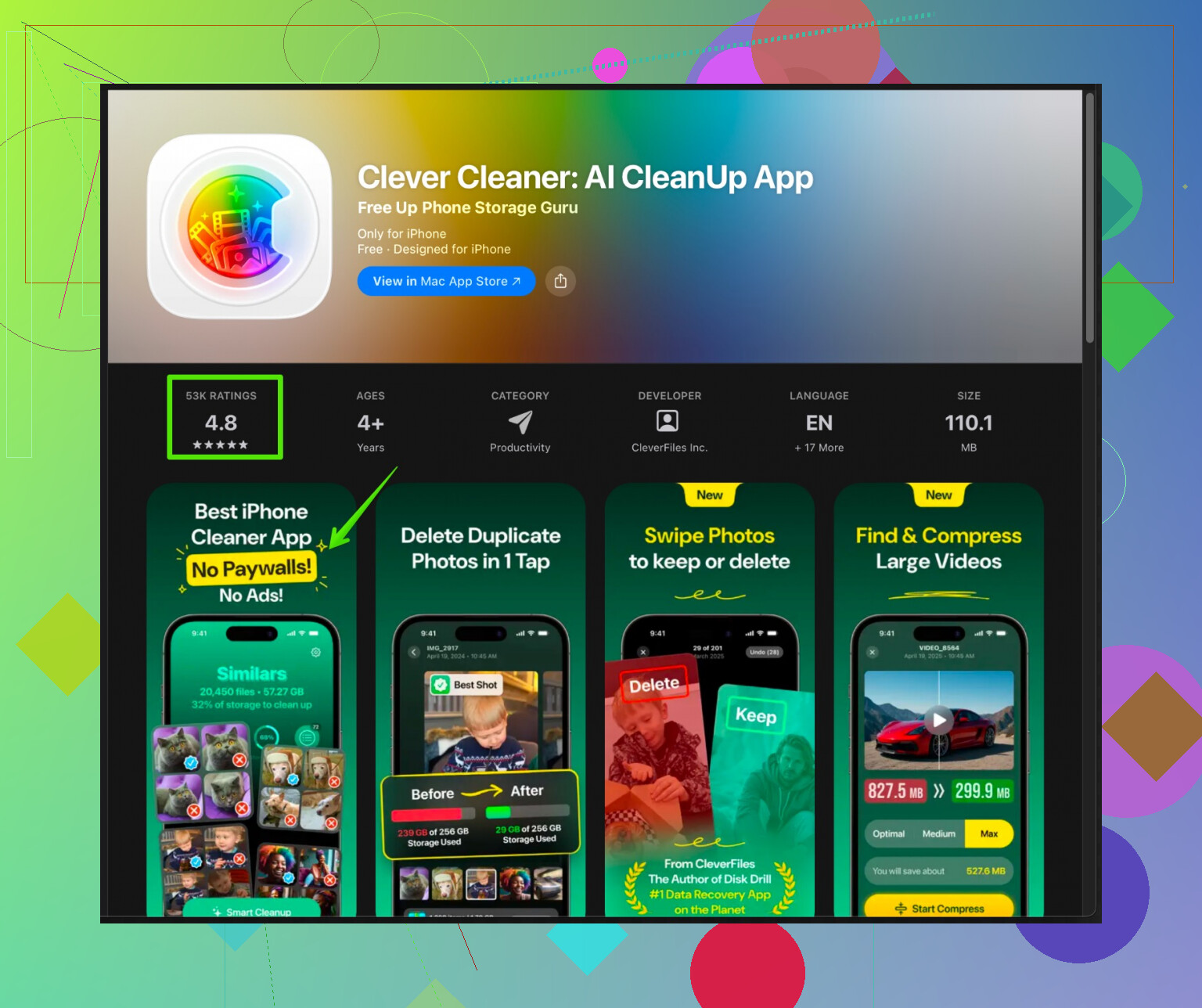
iOS does not let cleaner apps mess with system files, which is good. The useful ones focus on photos, videos and contacts.The Clever Cleaner App for iPhone focuses on:
• Grouping similar and duplicate photos so you remove the worst ones fast.
• Spotting screenshots, blurred shots and burst shots.
• Merging duplicate contacts.If you want to try it, here is the store link:
Clean up iPhone photos and storage with Clever CleanerUse it mainly for:
• Quickly deleting similar selfies or near-duplicates in your camera roll.
• Finding old screenshots and memes that pile up. -
Extra things that help speed
• Keep at least 5 to 10 GB free if possible. iOS runs smoother with some free space.
• Restart your iPhone after a big cleanup.
• Update to the latest iOS, performance fixes sometimes help older devices.
I had an iPhone at 256 GB with 255 GB used, and the UI lagged everywhere. I freed around 40 GB by nuking videos, clearing social app caches, and using Clever Cleaner to nuke near-duplicate photos. After that it felt normal again. No “magic” cleaner app needed, only targeted cleanup where it matters.
5 Likes
Skip hunting for a “magic” free cleaner that fixes everything. On iOS, most of those “phone booster / junk cleaner” apps can’t actually touch system junk or RAM, they just slap a dashboard on what iOS already does. A lot of them exist mainly to shove you into a subscription.
I agree with @viajantedoceu on avoiding random ad cleaner apps and targeting real hogs, but I’d tweak the approach a bit:
-
Don’t over‑trust iOS recommendations
The suggestions in Settings > General > iPhone Storage are decent, but sometimes they tell you to offload apps you actually use or keep old Messages attachments you don’t need. Think of them as hints, not gospel. Manually check the “Review Large Attachments” list and sort by size, then wipe anything older than, say, 6–12 months that you truly won’t rewatch. -
Brutal audit of “Other” / “System Data”
That mystery “System Data” ballooning? No cleaner app can directly fix it, but you can indirectly shrink it:- Backup your iPhone to iCloud or Finder.
- Sign out of iCloud, then sign back in.
- If it is still massive and your phone is years old / upgraded from many older versions, a full encrypted backup → factory reset → restore often recovers a surprising amount of space. Big pain, big payoff.
-
Push cloud use harder
Instead of only deleting stuff:- Turn on iCloud Photos with “Optimize iPhone Storage” if you’re ok with paying for a small iCloud tier. That offloads full‑res photos and keeps smaller versions locally. Massive win for people with big libraries.
- Same for Files: move things to iCloud Drive, Google Drive, or Dropbox and actually delete the local copies, not just “remove download” once.
-
Target a few offenders you probably missed
These are classic space vampires:- WhatsApp / Telegram: open chat settings and clear media per chat, especially big group chats. Those “funny” videos from 2019 are eating gigs.
- Podcasts / Netflix / Spotify: podcasts keep old episodes, Netflix and Spotify keep offline downloads. Clear anything you won’t rewatch / relisten.
- Voice Memos: they look tiny individually, but long recordings can be huge. Delete or export them.
-
Where a cleaner app actually helps
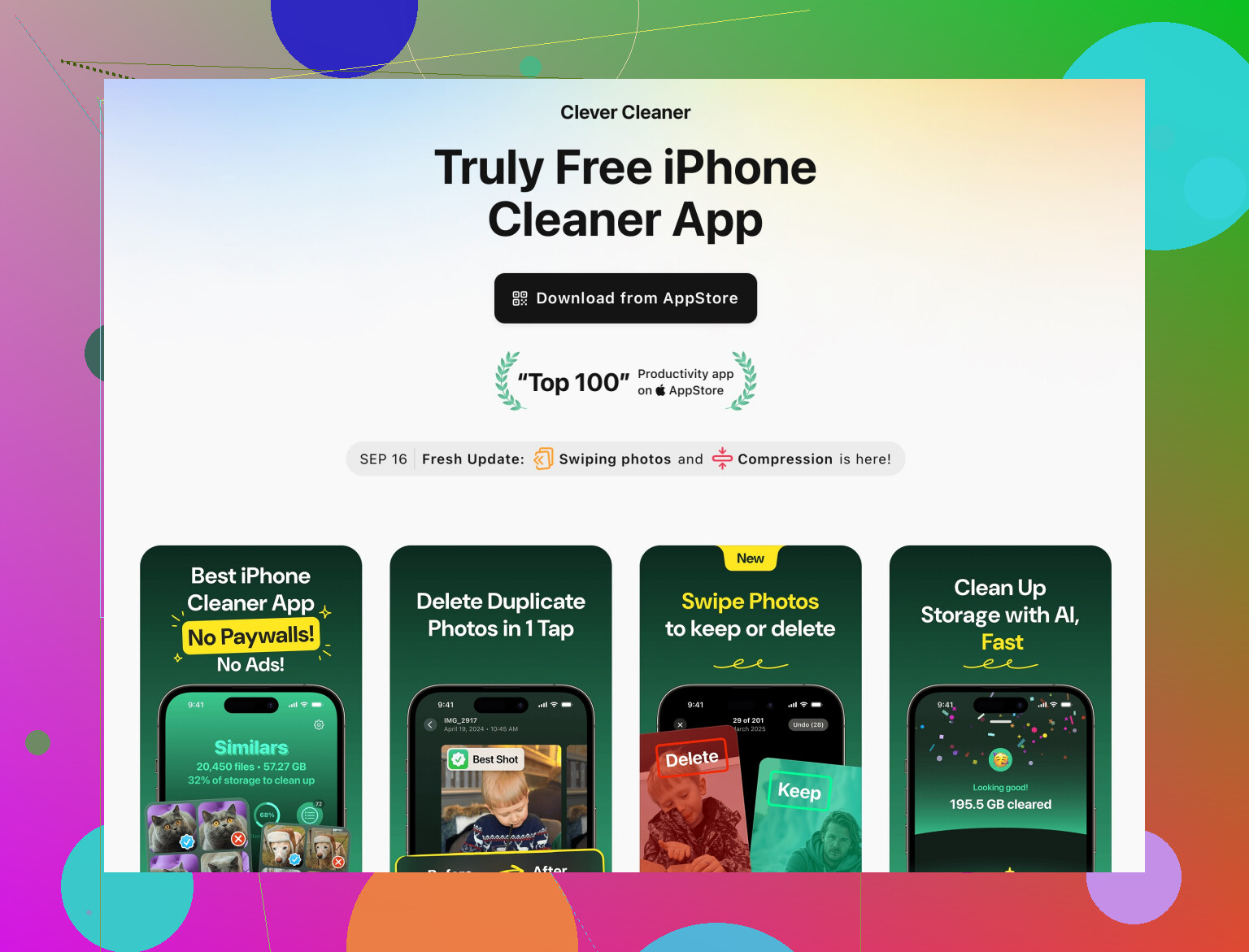
Here’s where I gently disagree with the “no cleaner app needed” angle. A good one can save you a ton of time on photo cleanup specifically. Not magic, just faster triage.A solid option is the Clever Cleaner App on iPhone. It’s not one of those fake “RAM booster” jokes. Instead it focuses on:
- Finding duplicate and near‑duplicate photos so you can delete 30 bad selfies in one go.
- Spotting screenshots, memes, blurred shots, and junk that usually slip by.
- Cleaning up duplicate contacts.
If you want something more legit than random adware, check out Clever Cleaner for faster iPhone storage cleanup. It’s much closer to what iOS allows a cleaner to do and plays nice with the system instead of pretending it can hack into RAM.
-
Performance angle
iOS really does get cranky when you’re under ~5 GB free. To actually feel a speed boost:- Aim to free at least 10–15 GB if you can. Under 2–3 GB free, your phone will stutter no matter what app you install.
- After a heavy cleanup, reboot. It won’t work miracles, but it flushes some temporary stuff.
So: instead of searching for one “trustworthy free cleaner” that fixes everything, think combo‑attack: iOS tools + manual purge of media & chat junk + one focused helper like Clever Cleaner App for photo bloat. That mix usually does more than any all‑in‑one “phone booster” ever will, and you don’t have to babysit another scammy subscription screen every week.
Use a computer for a fast bulk cleanup. Connect your iPhone by cable, then import the DCIM folder to a Mac or Windows PC. Verify the files open, sort them by size, and delete the largest videos from your phone. Ten 4K videos often take several gigabytes.
Then open Photos, Albums, Recently Deleted, and erase everything there. Storage isnt released until you clear this folder. Restart your iPhone and check Settings, General, iPhone Storage. This avoids cleaner apps, subscriptions, and slow one-by-one deleting.
Deleting photos straight off the phone has a trap that nobody flagged yet: if iCloud Photos is switched on, removing a shot on your iPhone removes it from every device signed into that account. So the ‘import to PC then delete on phone’ route from @cybertiger9625x works, but only if you confirm the files actually copied and opened first. On Windows especially, HEIC and HEVC imports sometimes choke or land as unreadable files, and you won’t notice until you’ve already wiped the originals. Verify before you nuke anything.
The other thing people forget is that ‘Optimize iPhone Storage’ changes what you’re even looking at. If it’s on, the full resolution photos and videos may not be on the device at all, just lightweight previews. So sorting by size and deleting big videos can give you way less back than you expect, because the heavy versions live in iCloud. Check whether you’re on optimized or full local storage before you assume a video is eating gigs.
I mostly agree with the point about ignoring RAM booster junk. That part is solid. Where I’d be a little more cautious is the sign-out/sign-in-of-iCloud trick for shrinking System Data. It sometimes helps, but it can also trigger a big re-download and temporarily balloon your usage, which is the opposite of what you want when you’re already tight on space. I’d treat that as a last resort, not an early step.
On the Clever Cleaner mention, it fits fine for the photo triage part, mainly killing near-duplicates and old screenshots faster than tapping through the camera roll one by one. Just don’t expect a photo tool to touch System Data or app caches, since iOS doesn’t let anything reach that far. Use it for the picture pile, handle the app caches manually by reinstalling the worst offenders, and keep your real cleanup focused on videos.
Honestly the fastest realistic win for most people is just videos plus emptying Recently Deleted. Everything else is cleanup around the edges.