Booked my tickets for the 2026 World Cup and I’m bouncing around a few host cities to catch matches. My MacBook is basically my whole setup for this trip since I’m not bringing a separate laptop, so I want to get it loaded up properly before I go. So I’m really looking for apps that actually work offline, not the kind that quietly stop functioning the second you lose wifi. What do you all use for travel?
I took my MacBook through a bunch of multi-city trips last year, and the stuff I ended up using most was the boring practical stuff. Offline access mattered more than I expected. Bad hotel Wi-Fi, train stations with weak signal, random login portals, all of it. These are the apps I’d load before leaving.
NordVPN
I install this before the trip, not during it. Airport Wi-Fi, hotel networks, and packed venue areas felt sketchy enough for me to stop winging it. A VPN helped when I logged into email, checked banking, or fixed a booking on the fly. I also ran into region blocks once or twice, so having it ready saved time.

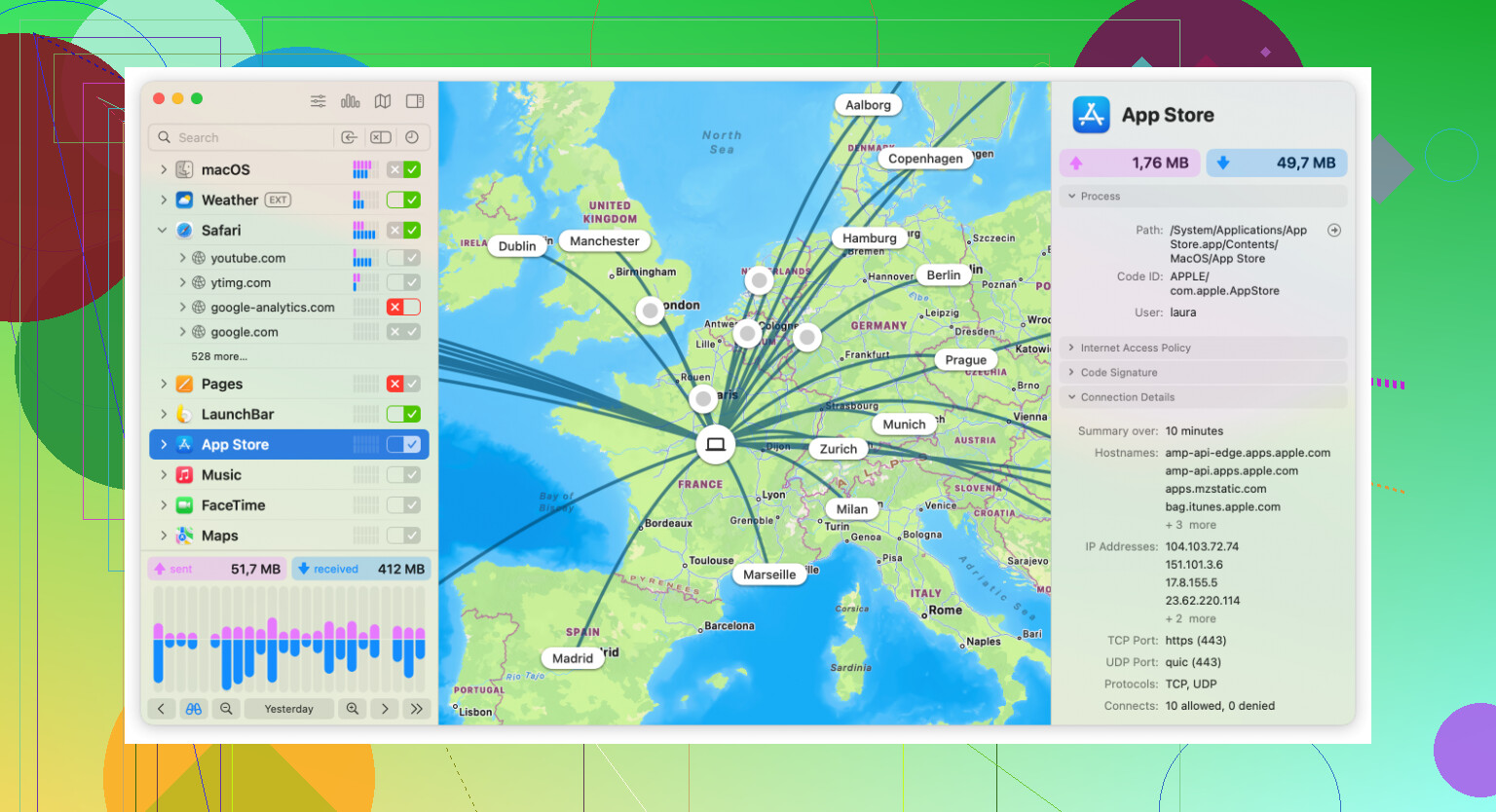
Little Snitch
This one surprised me. I first installed this app because I wanted to see what was phoning home in the background, and on travel days it paid off fast. When you’re stuck on hotel Wi-Fi or a small hotspot, random background traffic gets annoying. Little Snitch shows you which apps are reaching out, and you choose what gets blocked or allowed. I liked having a clear view of where my data was going.
Elmedia Player
I stopped trusting default players for travel downloads. Elmedia handled the odd file types I had lying around without me hunting for extra fixes. Good for saved match clips, movies, podcasts, and whatever you queued up before a long flight. Subtitle support helped too, and playback controls felt less annoying than the built-in options.

PDF Expert
Travel turns your laptop into a pile of PDFs. Tickets, booking emails saved as files, rail passes, venue instructions, backup copies of stuff you swore you’d remember. PDF Expert made those easier to sort, mark up, and pull up offline. I used it mostly so I wasn’t scrolling through email in a ticket line like an idiot.

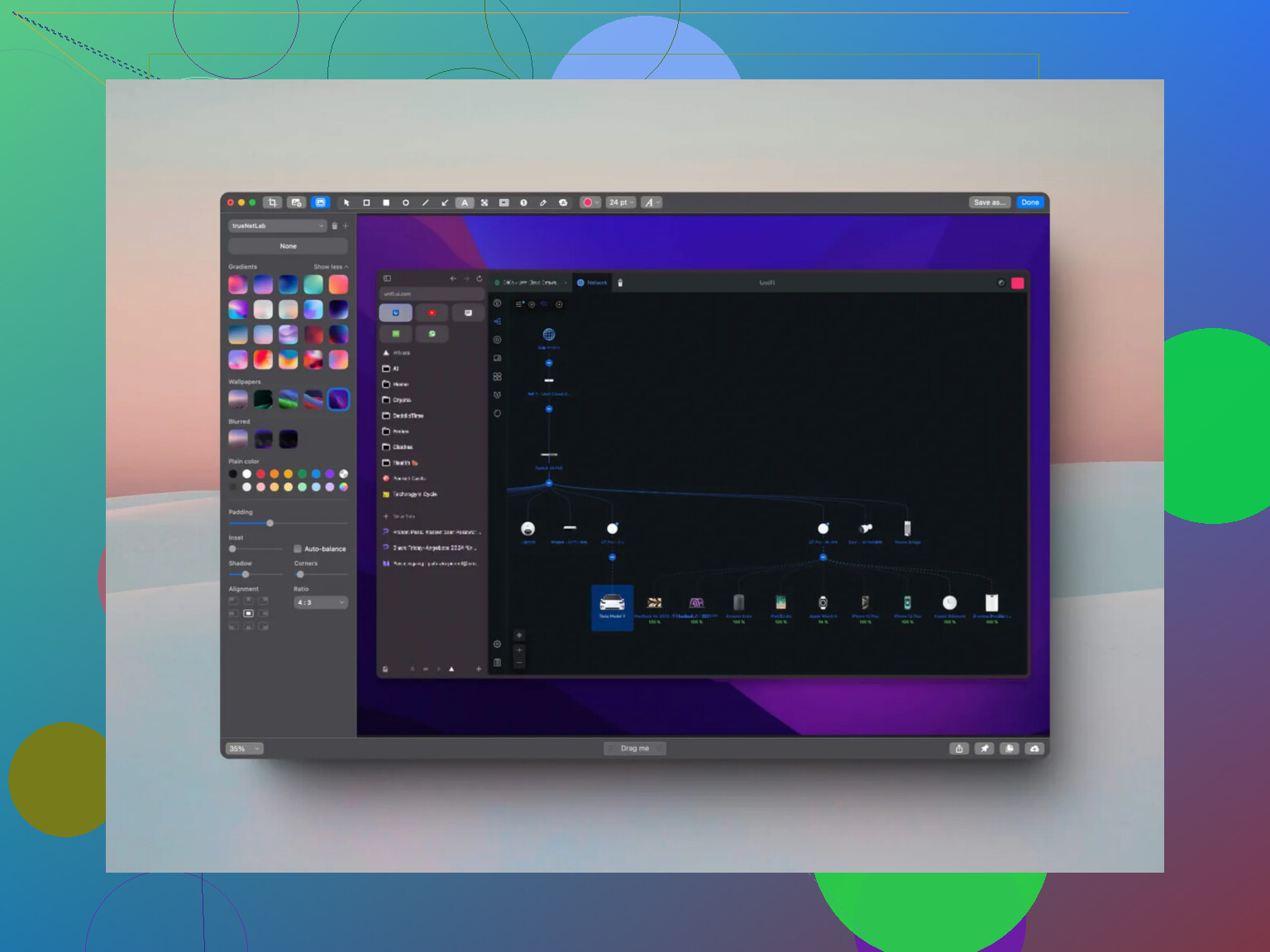
CleanShot X
I didn’t think I’d care much about screenshots until I started saving long pages with train info, check-in instructions, and venue rules. The scrolling capture feature is the part I kept using. One image, whole page, done. Then I’d mark the gate number, platform, time, whatever mattered. It cut down on reloading pages when signal went bad.
MacDroid
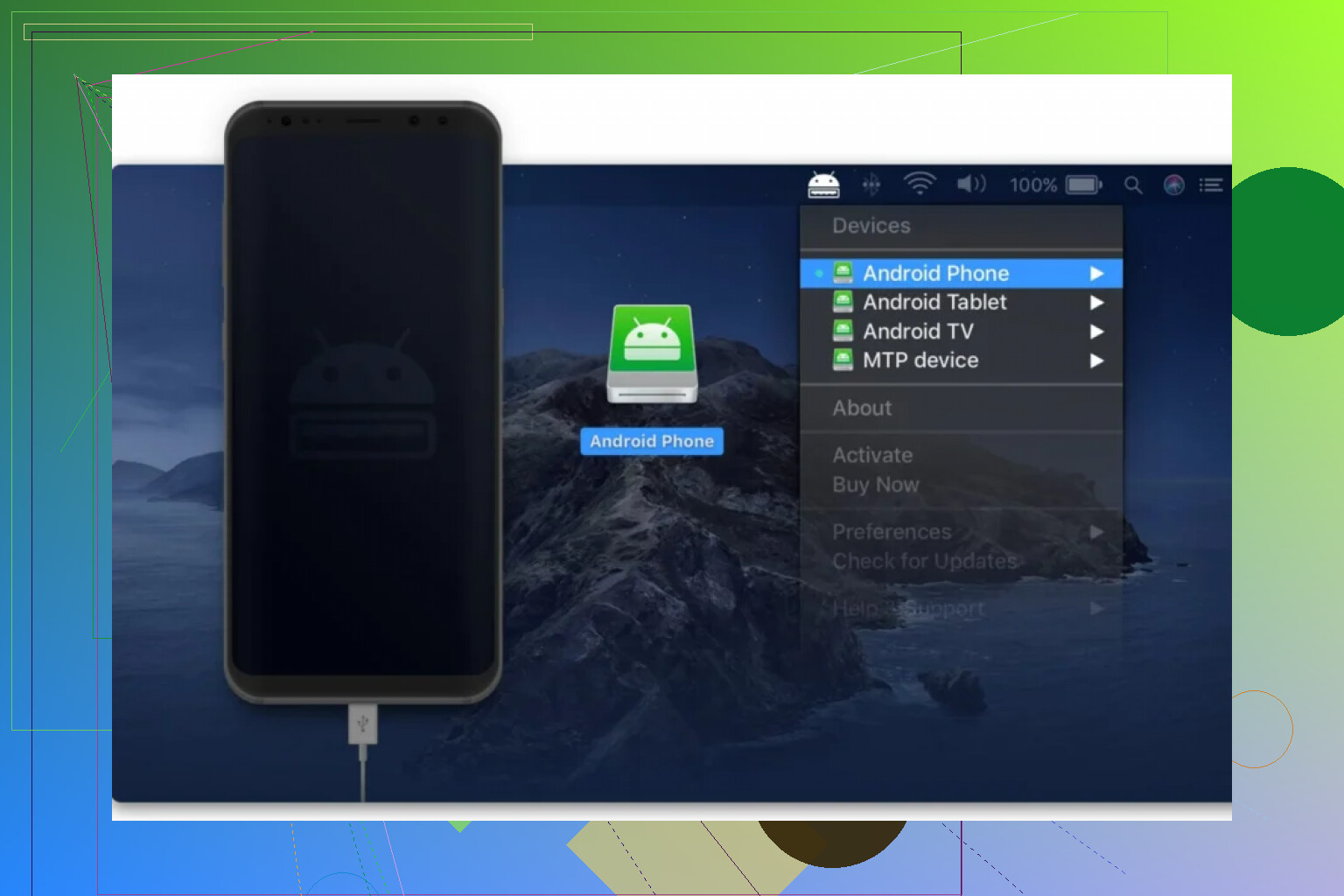
If your phone is Android, this one earns its place fast. MacDroid let me move files between the phone and MacBook without messing with cloud storage. Plug in over USB, open Finder, copy what you need. I used it for photos, videos, and random downloaded docs when I had no signal on trains or inside crowded areas. Wireless transfer over Wi-Fi is there too when the connection isn’t trash.
Apple Notes
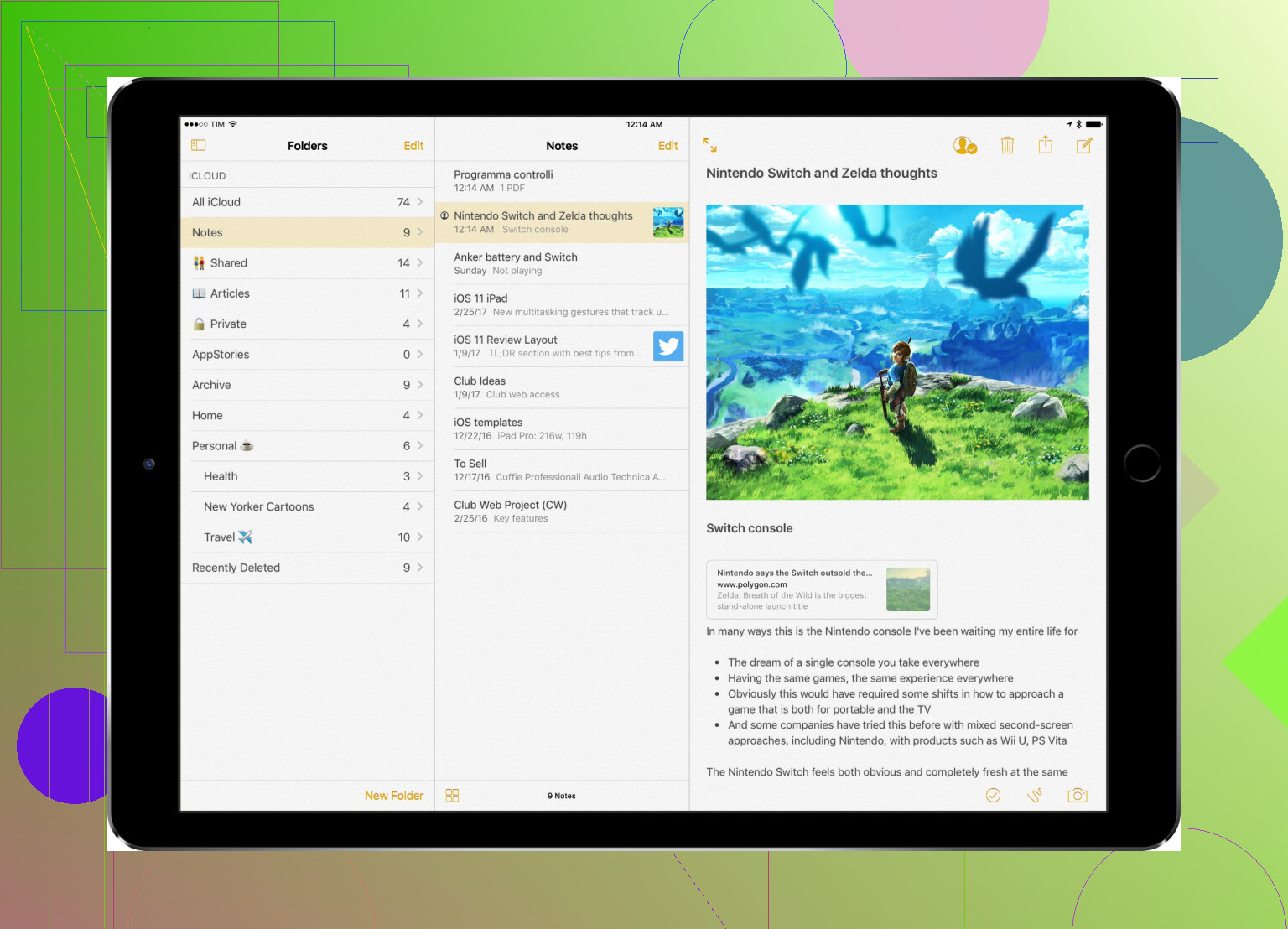
This is still the app I fall back on first. Fast, always there, no fuss. I dump reservation codes, emergency numbers, transit details, addresses, and small reminders into it. Fancy planning apps are fine until you need one bit of info right now. Notes loads fast and gets out of your way. I kept coming back to it more than I expected, tbh.
12 Likes
I’d add a few offline-first picks on top of what @mikeappsreviewer listed.
TripIt. Forward every booking before you leave. Flights, hotels, trains, match tickets. It keeps one clean itinerary and works offline if the trip is already synced. I trust this more than digging through email when a station Wi-Fi page refuses to load.
Maps.me or Organic Maps. I know people stick with Apple Maps, but for offline city walking, these are better. Download each host city in advance. Mark stadiums, hotels, train stations, and late-night food spots. This saved me in Montreal when signal was trash.
VLC. I slightly disagree on needing Elmedia unless you like its UI more. VLC is free, plays almost anything, and works fine for downloaded media on flights.
Bitwarden. Store booking refs, passport details, and card backup info offline in a vault. Safer than stuffing all of it into Notes.
Yoink. Tiny app, big travel use. Drag all trip files into one shelf. Tickets, PDFs, screenshots, scans. Faster than Finder when you’re tired and rushing.
If you use Android, MacDroid is worth loading before the trip. USB file transfer is way more dependable than cloud sync when hotel internet is bad. I’ve used MacDroid for photos, ticket PDFs, and video clips, no drama.
My short list would be Organic Maps, TripIt, Bitwarden, Yoink, and MacDroid. Thats the setup I’d trust.
I’d zig a little differently than @mikeappsreviewer and @waldgeist and focus on stuff that keeps working when you’re tired, offline, and trying to find Gate B in a stadium crowd.
My actual must-haves:
- Dropover or Yoink: temp shelf for dumping tickets, hotel PDFs, screenshots, match info. Sounds minor until your desktop turns into chaos.
- DEVONthink: overkill for some people, but insanely good if you want one searchable offline vault for bookings, confirmations, scans, and copied web pages.
- Aldente: if you’re living on outlet roulette in airports, battery management matters more than people admit.
- Keyboard Maestro: nerdy pick, but I use it to open a “travel pack” of apps/files instantly.
- Obsidian: better than Notes for me offline because folders + markdown + easy linking between city plans.
Small disagree on VPN being a top offline app pick. Important, yes, but it doesn’t really solve the core “no signal / bad signal” problem. I’d rank file organization and offline docs higher.
Also, don’t sleep on Apple Books for storing PDFs. It’s kinda boring, but for fast offline ticket access it’s weirdly solid.
If your phone is Android, MacDroid is absolutley worth loading before the trip. Fast USB transfer to your MacBook beats praying cloud sync works in a packed station.
My lean setup: Obsidian, Dropover, DEVONthink, Apple Books, MacDroid, and a big local folder of exported stuff. Cloud is nice until it just… isn’t.
I’d add two categories the others barely touched: translation and power/fallback access.
- Kagi Translator app / DeepL desktop if you can pre-load the phrases you’ll actually need. Stadium staff, train counters, hotel check-in, medical stuff. I’ve regretted not saving those basics offline more than once.
- Calibre for dumping every guide, PDF handbook, city cheat sheet, and exported webpage into one searchable local library. Less pretty than PDF apps, but better for bulk.
- Amphetamine for keeping your Mac awake during long downloads, ticket exports, or hotspot transfers.
- Command X sounds tiny, but proper cut/paste in Finder is nice when you’re reorganizing trip files quickly.
Slight disagree with the “just use Notes/Books” crowd: fine for a light trip, messy for a multi-city tournament run.
On MacDroid, I’m with @waldgeist, @nachtdromer, and @mikeappsreviewer that it makes sense if your phone is Android.
Pros:
- reliable USB transfer
- no cloud dependency
- easy for photos, videos, PDFs, tickets
Cons:
- less useful if you’re all-in on iPhone
- wired transfer is the real value, so not magic if you hate cables
- another app to set up before leaving
My offbeat must-have is a local “panic folder” on the desktop with passport scans, match tickets, hotel addresses, and rail bookings duplicated in plain files. Boring setup, huge payoff when Wi-Fi gets stupid.