You might want to check out NetSpot
Site Survey Software (https://www.netspotapp.com). It’s a pretty intuitive WiFi analyzer that’s perfect for diagnosing slow internet speeds and identifying any interference or connectivity issues. I’ve used it myself during some connectivity hiccups and found it pretty helpful in mapping out strong and weak signal areas in my home.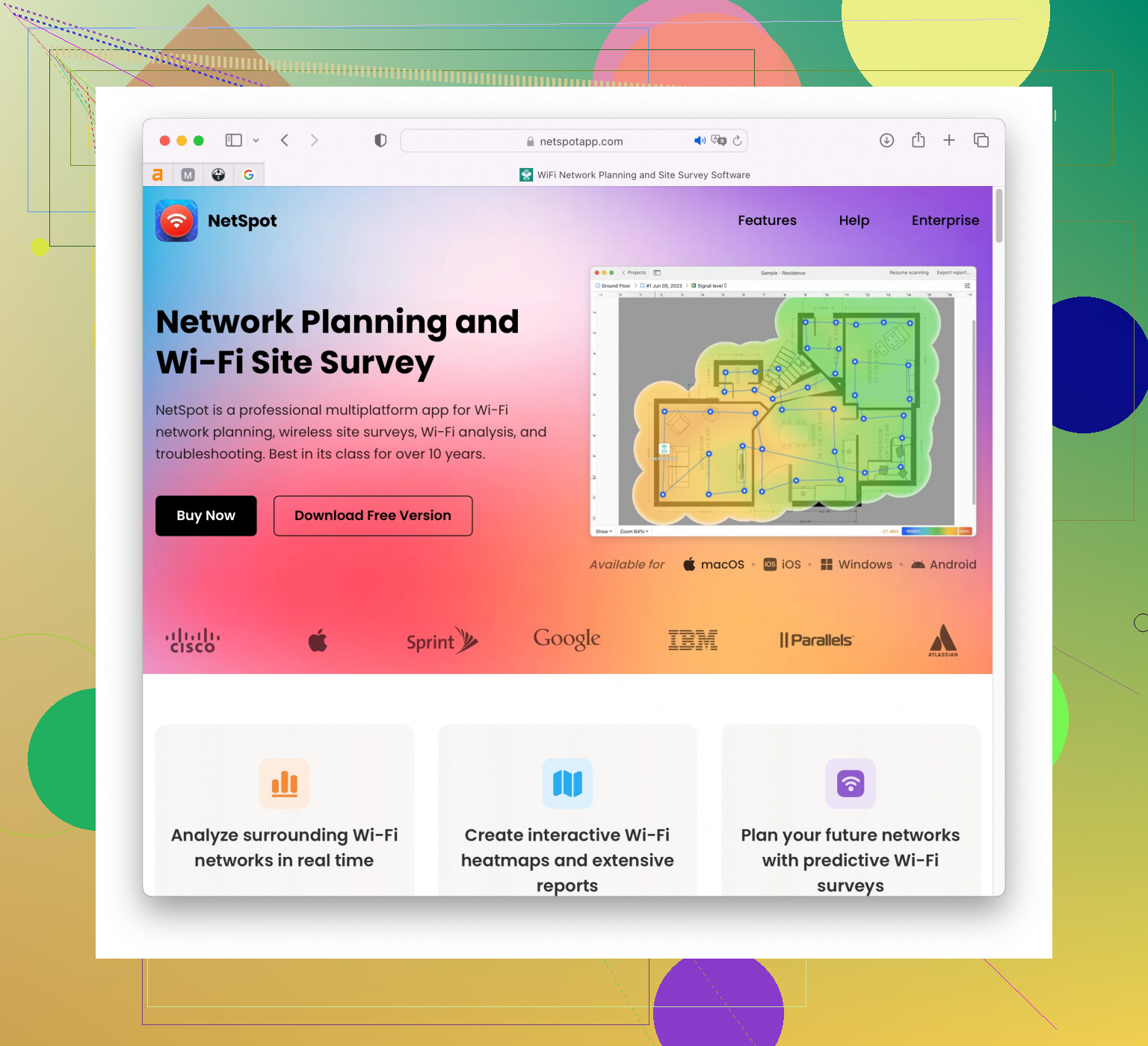
Another good one I’ve tried is WiFi Analyzer by Farproc, which you can find on the Google Play Store. It’s pretty straightforward and gives you real-time data on signal strength, channel interference, and more. The visual graphs are super handy for spotting which channels are overcrowded so you can switch to a less busy one.
For iOS users, WiFi Analyzer: Network Scanner is pretty decent. It offers a good deal of functionality to analyze the local network environment and see exactly what might be slowing it down. Though it’s not as rich in features as NetSpot, it does a solid job for most home use scenarios.
Also, if you’re into open-source solutions, Vistumbler is another option. It’s not as user-friendly and might seem a bit basic compared to NetSpot, but it’s definitely robust in terms of the data it provides.
If macOS is your platform, there’s also “WiFi Explorer,” which gives you a pretty comprehensive insight into nearby networks and their signal strengths.
In general, any of these apps should help you to figure out whether your slow speeds are due to interference from other WiFi networks, range issues, or something else. They typically allow you to see which channels your neighbors are using, so you can switch your router to a less crowded channel and potentially get better speed and reliability.
Don’t forget to check if your devices and router firmware are up to date. Sometimes, firmware updates can significantly enhance the performance and stability of your network.
Good luck with diagnosing your WiFi woes!