I need a free USB over IP app to access a USB device on another PC over my network. My current setup stopped working, and I’m trying to find a reliable free option for Windows that’s easy to set up and stable.
If you want a free USB over IP app for Windows, the list is short, and most “free” options have limits.
What I’d check first:
-
VirtualHere USB Server
Free for 1 USB device.
Stable on Windows.
Easy setup.
Good for printers, dongles, some scanners.
This is usally the best true free pick for home use. -
USBIP for Windows
Open source.
Free.
More work to set up.
Less friendly.
Works better if you don’t mind tinkering and reading docs. -
FlexiHub
Has trial options, not a long-term free plan for most people.
Simple UI, but not free in the way you want. -
USB Network Gate
Not free, but worth a look if your old setup keeps failing.
It’s easier than USBIP and often more stable for odd USB devices. If you need something for work, this one tends to save time.
For your use, I’d start with VirtualHere first. If you need more than one device or better compatibility, move to USB Network Gate.
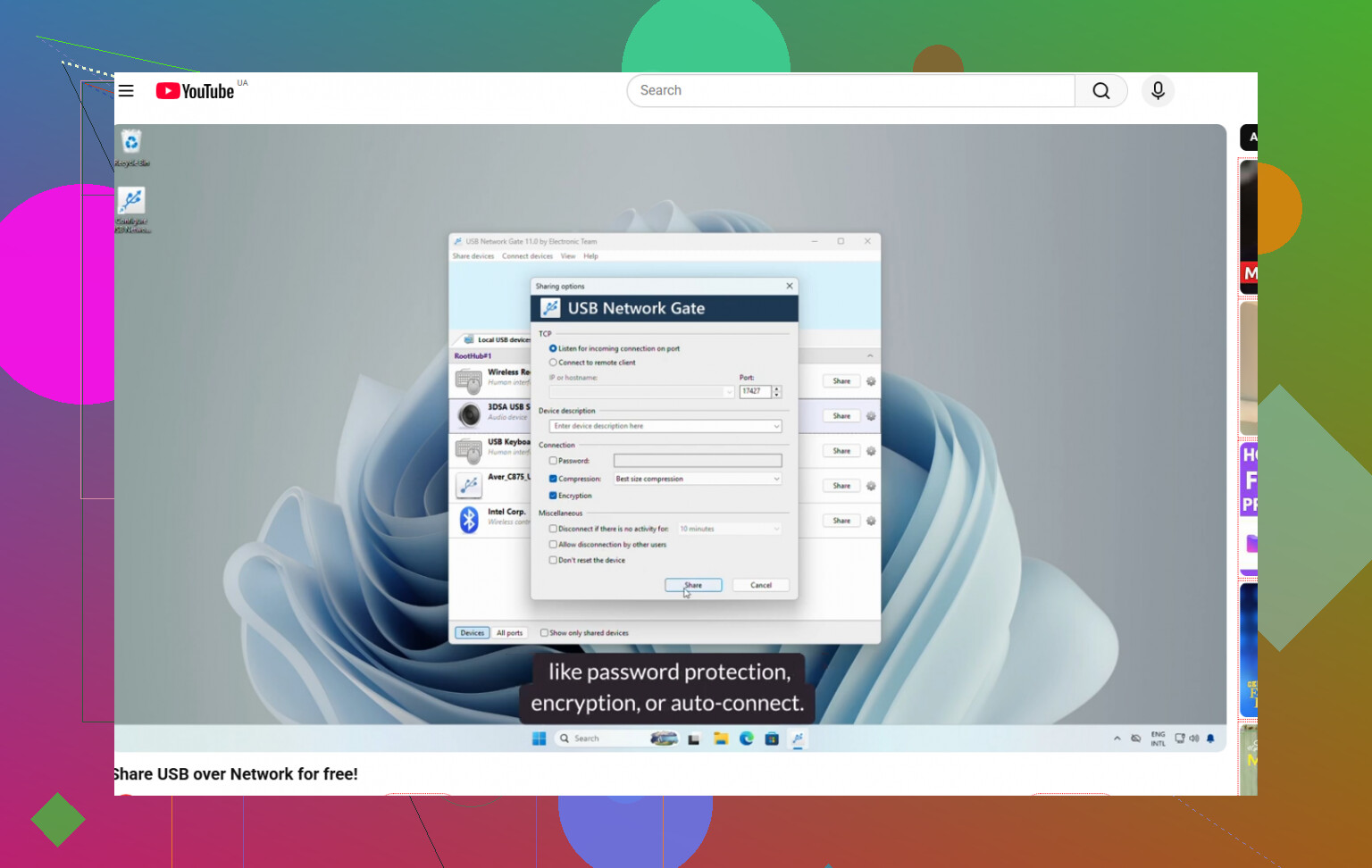
This video helps with remote USB device sharing over network setup:
watch this USB over network setup guide
Short version. Free and easy, VirtualHere. Free and nerdy, USBIP. Paid but less pain, USB Network Gate.
9 Likes
I’d actually split this into two buckets, because “free USB over IP for Windows” usually sounds better than it ends up being.
If you want truly free and simple, @hoshikuzu already covered the obvious short list. I mostly agree, but I’d push back a little on USBIP for Windows being a practical choice for most people. Yeah, it’s free, but “easy to set up and stable” is not how I’d describe it unless you enjoy poking at drivers and docs for an hour or three.
What I’d add is this:
- If the USB device is a printer, external drive, webcam, or something common, check whether you even need USB over IP at all. Sometimes plain network sharing, RDP USB redirection, or the device’s own network software works better and is way less flaky.
- If it’s a license dongle, specialty scanner, or weird HID device, that’s where the free options start getting real annoying real fast.
For Windows, the ugly truth is that the best long-term experience is often a paid app like USB Network Gate. Not because free tools are useless, but because they tend to break on updates or have weird compatibilty issues. If you want to compare plans or see whether their USB over Ethernet setup fits your case, this page is useful: free USB over network options for Windows.
So my actual take:
- one device, home use: VirtualHere
- willing to tinker: USBIP
- want least hassle on Windows: USB Network Gate
Not the fun answer, I know, but USB over IP is one of those things where “free” sometimes gets expensive in time lol.
I’m a little less optimistic than @hoshikuzu about the free Windows choices if your priority is stability.
A few options that sometimes get overlooked:
- FlexiHub free trial / limited use: not fully free long-term, so maybe disqualified, but worth testing because it tells you fast whether your device even behaves well over USB/IP.
- SPICE USB redirection: only useful if you’re already using virtual machines, but surprisingly solid in that niche.
- RemoteFX / RDP redirection alternatives: for smart card readers, storage, some webcams, these can be cleaner than raw USB sharing.
My honest take: on Windows, “free + easy + stable” usually means you only get to pick two.
If you end up giving up on free tools, USB Network Gate is the usual fallback.
Pros: easy setup, broad device support, generally less fiddly on Windows.
Cons: paid, some edge devices can still be quirky, and performance depends a lot on the network.
So I’d first ask what the USB device actually is. That changes the answer a lot.