I’m testing Undetectable AI’s humanizer to rewrite some content so it passes AI detectors, but I’m not sure if it’s actually safe, natural-sounding, or worth paying for. Has anyone used it long-term, and did it help with detection tools, SEO, or getting flagged on platforms? Any honest reviews, pros, cons, or better alternatives would really help me decide before I commit.
Undetectable AI review, from someone who spent too long poking at it
Undetectable AI: Undetectable AI Humanizer Review with AI-Detection Proof - #2 by Evan - AI Humanizer Reviews - Best AI Humanizer Reviews
I went in with low expectations since I only used the free Basic Public model. No account upgrade, no fancy toggles locked behind billing.
Here is what I saw.
Image they show on the page:
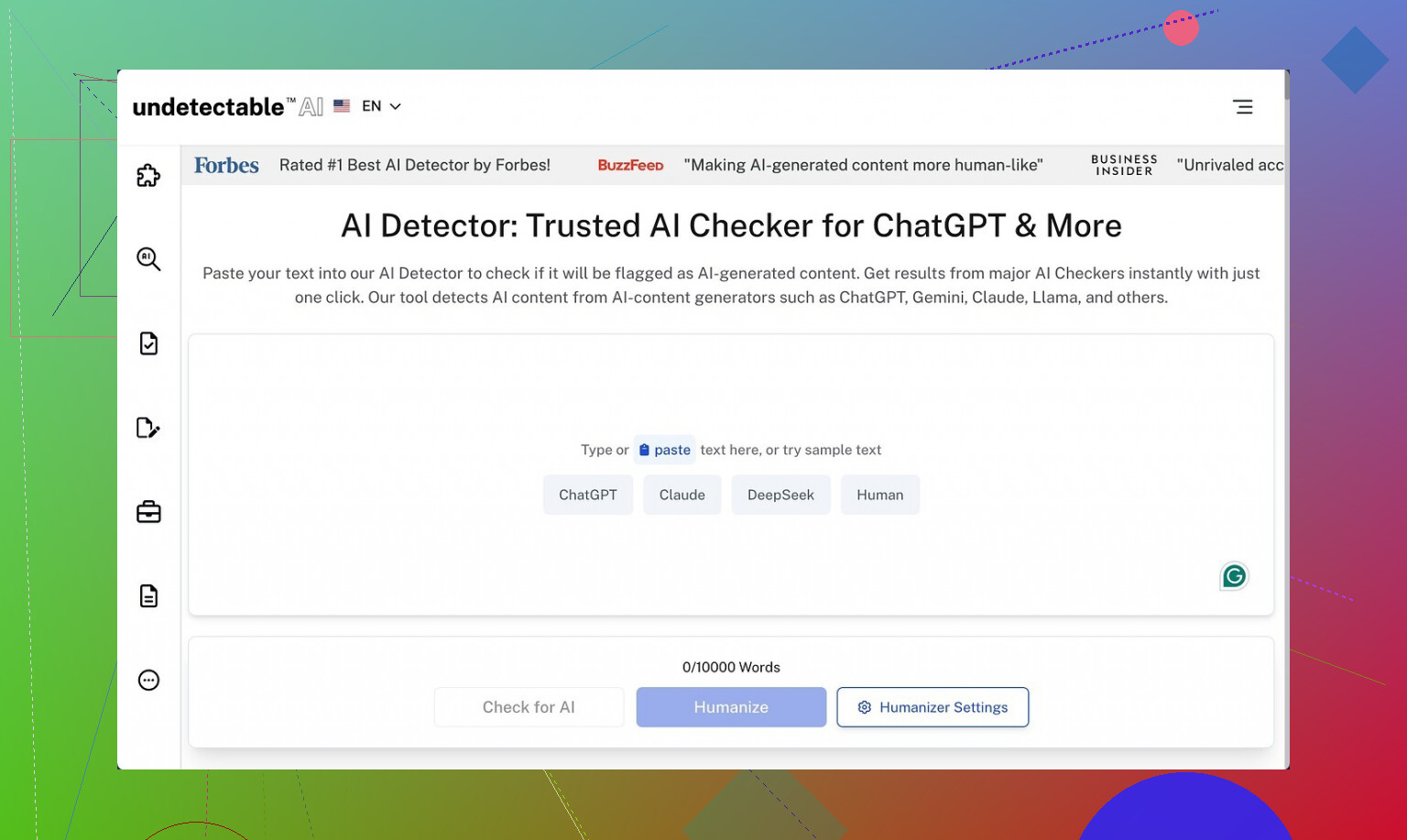
Performance against AI detectors
I pushed a bunch of plain GPT-style paragraphs through it and then ran the results through ZeroGPT and GPTZero.
On the free tier, using the “More Human” setting:
• ZeroGPT scores went down to roughly 10 percent AI in the better runs.
• GPTZero sat around 40 percent AI in those same samples.
For context, I tested similar chunks on a couple of other tools that promise “humanization” and some of those still flagged above 70 percent AI on ZeroGPT. So from a pure detection-avoidance angle, this free model did better than some paid tools I tested earlier.
I did not touch the premium-only stuff like “Stealth” or “Undetectable” models, or the extra knobs like reading levels, purpose modes, and intensity sliders. Given how far the free tier pushed the scores down, I would expect the paid ones to go further, but that is a guess, not something I verified.
Where it falls apart: writing quality
This is where it got messy.
Using “More Human”:
• I would rate the output around 5 out of 10.
• It kept forcing first-person phrases into the text. Over and over.
• Every other paragraph sounded like “I think,” “I feel,” “I believe,” even when the original content was neutral or third person.
If you feed it a serious article or a technical guide, it starts reading like a random forum rant. It breaks tone completely.
Other issues I hit:
• Repeated keywords, sometimes jammed right next to each other. Looked like someone doing bad SEO in 2010.
• Sentence fragments used in odd spots, not for effect, just abrupt and clumsy.
• Some paragraphs lost structure. Topic would shift mid-sentence and never cleanly land.
The “More Readable” setting backed off the aggressive “I” spam a little, so the text looked calmer, but it still felt off. It improved flow slightly but did not reach the level where I would paste it straight into a blog or client doc without serious editing.
If you only need something to throw at detectors for a quick one-off, it might help. If you care about tone, consistency, or professional polish, you will be doing cleanup afterward.
Pricing and limits
Here is what the paid side looks like based on their public info when I checked:
• Starting price: about $9.50 per month on the annual plan.
• Word limit at that tier: around 20,000 words per month.
For someone running a small content workflow, 20k words goes fast. A few long articles and a batch of emails and you are done. For occasional, personal use, that might be enough.
Privacy and data collection
This part made me pause more than the writing quality.
Their privacy policy includes collection of detailed demographic data:
• Income range
• Education level
• Other personal profile fields you normally see on survey sites, not simple utility tools
That raised a red flag for me. If you care about minimizing data trails, you will want to read their policy line by line before signing up with real info.
Refunds and the “guarantee”
They advertise a money-back guarantee, but the conditions are strict.
To get a refund:
• You have 30 days.
• You need to prove your content scored under 75 percent “human” on detectors.
So you have to:
- Generate content.
- Run it through detectors.
- Document the results.
- Convince support those tests qualify.
If you pictured a no-questions-asked refund button, this is not that. It is closer to an “if you can prove it failed under specific conditions, we will talk” type of policy.
Who this might suit
From my testing:
Good for you if:
• You care more about lowering detector scores than about clean style.
• You are comfortable editing heavily after the tool outputs.
• You do not mind giving demographic info and dealing with a more conditional refund policy.
Not great for you if:
• You need publication-ready copy.
• You work with strict brand voice or technical tone.
• You avoid tools that collect income or education data.
My own takeaway
I walked away thinking of it as a detection-focused filter, not a writing tool.
If your only goal is to push a block of text down below certain AI thresholds on ZeroGPT or GPTZero, even the free tier seems pretty strong for that specific task.
If you care about how the text reads to a human editor, especially one who hates first-person spam and keyword echoing, expect to spend time fixing it.
18 Likes
Used Undetectable AI for about 3 months on client stuff and uni work. Short version, it helps with detectors, but you need to babysit it a lot.
What matched what @mikeappsreviewer saw:
• Detector scores
On long form text from GPT-4, “More Human” usually dropped ZeroGPT to 5 to 20 percent AI.
GPTZero often stayed in the 30 to 50 percent AI range.
For Turnitin-style checks, results were mixed. Some reports flagged “AI influenced” even when ZeroGPT said mostly human.
So if your main goal is to lower ZeroGPT numbers, it does ok. If you want to “beat every detector”, it will not give you that.
Where I disagree a bit:
The first person spam was bad on some runs, but not every time.
If I fed it text that already had a light conversational tone, output looked closer to 7 out of 10, not 5.
On dry academic text, it went off the rails more, like “I think” and “I feel” in formal essays, which is unusable for school.
The bigger problem I had:
• Meaning shifts. It sometimes changed nuance.
• References and numbers were occasionally altered.
• Long paragraphs lost structure, topic order got scrambled.
So if your content needs precision, you must line by line compare to the original.
On “safety” and privacy:
The demographic fields in their policy are a red flag for me too.
I used a burner email and fake profile data. I would not connect it to real client data with names or any sensitive info.
Money side:
For paid plans, the 20k word cap goes fast if you rewrite full articles.
You also need to rerun and tweak sometimes, so you burn through words quicker than you think.
Their refund rule about “prove under 75 percent human” is annoying. If you have a bad experience that is not detection related, you are stuck.
Long term usefulness:
After the first month I stopped using it as a default step.
Workflow ended up like this:
- Generate base text with an LLM.
- Manually edit tone and facts.
- Only send problem sections through Undetectable AI when a client insisted on low detector scores.
- Run checks, then clean up awkward phrases.
That worked, but it was slow. For me it became a “last resort” tool, not something I used on every piece.
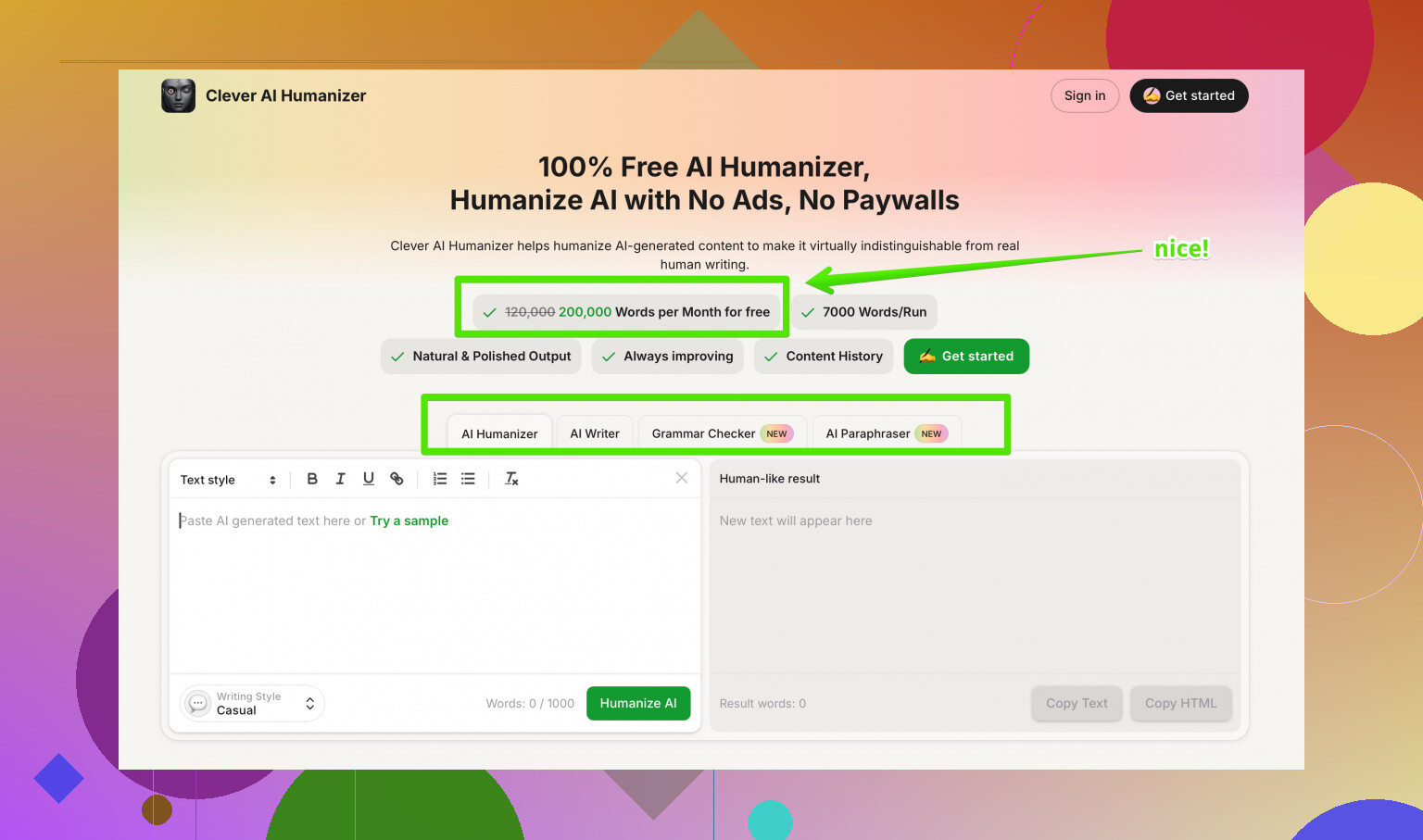
If you want something that focuses more on reading quality and less on weird pronoun spam, I had better luck with Clever AI Humanizer. It still needs edits, but it kept tone more stable and did not mutilate structure as often. Their tool at human-sounding AI text converter tries to mix detector reduction with natural flow, so you spend less time fixing voice and basic grammar.
My practical suggestion for you:
• Start with the free Undetectable AI tier, do not pay yet.
• Test 3 or 4 real samples from your niche, not generic paragraphs.
• Run them through the AI detectors your teacher, boss, or client actually uses.
• Check every sentence against your original to see where meaning changed.
• If you like the detection drop but hate the tone, compare it against something like Clever AI Humanizer on the same input and pick whichever requires less cleanup.
If your priority is “must not get a blatant AI flag”, Undetectable AI plus careful manual editing works.
If your priority is “natural and consistent writing that still sounds like you”, it is more headache than help.
Used Undetectable AI on and off for ~2 months for client blogs + some “please don’t trip the detector” stuff for corporate training docs. Short version: it kinda works, but it’s not the magic cloak people hope it is.
What lined up with what @mikeappsreviewer and @sonhadordobosque said:
- Yes, detector scores drop a lot, especially on ZeroGPT. You can watch the “AI” percentage slide down into the teens on “More Human.”
- No, it does not give you clean, ready‑to‑publish text most of the time.
- Refund / privacy situation is a bit sketchy. The refund conditions are annoying, and the demographic data bit is overkill for a text tool.
Where my experience was a bit different:
- The first‑person “I think / I feel” spam depends a lot on input. On already casual or semi‑personal content, it was fine and sometimes even better than stock GPT. On formal stuff, it trashed the tone. I would not use it on academic, legal, or technical docs again. It made a research summary sound like a Tumblr post.
- The biggest issue for me was subtle meaning drift. Numbers stayed okay most of the time, but hedging language changed. “Might be correlated” turned into “is correlated” more than once, which is a huge problem if you care about accuracy.
- Some paragraphs ended up slightly bloated or repetitive, so humans won’t think “wow, very human,” they’ll think “who edited this in a hurry?”
Safety-wise:
- I would not feed it anything with real names, contracts, or internal docs while they’re collecting demographic info like income and education. That combo with “AI writing humanizer” screams profiling potential.
- Also, relying on any single humanizer as your “I’m safe from AI detection” plan is a bad bet. Detectors change, and some already flag “AI-influenced” even when ZeroGPT says you’re mostly human.
Is it worth paying for?
- If your top priority is: “I must lower scores on specific public detectors and I’m okay spending 20–30 minutes cleaning each piece,” then the cheapest plan might be worth testing.
- If you want something that both reduces AI flags and keeps the tone closer to the original, I’d lean harder on Clever AI Humanizer. It’s still not perfect, but in my runs it broke structure less and didn’t go as wild with POV changes. Way less babysitting per 1k words.
I’d also look at outside opinions before committing. Threads like
real-world breakdown of the best AI humanizers people actually trust
are helpful to see how tools hold up across different detectors and use cases, not just what the tool itself claims.
Bottom line: Undetectable AI is more of a “detector score filter” than a writing tool. If your content needs to sound like a specific human, or you care about nuance, you’ll be doing a lot of line‑by‑line cleanup no matter what their marketing says.
Undetectable AI is decent at one thing: dragging ZeroGPT-style scores down. Beyond that, it behaves more like a noisy filter than a dependable writing tool.
Where I’m mostly aligned with @sonhadordobosque, @espritlibre and @mikeappsreviewer:
- It can noticeably reduce AI probability on some detectors.
- It often wrecks tone on formal or technical content.
- Meaning drift is the real risk, not just awkward phrasing.
Where I disagree slightly: I actually found the first‑person spam manageable in some cases. If your original text is already semi‑personal (blog posts, opinion pieces), Undetectable AI can sometimes produce something usable with light edits. For strict academic or policy documents, it is basically a non‑starter.
Two practical points that haven’t been stressed enough:
-
Detector variety
Everyone focuses on ZeroGPT / GPTZero, but internal tools (like Turnitin variants or custom corporate detectors) behave very differently. In a few tests I saw content “pass” public detectors yet still get tagged as AI‑influenced by private ones. So treating Undetectable AI as a guarantee is risky. -
Voice consistency
If you write in a recognizable voice, Undetectable AI tends to blur that into something generic. If you are mixing your own paragraphs with humanized ones in the same document, the shift is visible to a human editor even if the detector is satisfied.
On alternatives: Clever AI Humanizer has come up already and I think it fits a different use case. Rough pros / cons from my runs:
Clever AI Humanizer pros
- Keeps structure and paragraph order more stable.
- Less aggressive with “I think / I feel” inserts.
- Better at preserving hedging language and nuance.
- Output generally needs fewer surgical fixes, especially for business or blog content.
Clever AI Humanizer cons
- Still not copy‑paste ready for high‑stakes academic or legal work.
- Can occasionally over‑simplify complex phrasing, which might annoy subject‑matter experts.
- Like any humanizer, it is chasing detectors that can change without notice.
So if your priority is “lower detector scores, I will babysit every line,” Undetectable AI is serviceable as a niche tool. If your priority is “keep my tone mostly intact while reducing obvious AI tells,” Clever AI Humanizer has been more predictable for me, with the same caveat everyone else mentioned: you still have to edit and you still cannot rely on any humanizer as a magic invisibility cloak.