I accidentally deleted an important external drive partition and need to recover project files, photos, and some work documents. I’m stuck choosing between Disk Drill and EaseUS Data Recovery and don’t want to risk damaging the data further or wasting time on the wrong tool. Which one has worked better for you in real-world recoveries, especially with external drives and mixed file types?
Short answer from someone who’s nuked a few drives by accident: between Disk Drill and EaseUS Data Recovery, I’d trust Disk Drill a bit more for what you described.
Practical points:
-
First step
• Stop writing anything to that external drive.
• Do not quick format, do not run chkdsk.
• If you can, make a sector by sector image of the drive and work only on the image. Disk Drill has a drive image feature in the Pro version. -
Disk Drill vs EaseUS reliability
• Both tools find lost files, but Disk Drill tends to do better with lost partitions and complex directory trees.
• For photos and mixed project files, Disk Drill’s scanning is strong. It recognizes a lot of file signatures, so jpg, raw, docx, psd, etc are usually picked up.
• EaseUS often finds a similar volume of data, but many people report more corrupted or zero byte files after recovery, especially on large external drives. -
Data safety
• Disk Drill makes it easier to work from an image and not touch the original source. That is safer for a deleted partition.
• Recovery is read only if you set it up right. Save recovered files to a different physical drive, not back to the external. -
Pricing and free limits
• Both have free previews.
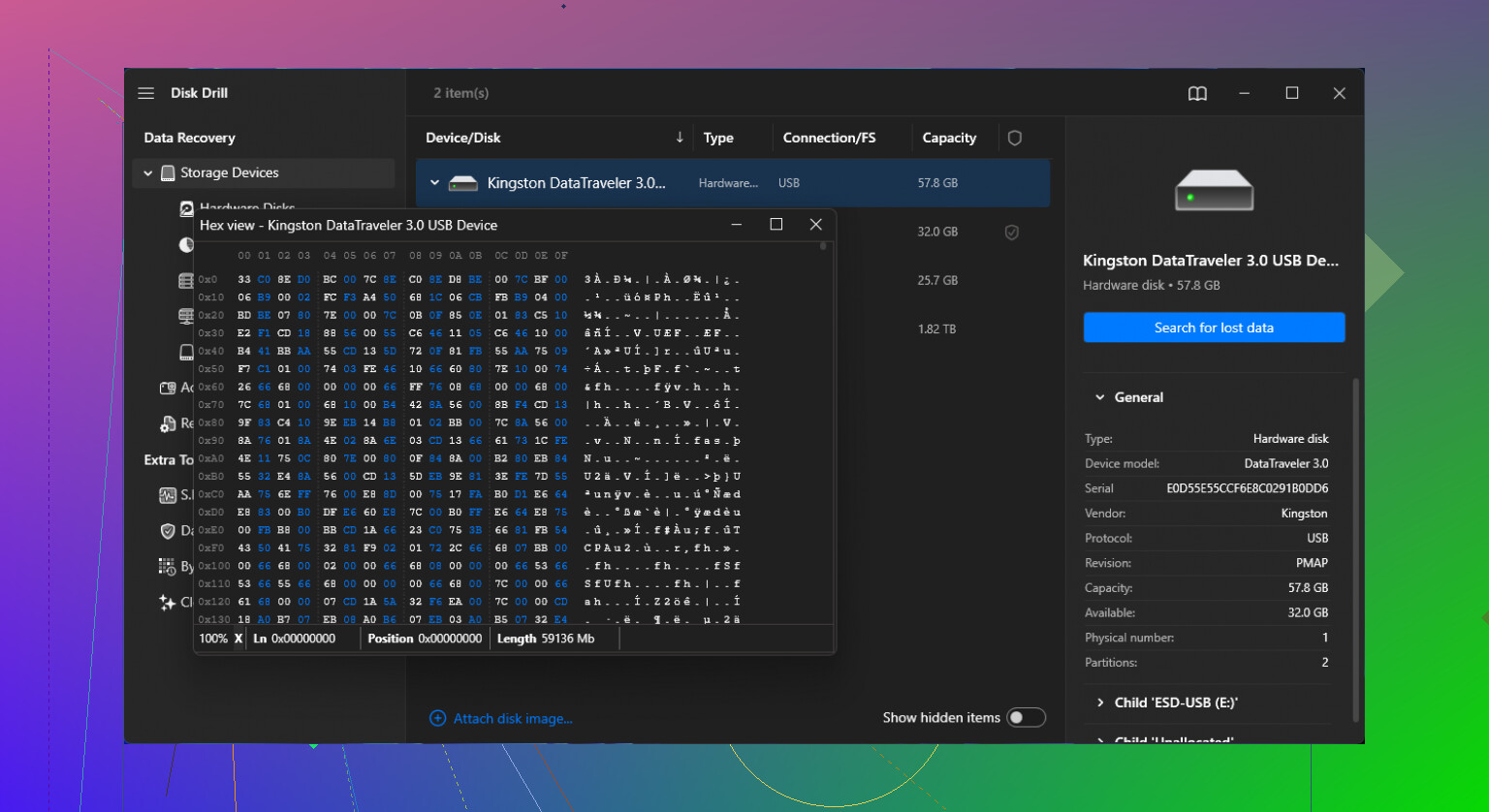
• Install both on your internal drive, then:- Scan the external with Disk Drill.
- See if your folder structure appears and if key files preview.
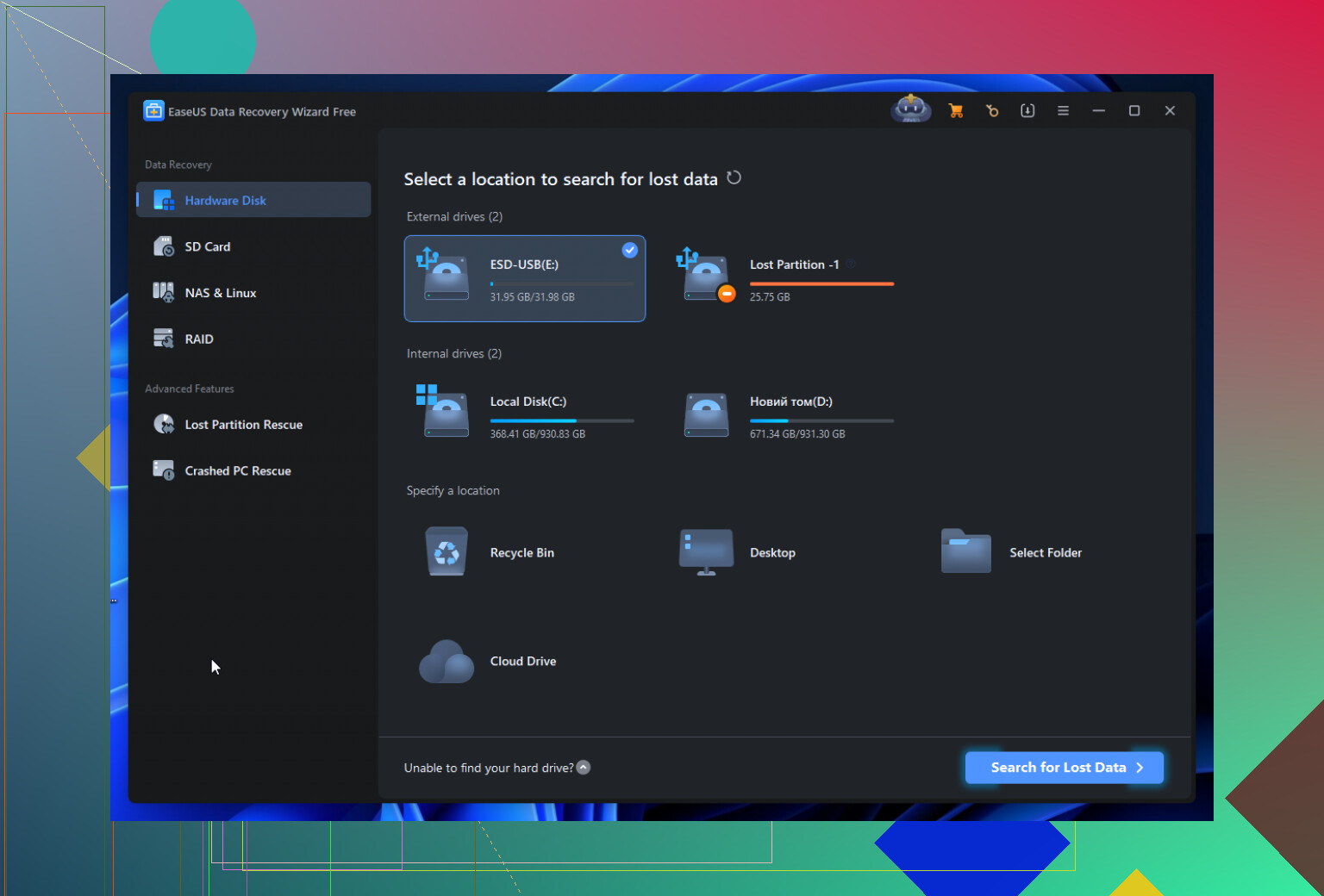
- Do the same with EaseUS.
• Choose the one that shows more intact files with correct sizes and good previews before paying.
-
What I would do in your case
• Use Disk Drill first for a partition scan on the external drive.
• If it finds the lost partition, try to browse it in the app and preview your work docs and photos.
• If previews open fine and sizes look normal, recover to a separate drive.
If you want a longer opinion from someone who has gone through a full external drive failure, this writeup helped a lot of people decide:
detailed Disk Drill review from a real-world recovery attempt
Fast rule of thumb:
If your data is business critical or you hear weird drive noises, stop and go to a pro lab instead of pushing any software. For a clean deletion or lost partition on a healthy external drive, Disk Drill is a solid first choice.
18 Likes
Between Disk Drill and EaseUS for a deleted partition specifically, I’d lean Disk Drill too, but for slightly different reasons than @codecrafter mentioned.
Where I partly disagree with them is on EaseUS being “bad” in general. It’s not. It actually does decently on simple deleted-file cases from healthy volumes. The problem is your situation is not a simple recycle-bin scenario, it’s a lost partition on an external drive, with mixed workloads (projects, docs, photos). That’s where Disk Drill tends to win on structure and control.
Here’s how I’d break it down from real-world messups:
1. Partition-focused recovery
For a deleted partition, the critical thing is: can the tool reconstruct the partition map and directory tree cleanly, not just carve a pile of random files by signature.
- Disk Drill is usually stronger at:
- Finding lost partitions and letting you “mount” them inside the app.
- Preserving folder hierarchy and filenames instead of dumping
file000123.jpgetc.
- EaseUS often falls back to raw recovery sooner. That means you might get a lot of files, but:
- More broken archives and Office docs.
- Tons of unnamed / generic files that are a pain to sort.
If your projects depend on original paths and names (e.g. code repos, design assets referenced by relative paths), Disk Drill gives you a better shot of not having to manually reassemble your life.
2. File type handling for your use case
You mentioned project files, photos, work docs:
- Photos: Both tools are fine with JPG/PNG. Disk Drill tends to be a bit better when you have large sets, mixed camera types, RAW formats, etc, and you care about previews actually opening.
- Work docs: Office docs, PDFs, etc are sensitive to even small corruption. From what I’ve seen, Disk Drill gives a slightly higher rate of properly opening DOCX/PPTX/PSDs, while EaseUS sometimes “recovers” them but they’re unreadable.
- Project files: If we’re talking IDE projects, game engines, design suites, whatever, structure matters. Again, Disk Drill’s stronger partition and folder recovery is the edge.
3. Risk of “damaging” the drive
Neither program is going to physically hurt the drive by scanning. Where you can shoot yourself in the foot is:
- Writing recovered files back onto the same external drive.
- Letting any tool “repair” or “optimize” the drive before you’ve cloned or recovered.
Here’s the part I’d add to what @codecrafter said: if you cannot easily image the whole disk (no space, no Pro license yet, etc), at the very least:
- Install Disk Drill on a different physical drive.
- In the settings, double-check that it is not doing any “Smart monitoring” writes to that external disk.
- When you eventually recover, pick a totally separate disk as the destination. Even a big internal HDD or a temp SSD is fine.
Imaging first is ideal, but in real life not everyone has a spare 2–4 TB sitting around. Just don’t let anything write to the source.
4. How I’d actually choose between the two in your shoes
Instead of commiting blindly:
- Install both on your internal disk.
- Run a partition / full disk scan in Disk Drill first.
- Ignore quick scan results, go straight for the deep or full scan option.
- Check:
- Do you see the old partition?
- Does the folder tree look recognizable?
- Can you preview a handful of key items: a large doc, some photos, a project file?
- Then do the same style scan in EaseUS.
- Compare:
- Which one shows more of your original structure.
- Which one lets you open previews reliably.
- File sizes: are they close to what you remember, or suspiciously tiny/huge.
Whichever one wins that “preview battle” is the one you pay for. In many partition-loss cases, that ends up being Disk Drill.
5. If the drive is acting weird
One hard stop:
- Clicking noises, grinding, frequent disconnects, super slow to respond, or the drive dropping out mid-scan = quit software immediately. That’s not a Disk Drill vs EaseUS question anymore, that’s a “send it to a lab or you might brick it” situation. Software can destroy what’s left if the heads are failing.
6. About “EaseUS alternatives”
If you’re curious about broader options beyond just these two, there’s a solid breakdown of different recovery tools, pros/cons, and when to use them here:
better data recovery options than EaseUS
That gives you a wider view if you’re thinking long-term or want to avoid vendor lock-in next time you inevitably accidientally blow away a partition at 2 AM.
Given what you described, though: for a deleted external partition with important mixed data, Disk Drill is the one I’d trust first and actually spend money on, as long as the drive itself is still physically healthy.
Try recovery from existing copies before scanning the drive. Check OneDrive, Google Drive, Dropbox trash, Windows File History, Time Machine, NAS snapshots, email attachments, and shared project folders. Ask coworkers or clients for exported versions.
Start with your most important 20 files. Restore them to another disk and verify each one opens. This takes minutes, costs nothing, and avoids extra reads from the deleted partition. You might recover most work files and photos without buying either app, even if some orginal folder structure is lost.
Running two deep scans on the source before you’ve imaged it is backwards. @codecrafter already said image first, then everyone piled on the ‘install both and compare previews’ idea, which quietly means hammering a deleted partition twice with full scans. If the drive is healthy, fine. But every extra read on a partition you want back is a small gamble, and doing it twice for a bake-off doubles that gamble. Clone once, then run as many tools as you want against the image. That’s where Disk Drill’s imaging step earns its keep, not the scanning itself.
The preview comparison advice is decent but oversold. A file previewing correctly in the app tells you the header and enough data to render a thumbnail survived. It does not promise the whole file came back intact, especially large project files or multi-part Office docs. I’d trust a preview for photos more than for a 400MB design file. So use previews to pick a tool, sure, but don’t assume ‘preview opened’ equals ‘file is perfect.’ Verify the real recovered copies after.
Honestly the sharpest thing in this whole thread is @shadowwolf2011sync’s point about checking existing copies first. Work documents and project files love to already exist somewhere: cloud sync trash, version history, a coworker’s inbox, an old export. Fifteen minutes there might kill half your recovery job before you pay for anything. Recovery software is for what genuinely only lived on that partition. Start narrow, then bring out the heavier tools for whatever’s actually gone.