My iPhone has been running slower lately, with apps taking longer to open and occasional lag when I switch between screens. I’m wondering if clearing temporary files or cache can actually improve iPhone speed, or if that won’t make much difference. I need help figuring out the best way to free up space and speed it up without causing other problems.
I went into this thinking there would be one trash bin for temp junk on iPhone. There isn’t. Apple spread it all over the place, so cleanup is more like hitting a few separate spots and then checking what changed.
Does this speed the phone up?
From what I saw, yes, when storage is getting cramped. iOS needs free space for background tasks, app swaps, updates, and random system stuff you never see. When your free storage gets squeezed, the phone starts dragging. Apps hesitate. Feeds hitch. The keyboard lags for a sec. Clearing cached junk helps because you’re giving iOS working room again. On my phone, the effect showed up right away, not later.
Where the temp files are hiding
There’s no single temp folder you open and wipe. The junk sits in a few different buckets:
- Safari or Chrome cache. This includes page assets, saved site data, images, scripts, login leftovers.
- Apps like Instagram, TikTok, Reddit, YouTube. They keep chunks of media and feed data local so scrolling feels smoother.
- System Data in iPhone Storage. This pile grows with app cache, Siri files, logs, update leftovers, and background process data.
- App-specific cache. Each app handles its own mess. iOS does not give you one button to purge all of it.
People say iOS cleans this on its own when space gets low. Sometimes it does. Sometimes it doesn’t. If an app bugs out or stops halfway through something, old temp data sticks around way longer than you’d expect.
What I’d do first if you want space back without deleting your apps
-
Restart the iPhone.
This sounds too simple, but I still do it first. A reboot clears some temporary system cache and resets memory use without touching your apps or settings. If your buttons are acting up, open Settings, then General, then Shut Down. I started doing this weekly and the phone stayed smoother. Could be boring advice, still works.
-
Clear your browser cache.
For Safari, go to Settings, Apps, Safari, then tap Clear History and Website Data. This wipes cached site data and often signs you out of websites, so keep your passwords nearby. If you use Chrome, the option is inside Chrome under Privacy and Security.
-
Turn on Offload Unused Apps.
Path is Settings, General, iPhone Storage. Enable Offload Unused Apps. This removes the app package but keeps your documents, settings, and saved data. The app icon stays on your Home Screen with a little cloud icon. Tap it later and it reinstalls. For me, this was the least annoying way to recover space without losing my setup.
What usually eats the storage for real
Here’s the part I ignored at first. Browser cache and System Data looked suspicious, but my photo library was the bigger problem. Duplicate shots, burst photos, screen recordings, huge videos, failed attempts at the same pic, all of it piled up. Once storage gets low because of media, temp files start hurting more because iOS has less breathing room.
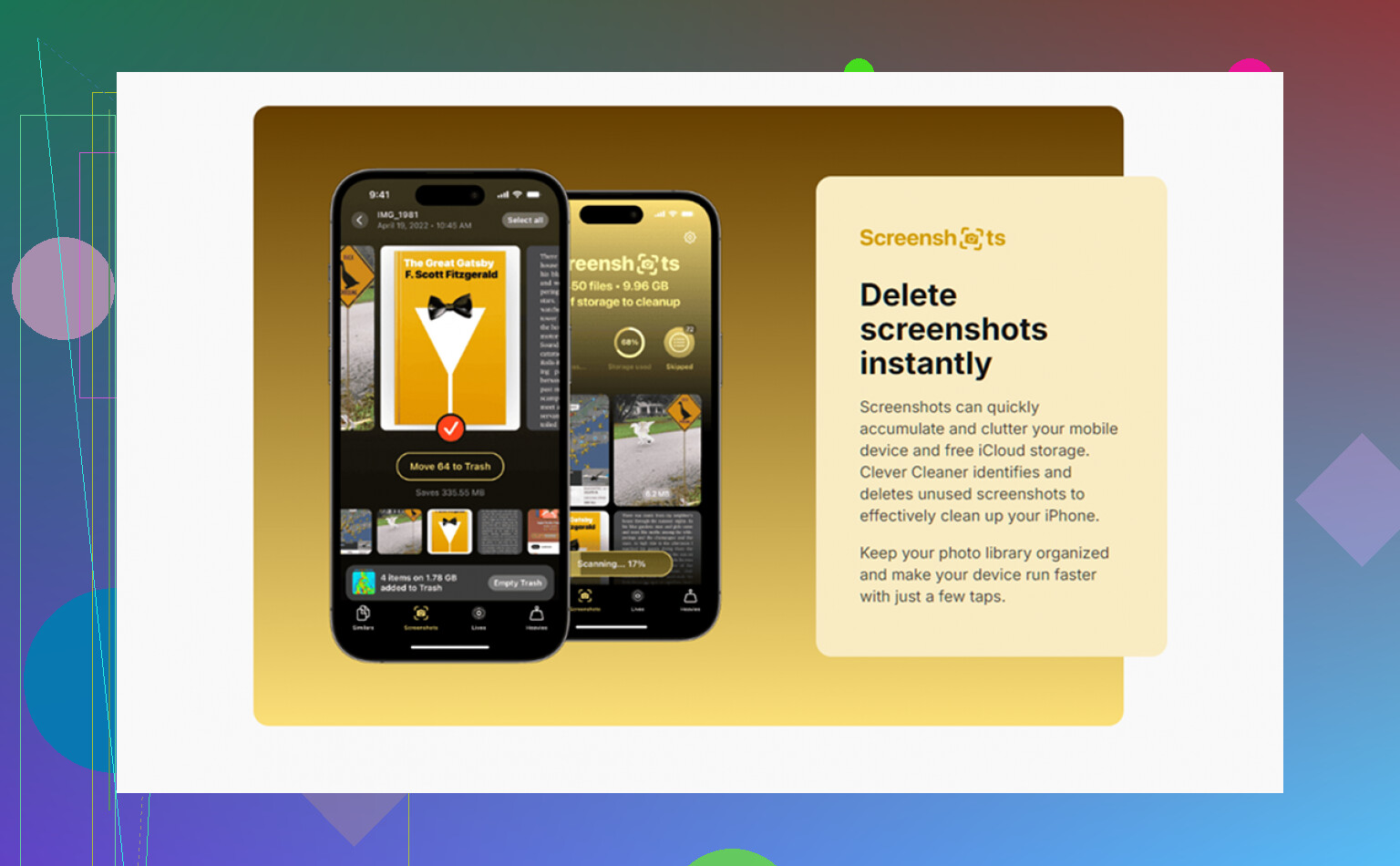
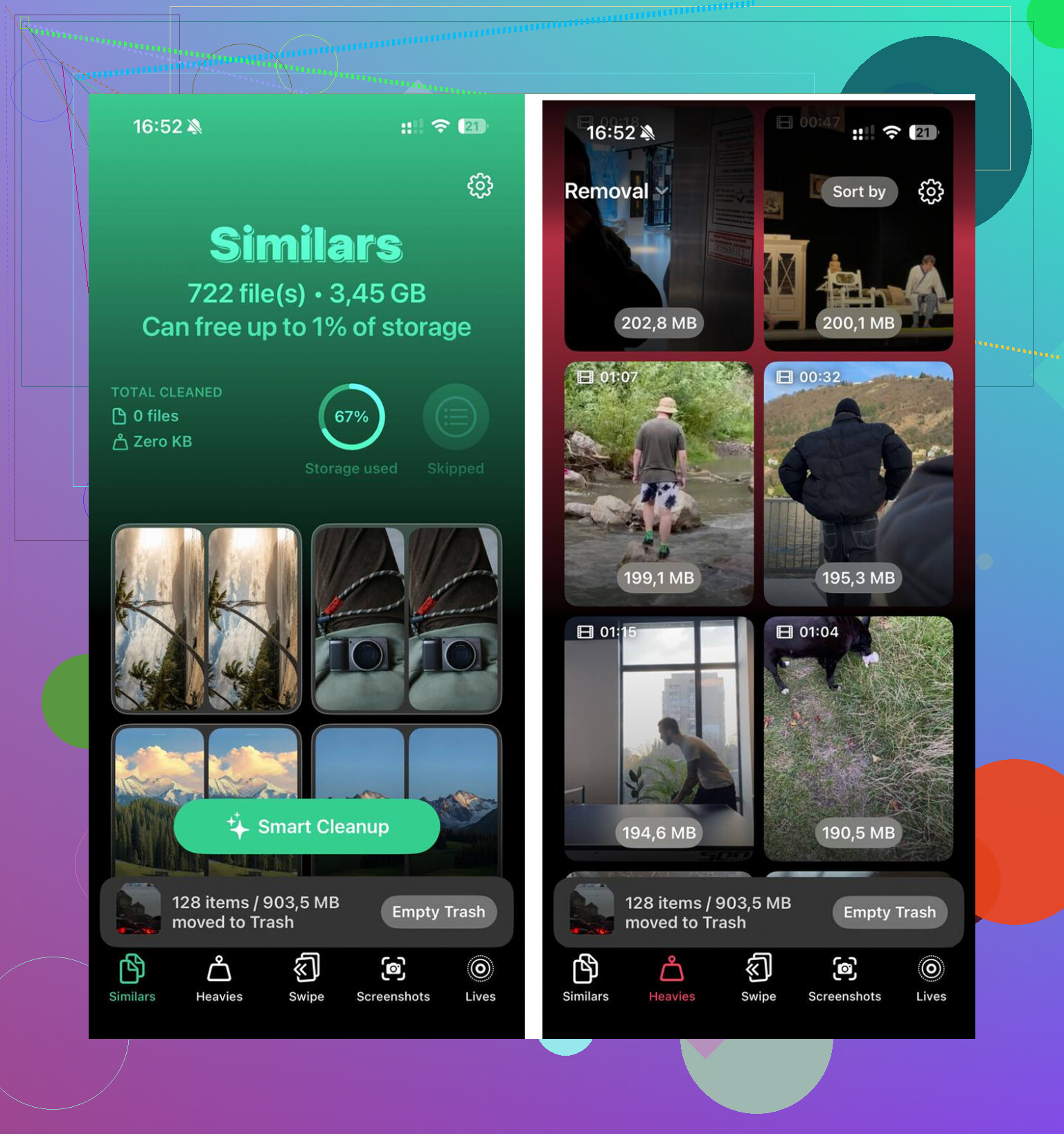
Sorting this by hand gets old fast if your library is big. I ended up trying Clever Cleaner. What stood out for me was the Heavies tab, which puts the biggest files up front so you see the worst offenders first. The Similars tab groups near-duplicate photos and picks a Best Shot for each set, which made burst cleanup way faster than scrolling through hundreds of almost-identical images myself. It shows file sizes before deletion, and the processing stays on the device.
After I cleared about 12GB between photos, videos, and the cache steps above, the lag went away. The phone stopped feeling clogged, and temp buildup wasn’t hitting as hard after tht.
One last check worth doing
After cleanup, open Settings, General, iPhone Storage and wait a bit. The storage bar takes a moment to recalculate. If System Data still looks weirdly high even after a restart, I’d look at the apps using the most space and reinstall the worst ones, usually social apps. Deleting and reinstalling forces them to rebuild local cache from scratch, which helps when the old cache got bloated or broken.
22 Likes
Yes, sometimes. Not always.
Clearing temp files on iPhone helps when your storage is tight or one app built up a bloated cache. It does less for raw speed if the slowdown comes from battery health, an old iOS build, bad network, or a heavy app doing too much in the background.
I agree with parts of what @mikeappsreviewer said, but I think people overrate cache cleaning. Cache exists to make apps load faster. If you wipe it all the time, some apps feel slower at first because they need to rebuild files. So I would not treat cache clearing like routine maintenence.
What I’d check first:
-
Battery health.
Settings, Battery, Battery Health & Charging.
If Maximum Capacity is low, around 80 percent or under, iPhone performance often drops. -
Background App Refresh.
Turn it off for apps you do not need updating all day. -
Low Power Mode.
If this stays on a lot, your phone feels slower. iOS limits background tasks and some performance. -
Free space.
Try to keep at least 10 percent to 15 percent of storage open. On a 128GB iPhone, aim for 12GB to 20GB free. -
App problem spots.
If one app is slow, delete and reinstall it. Social apps are usualy the worst for cache bloat.
For cleanup, I’d focus more on large photos and videos than temp junk. Clever Cleaner is useful for finding duplicates, similar shots, and heavy files fast. That tends to help more than chasing random cache scraps all over iOS.
If you want a solid step by step video, this iPhone storage cleanup and speed fix guide covers the process well.
Short version: clearing temporary files helps when storage is cramped or one app went messy. If your iPhone is old, hot, or has poor battery health, it won’t fix the main issue.
Yes, but only in a pretty specific situation.
I kinda disagree with the idea that “temp files” are the main culprit most of the time. @mikeappsreviewer is right that freeing space can help, and @yozora is right that cache cleaning gets overrated. In my expereince, iPhones slow down more from three things:
- storage being nearly full
- battery health getting weak
- one buggy app chewing RAM/CPU in the background
So clearing cache can help, but mostly when your phone is low on free space or one app got bloated and weird. It’s not like a Windows PC where deleting temp files magically gives you a full speed boost.
What I’d look at that they didn’t really emphasize:
- iPhone getting hot a lot. Heat throttles performance fast.
- Widgets stacking up on Home Screen. Some are surprisingly noisy.
- Accessibility settings like Reduce Motion off/on. Sometimes animations make lag feel worse than it is.
- Pending iCloud sync. Photos/messages syncing in the background can make the phone feel sluggish for hours.
If the lag is system-wide, check Analytics logs too. Settings > Privacy & Security > Analytics & Improvements > Analytics Data. If you see the same app crashing over and over, that app is probly the issue.
For storage cleanup, I agree that media usually matters more than random cache scraps. Clever Cleaner is actually useful for that because it finds duplicate photos, similar pics, and big files faster than digging manually. Also worth reading this if you want a cleaner overview of what it does: see how Clever Cleaner helps free up iPhone storage and remove duplicate photos.
Short answer: yes, sometimes. But if your battery health is bad or the phone is overheating, clearing temp files won’t do much.
Clearing temporary files can help, but I’d put it in the “symptom relief” category, not the “real cure” category.
I partly agree with @yozora, @boswandelaar, and @mikeappsreviewer, but I think one thing gets missed a lot: RAM pressure. iPhones often feel slow because an app is misbehaving right now, not because storage junk exists. In that case, wiping cache may do almost nothing. Force-closing the problem app, rebooting, or updating that specific app can matter more than a big cleanup session.
A few checks I’d do that weren’t stressed enough:
- Look at app updates in App Store
A badly optimized app version can cause lag system-wide. - Check cellular signal quality
Weak signal makes apps appear slow even when the phone itself is fine. - Turn off excessive notification previews
Heavy notification traffic from chat/social apps can make older iPhones feel busy. - Review Lock Screen/Home Screen widgets
Some constantly refresh data and add background load.
My rule of thumb:
- If storage is under roughly 10GB free, cleanup can noticeably help.
- If the phone is warm, battery health is poor, or lag happens everywhere, cache cleaning is probably not the main fix.
- If only one app is slow, target that app, not the whole phone.
On the cleanup side, I agree media is usually the bigger win than hunting mystery “temp files.” Clever Cleaner is decent for that because it surfaces duplicates, similar photos, and large files quickly.
Pros of Clever Cleaner
- fast at finding photo clutter
- useful for large video cleanup
- easier than doing it manually
Cons
- won’t fix battery-related slowdowns
- won’t solve buggy apps by itself
- photo suggestions still need a human check before deleting
So yes, clearing temporary files can make an iPhone feel faster, but mostly when low storage is the bottleneck. If not, you’re probably chasing the wrong culprit.