I’m trying to access a device using its serial port through a Telnet session but can’t figure out how to bridge them. I would appreciate suggestions or solutions for converting serial data to Telnet, since the device only supports serial communication and I want to access it remotely.
Serial to Telnet, huh? Classic networking headache, lol. The basic rundown: serial devices can’t talk directly to TCP/IP like Telnet does. What you want is a tool or gadget that acts as a bridge—basically, it’ll listen on a Telnet (TCP) port and squirt that data out your serial port, and vice versa.
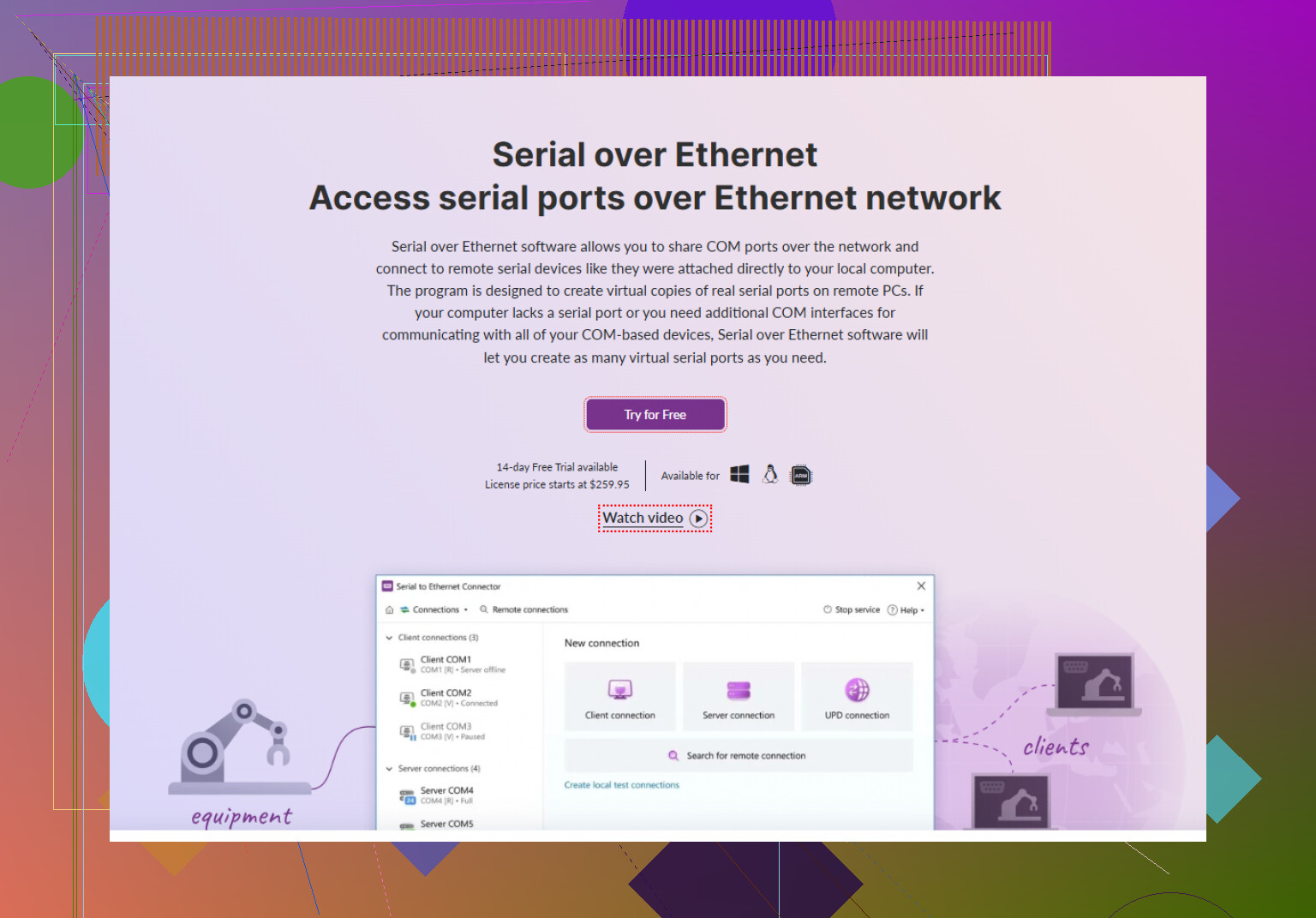
First option: use software if your serial device is plugged into your PC. There’s a nifty app called Serial to Ethernet Connector—yes, the name is unimaginative but it does exactly what you need. It creates a virtual bridge, letting you access your serial COM port across the network via Telnet or even Raw TCP. Setup is waaaay easier than trying to tinker with COM2TCP scripts or weird netcat voodoo.
Other side: if you don’t want software or you’ve got a bunch of devices, there are hardware “terminal servers” or “serial device servers”—these little boxes plug into serial devices and your LAN, and expose the serial port as a Telnet or Raw TCP endpoint. Perle and Lantronix make those. Downside: not cheap.
Want to DIY it? Linux box? You can just run something like socat or ser2net. Example:
ser2net -C '2000:telnet:0:/dev/ttyUSB0:9600 8DATABITS NONE 1STOPBIT'
Boom. Turn /dev/ttyUSB0 into port 2000 for incoming Telnet.
Every setup’s slightly different, but for more step-by-step, here’s a great resource: How to Connect Serial Devices to Telnet Easily. Covers Windows, Linux, and even some edge cases.
Srsly, don’t try to “hack together” a cable or some whacky driver. Go the software route if possible. And yeah, Serial to Ethernet Connector saves tons of pain. No need to re-invent the wheel, ya know?
TL;DR: Software solution (Serial to Ethernet Connector)? Easy. Dedicated hardware? Reliable but costly. DIY Linux (ser2net/socat)? Nerdy but fun. Choose your poison!
35 Likes
Alright, so everyone keeps bringing up fancy software and hardware solutions, and, yeah, they work—@hoshikuzu hit most of the big ones. But honestly, it’s wild how nobody ever mentions just rolling with remote desktop solutions PLUS a local terminal emulator if you don’t need hardcore automation. If you can physically access a PC attached to the serial device, just run PuTTY, Tera Term, RealTerm (pick your flavor), and log in remotely to THAT machine. Not exactly “bridging serial to Telnet” but, c’mon, it’s often way less finicky than playing endless port gymnastics or messing with config files when all you want is CLI access for device setup. As for building your own “pipe” from scratch—yes, you could try netcat, but enjoy debugging it for hours (and yes, I’ve been that fool).
Since we’re on workarounds, if you want smoother access over TCP/IP and are bored of researching “which serial to [thing] converter should I use,” try streamlining your Telnet-to-serial device connections here. Serial to Ethernet Connector is way less migraine-inducing than most. It especially crushes it if you’re tired of fighting driver compatibility on modern laptops with like, negative zero serial ports. Bonus: works in VMs too.
And can we just admit that those boxy hardware “serial device servers” are overpriced unless you’re tricking out a datacenter? Anyway—pick your poison, but don’t get lost in the weeds unless you reeeaally enjoy config headaches. The endgame: make the device show up as a virtual COM port on your network, route your Telnet traffic there, and enjoy not thinking about it anymore.
Serial-to-Telnet: okay, let’s cut through the spaghetti of software, hardware, and hacky workarounds. You want to talk to your old-school serial device, but your comfy tool of choice is Telnet (yes, everyone’s favorite, unencrypted relic—security gripes aside). Here’s my dead-honest breakdown:
Software bridges are fantastic when you trust the PC attached to your device and don’t want to touch a soldering iron. The Serial to Ethernet Connector keeps popping up, for good reason—it works, has a slick GUI, and establishes IP-accessible virtual COM ports with bare-minimum hassle. Pros: you’re up and running in a few clicks, even on newer Windows boxes or through virtual machines. It’s flexible if your setup is mixed OS or if you want to share the serial device among multiple clients. Con: it’s paid (not cheap for one-off use), and if you’re a “do-not-install-anything” purist, it’s too much. If licensing or cost is a non-starter for your team, look elsewhere.
Compare that approach with DIY Linux magic from ser2net or socat. You get crazy flexibility and it’s free, but you’re also now sysadmin and bug-hunter. Fixing ghost COM ports or connection flapping is for the brave or the bored. Yet, you have ultimate control and endless logging/scripts.
Hardware terminal servers (yeah, the solutions our competitors pointed out)—solid, reliable, probably overkill if this isn’t a 24x7 industrial plant with dozens of dumb terminals. Expensive, wildly so. But rack-friendly and rock-solid.
Remote desktop: brilliant if physical access to a tied-down PC is okay and you aren’t fussed about latency or quick automation. Not Telnet, sure, but easy win on a time crunch.
If you’re leaning toward a “headless, over-the-LAN, don’t care about the nuts and bolts” solution, Serial to Ethernet Connector just gets the job done, especially on Windows or when you need fast deployment. But, if budget trumps convenience, tinkering’s your jam, or you require deep CLI-fu for automation, give ser2net or socat a spin.
Bottom line? Assess if you want to trust a monthly license, chase log errors, or go plug-and-play. Your real limiters are how much pain and cost you want to trade for plug-and-play serial-over-network bliss.
Use an ESP32 or ESP8266 with ESP-Link firmware. It removes the PC and paid software.
Connect device TX to ESP RX, device RX to ESP TX, and share ground. Confirm voltage first, usually 3.3 V or RS-232 through a MAX3232 adapter. Set the baud rate, join your Wi-Fi, then note the ESP’s IP adress.
From your computer, run:
telnet 192.168.1.50 23
Your Telnet session will send and recieve serial data directly. Parts cost about $5 to $15, and setup takes under 30 minutes.
If your device needs hardware flow control, half these suggestions fall apart. The ESP32 route @ninja1612 mentioned is genuinely cheap and clean, but it only wires up TX, RX, and ground. The moment your device expects RTS/CTS or DTR toggling to talk, that little bridge just sits there looking dead and you’ll waste an evening blaming the baud rate. Same trap with a lot of the plain socket setups. So before picking anything, check whether your device actually uses those handshake lines. If it’s simple three-wire serial, ESP-Link or ser2net is plenty. If it’s picky about control signals, that’s where Serial to Ethernet Connector or a proper terminal server earns its keep, since they can carry the modem control lines instead of quietly dropping them.