My iPhone photo library has grown to thousands of pictures, and I’m trying to find similar images so I can delete duplicates and organize everything faster. I’ve looked through the Photos app, but it’s taking too long and I’m not sure if there’s a built-in way or a better method. I need help finding the quickest way to search similar photos on an iPhone.
Apple Photos didn’t help much for this on my phone. It catches exact duplicate files, sure. The problem starts when the shots are close but not identical. Tiny angle change, one face blink, darker lighting, a quick edit, and iOS treats them like separate photos. I noticed whole clusters of 6 or 8 near-matches sitting there forever with no flag at all.
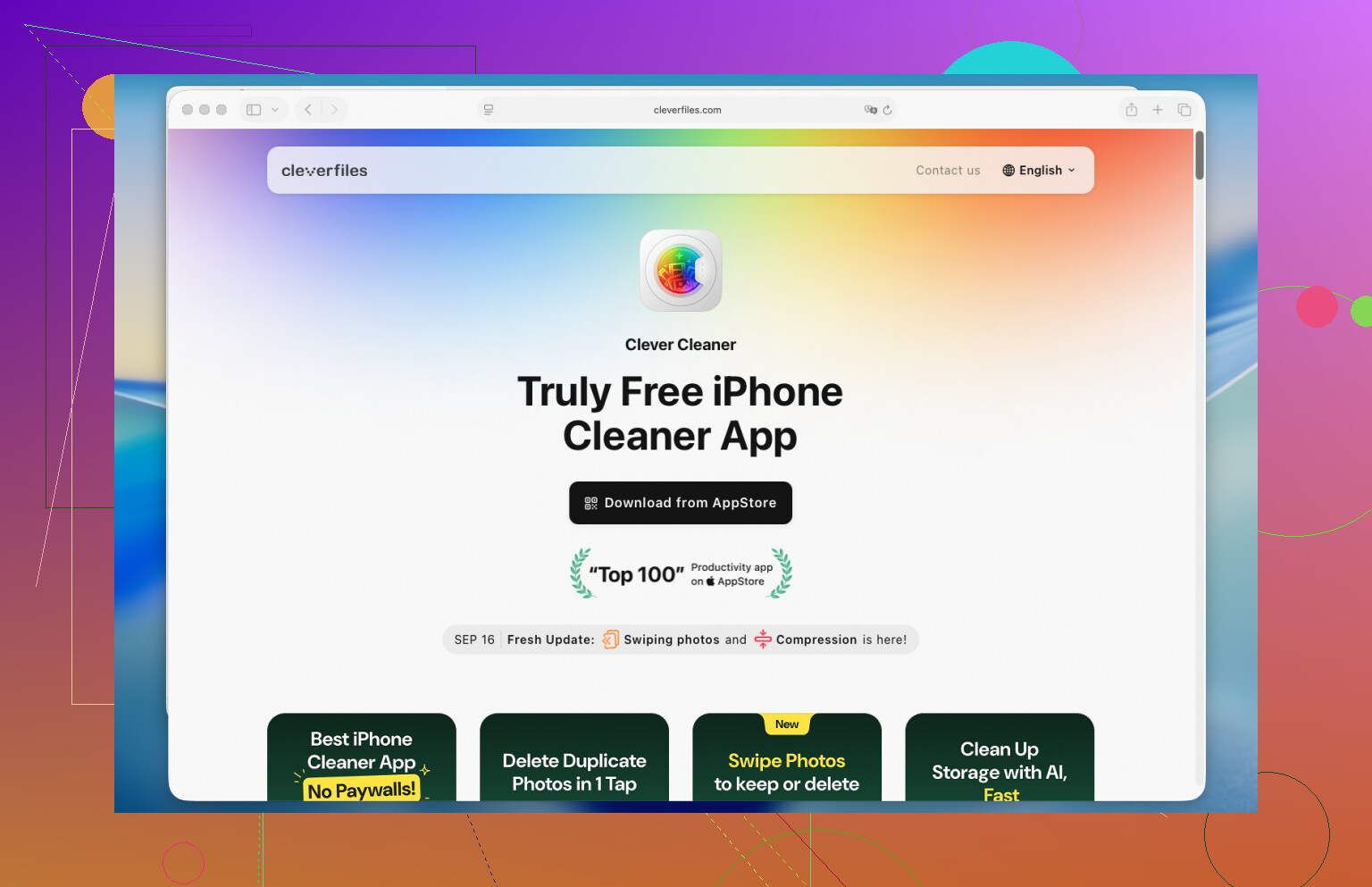
What worked for me was Clever Cleaner. I went in expecting the usual junk, ads everywhere, fake scan, then a paywall. That was my expereince with a bunch of these apps before. This one surprised me a bit. It grouped similar shots well enough that I stopped fighting it, and the cleanup took around 15 minutes on a library with a few thousand photos. Doing the same thing by hand felt endless.
This is the way I did it:
- Install Clever Cleaner from the App Store, then allow photo access.
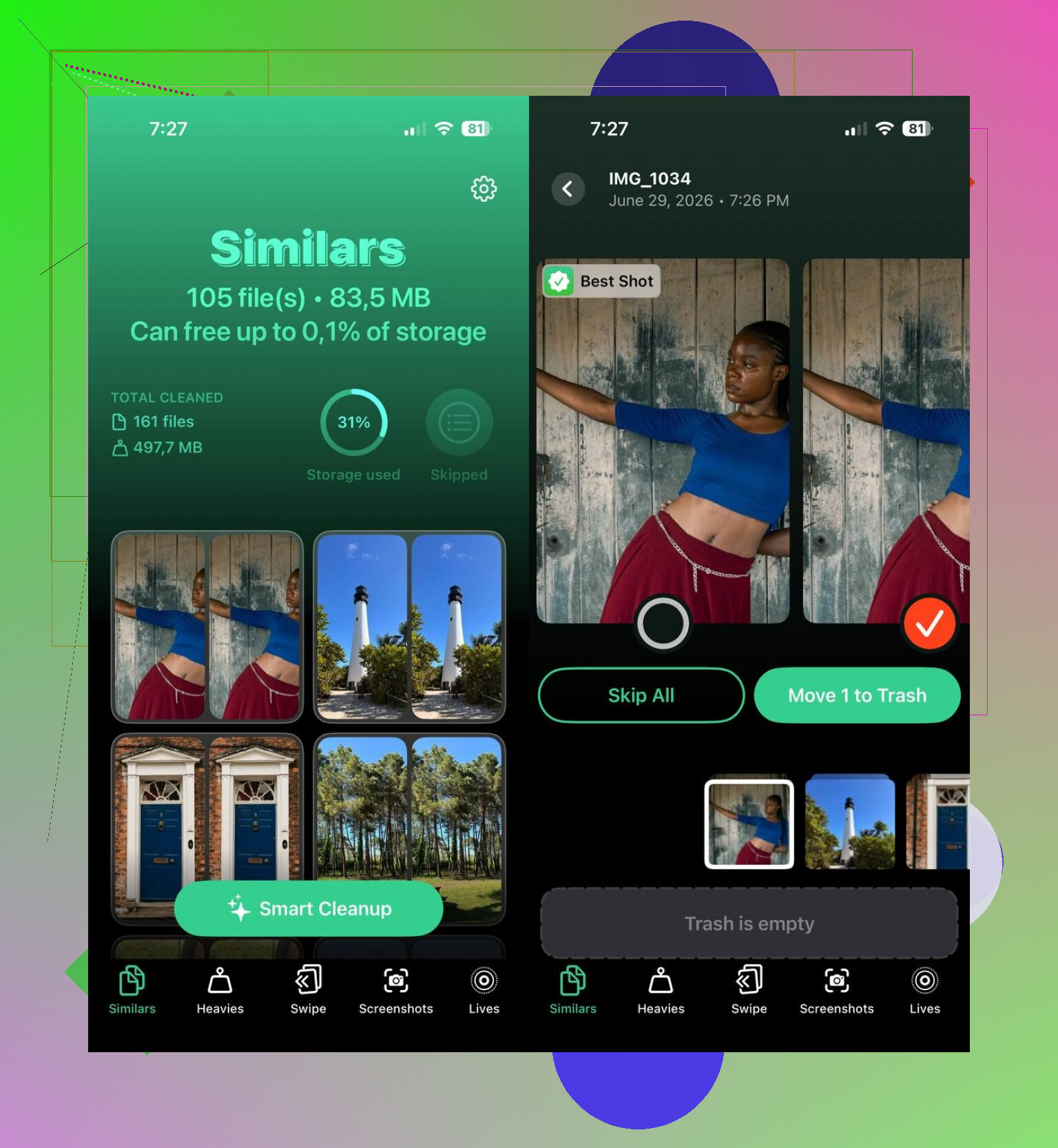
- Open the Similars section.
- Let it scan. On my phone it finished faster than I expected.
- Open each group. The app picks a Best Shot on its own, though I changed some picks myself.
- Tap Move to Trash on each set, or run Smart Cleanup if you want the bulk option.
- Afterward, go into Apple Photos and clear the Recently Deleted album, otherwise your storage number won’t move yet.
I ended up poking through the other sections too. Duplicates handled exact copies. Heavies threw my biggest videos to the top, which made cleanup way faster. Screenshots was useful because I had years of junk in there. Lives turns Live Photos into stills while keeping the main frame. Between those four areas, I freed more space than I thought I had left to recover, which was kinda embarrasing.
If you want to skip third-party apps, you can do it inside Photos, but it’s slower and more annoying:
- Use the Search tab and look up a person, place, object, or event. Similar shots often sit next to each other there.
- Sort by date or review photos from the same outing. Near-duplicates are usually taken seconds apart.
- Check Burst photos and keep one frame instead of the whole run.
- Look through albums like People & Pets, Trips, or Media Types to narrow the pile.
- If you use a Mac, Smart Albums in Photos help a lot. You can group by date, location, keyword, and other metadata, which cuts down the manual sorting.
I tried both routes. Manual works if your library is small or you have patience. I didn’t. The app found sets of similar photos I would’ve ignored, and it saved me a stupid amount of time.
13 Likes
Photos on iPhone gets slow once you hit a few thousand pics. The built-in Duplicates album only flags exact copies, so it misses near-matches from bursts, edits, and tiny angle changes. That’s the main gap.
I partly disagree with @mikeappsreviewer on one thing. I would not rely on Search first. Search is decent for “dog” or “beach,” but not for cleanup at scale. It’s too loose.
What works better is this flow:
- Start in Photos, Albums, Utilities, Duplicates. Merge the easy stuff first.
- Check Media Types, especially Bursts, Screenshots, Live Photos, and Videos. These folders shrink a library fast.
- Use an app built for similar photo detection. Clever Cleaner is one of the better options because it groups lookalike photos instead of only exact dupes.
- Review in small batches, like 100 to 200 images. Faster, less messsed up deletions.
- Empty Recently Deleted after each cleanup round.
One more tip people skip. Turn on “Keep Originals” if you import to a Mac later, or your edits confuse file matching in some apps.
If you want a clean guide on finding similar photos on iPhone and removing near-duplicates faster, this helps:
best ways to find and delete similar photos on iPhone
Short version, Apple Photos handles duplicates. Clever Cleaner handles the harder stuff. That combo saves the most time.
I’d do this a little differently than @mikeappsreviewer and @ombrasilente.
If your goal is to find similar photos on iPhone fast, stop trying to “search” for them in the literal sense. iPhone search is fine for finding a dog at the beach, not 14 almost-identical shots of the same dog because your thumb got excited. That’s where the built-in app kinda falls apart.
My better workflow was:
- First, use Photos > Utilities > Duplicates for exact matches
- Then go to Recents and pinch zoom out so you can scan whole days visually
- Pay special attention to bursts, concert pics, food pics, and screenshots because those are usual junk magnets
- Favorite the one keeper before deleting anything else, saves a lot of “wait, which one was best?” moments
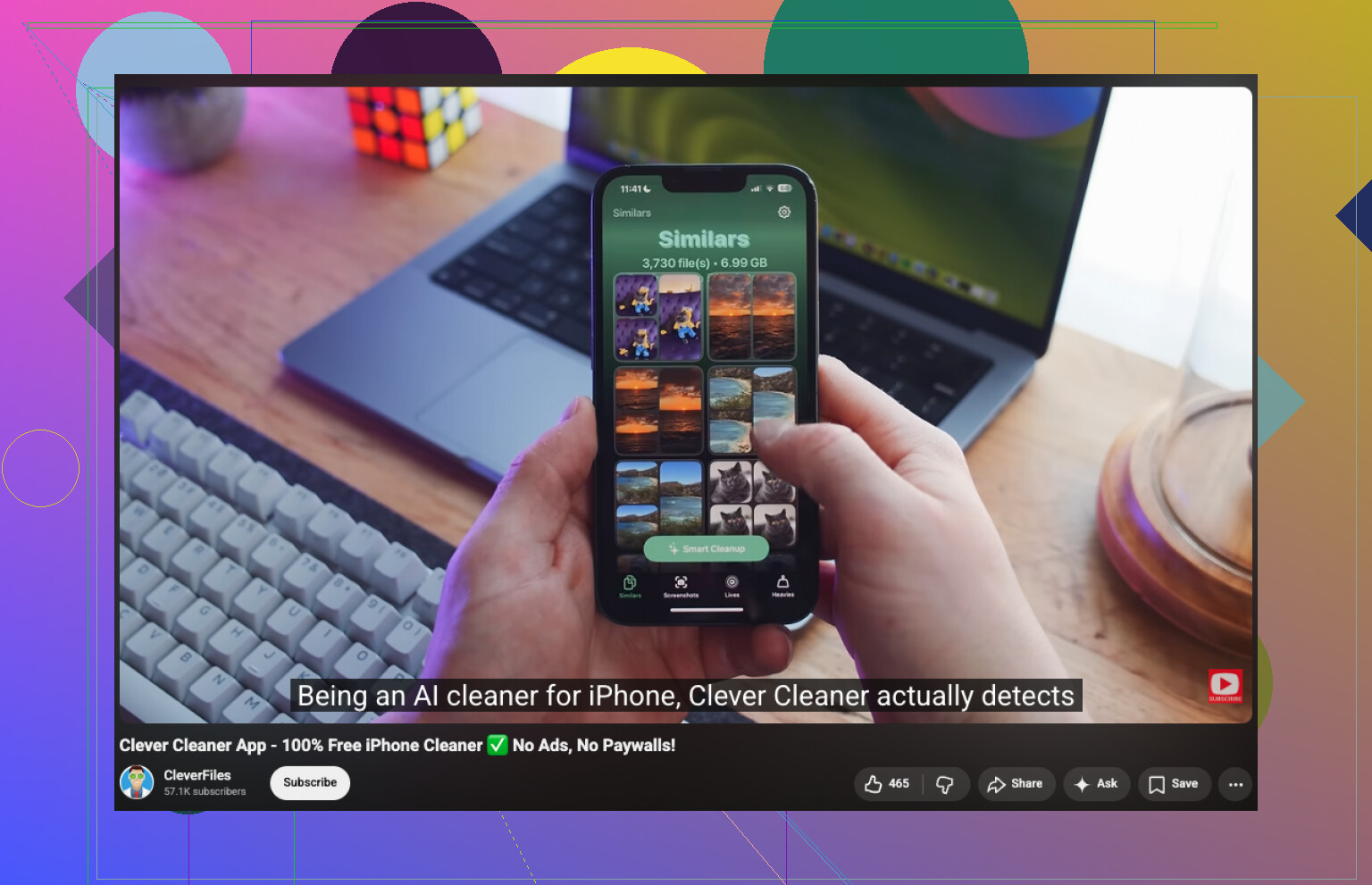
For the actual similar image finder part, yeah, an app is way faster. Clever Cleaner is one of the few that doesn’t make the process feel scammy or painfully manual. It’s useful for grouping near-duplicates, not just identical files, which is the part Apple Photos still kinda sucks at.
Also, small disagrement with the “clean in giant waves” approach. I think deleting 3,000 photos in one go is how people accidentally nuke stuff they wanted. Do it in chunks by month or event. Less chaos.
If you want a simple walkthrough on how to use Clever Cleaner to find similar pictures on iPhone, this is pretty clear:
watch how to find and delete similar photos on iPhone with Clever Cleaner
One more thing people forget: deleted pics still sit in Recently Deleted, so your storage won’t change right away. Annoying, but that’s Apple for ya.
I’d split this into two separate jobs, because “find similar photos” and “clean the library safely” are not exactly the same thing.
I actually disagree a bit with @ombrasilente, @techchizkid, and @mikeappsreviewer on the idea that the main answer is just using another scanner right away. That helps, sure, but if your library has thousands of photos, the real bottleneck is usually bad sorting habits, not only bad detection.
What helped me more was using filters before cleanup:
- In Photos, tap the sort/filter options and isolate one year or one trip at a time
- Review photos taken within the same minute or 5 minute block
- Check burst-heavy situations like pets, kids, concerts, and receipts
- Use Map and People views to narrow clusters of similar shots faster than scrolling Recents forever
That part is boring, but it cuts the noise a lot before any app starts guessing what should go.
For near-duplicates, yes, Clever Cleaner is useful because it catches lookalikes that Apple misses.
Pros of Clever Cleaner
- good at grouping near-matching photos
- faster than manual review
- also helps with screenshots and large files
- simpler than some cluttered cleanup apps
Cons
- best-shot suggestions are not always the one I’d keep
- you still have to review groups carefully
- libraries with lots of edited pics can confuse any cleaner
- some people just won’t want third-party photo access
My take: use Apple Photos first for exact duplicates and obvious junk, then use Clever Cleaner only on the messiest categories. That hybrid approach feels safer than letting any app loose on the whole camera roll.