My Mac stopped responding while I was away from home, and I can’t access it in person right now. I really need to get it running again as quickly as possible. Does anyone know how to restart or revive a Mac remotely? Any advice on what tools or settings I should use would be super helpful.
If your Mac’s become a brick while you’re miles away, options are, well, limited. If you had something like Back to My Mac (RIP) or pre-installed remote desktop software already running (TeamViewer, Chrome Remote Desktop, or macOS’s built-in screen sharing with remote access enabled), then you could like, actually do stuff. But from your Q, guessing it’s already locked up.
No remote access set up? If it’s hard frozen and not just “sluggish,” there’s no magic over-the-internet button. ISPs don’t really hand out “restart my frozen Mac” services, sadly. Sometimes, certain routers let you power cycle outlets—that’s how datacenter pros do it, with Smart Plugs. Unless you’ve got a smart outlet your Mac’s plugged into (HomeKit, Kasa, etc), can’t hard-restart till you or someone else lays hands on it.
But—and here’s your one glimmer—if you did set anything up like SSH access or remote desktop, and it’s just stuck in a hung process (not a total system crash), you can remotely issue a reboot via Terminal. But again, requires you did Nerdy Stuff in advance.
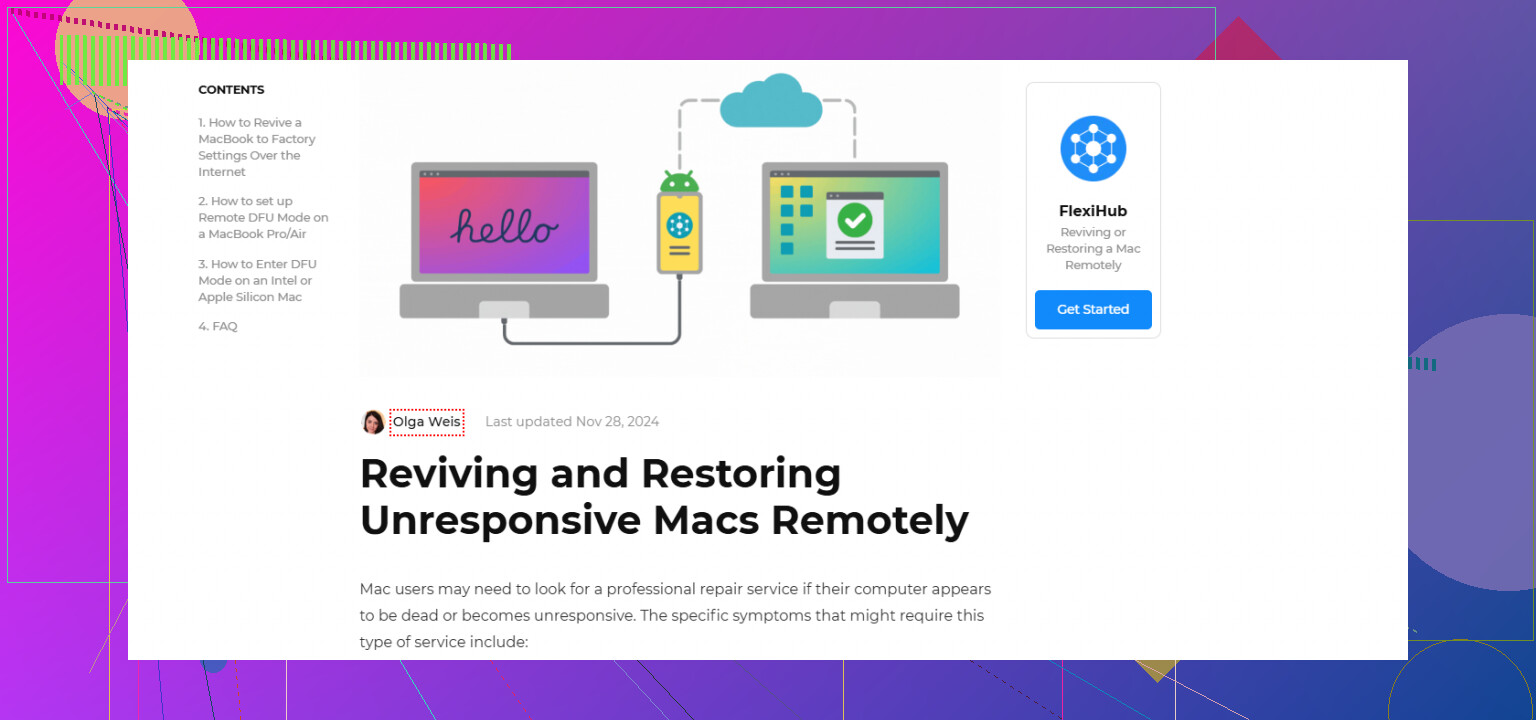
If your need to restore your Mac remotely is a recurring thing for work or remote management, you might wanna check out something like FlexiHub. It can help with remote Mac troubleshooting and recovery—super useful if you ever want to connect to your Mac’s ports, devices, or reboot it from afar (if it’s actually responsive).
Otherwise, gotta call in a favor from that one neighbor who owes you, or practice your Jedi mind tricks until you’re back home.
20 Likes
Yeah, gotta agree with @mikeappsreviewer on the basic facts: if you didn’t sprinkle in some nerd sauce and set up remote access before your Mac checked out, your options are… not great. You can’t just wave your phone and resurrect a hard-frozen Mac like it’s a flat Pokémon. Hard truth.
But let’s poke at the edges here: sometimes Macs FEEL dead but are just being drama queens—hung on a specific login or process but technically online. Ever try automated monitoring tools, like Nagios or Healthchecks, to ping your Mac periodically and see if it responds? Sometimes you catch it while it’s gasping and can trigger a soft reboot via remote script (if SSH was left open, and the stars align).
Totally disagree that smart outlets fix everything, though. Power cycling with a smart plug can cause issues if your Mac’s already writing something or you don’t have FileVault set up right. I’ve borked a drive that way, learned the hard way. Guess I’m not datacenter pro enough.
If this isn’t a one-time thing and you work remote a lot, invest in FlexiHub. Having remote control over USB ports and reboot capability is chef’s kiss if the Mac is at least semi-responsive. Here’s how to get started: start managing your Mac remotely. Works way better for ongoing access than hoping some neighbor can press the power button without tripping on your Roomba.
TL;DR: if you didn’t prep in advance, you’re stuck; if you did, flex those SSH or FlexiHub muscles. And next time, maybe leave some breadcrumbs so you’re not at the mercy of the Jedi.