If you are trying to run a TCL Google TV from an iPhone, here is what I ended up doing after getting annoyed with the stock options.
I started with the official route, Google Home. It works, in the sense that the TV responds, but it feels like using a TV through a keyhole. Then I tried a separate app called TVRem and stuck with it.
Link for the app:
YouTube clip the devs share as a demo:

Screens from my setup:
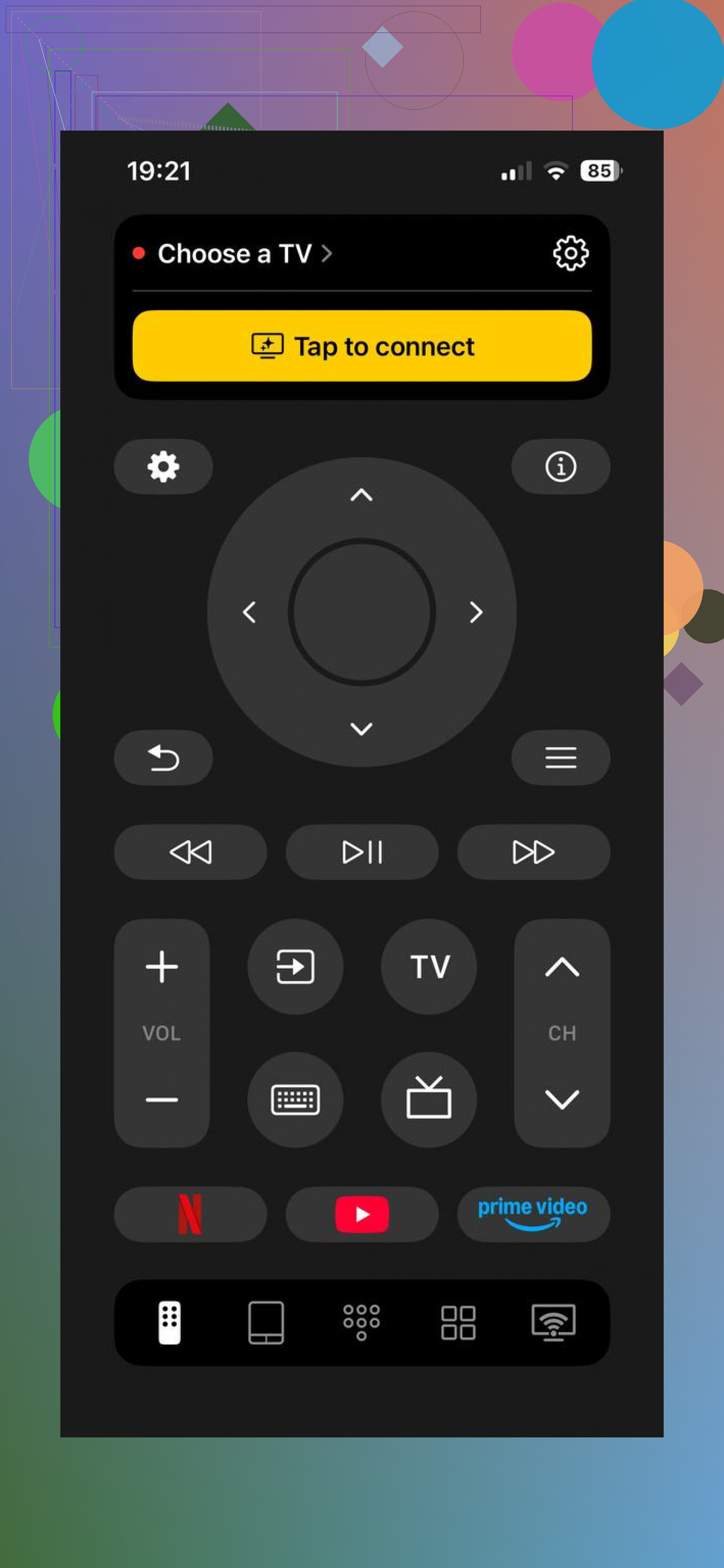
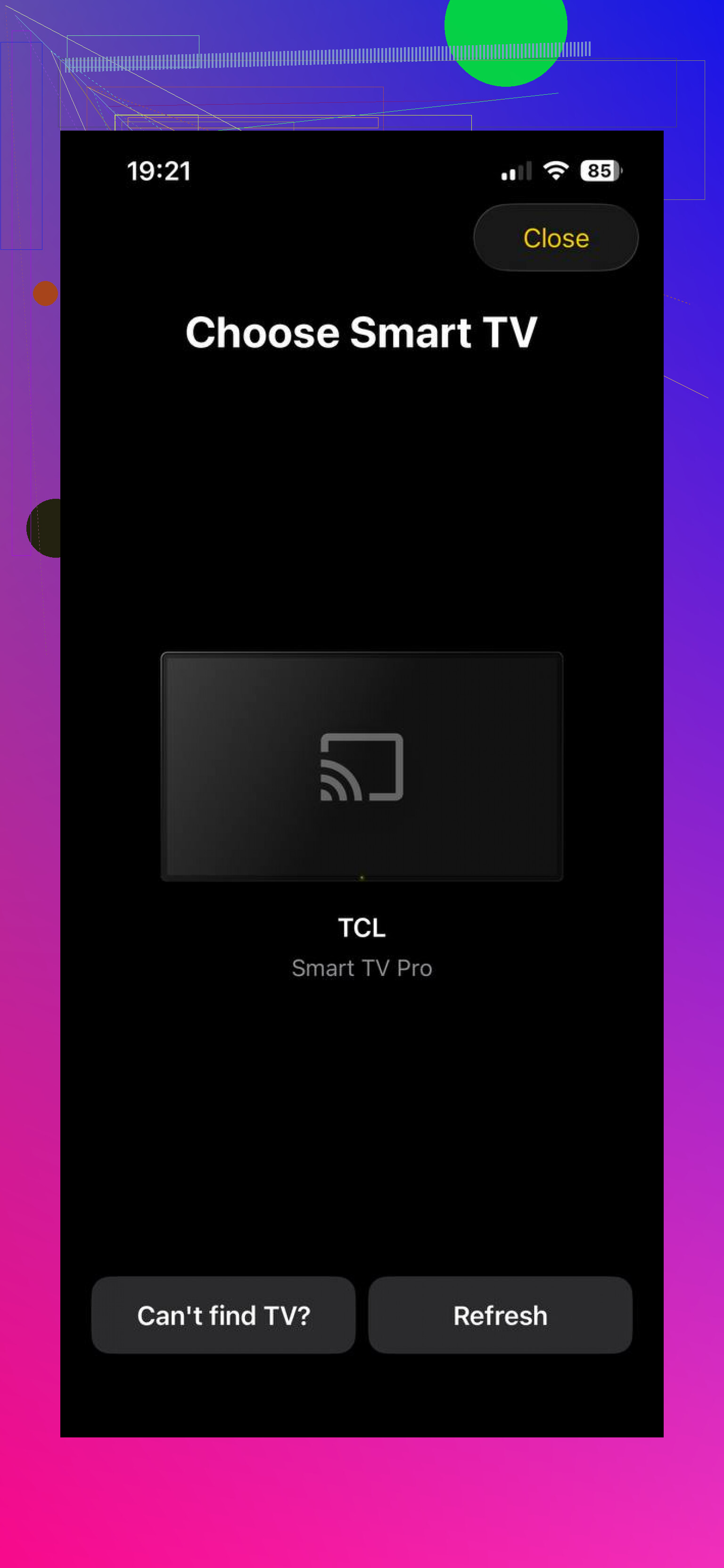
TVRem on iPhone with TCL Google TV
What I noticed after a few evenings of use:
• It talks to Android TV and Google TV without any drama. My TCL Google TV showed up, and so did a Chromecast with Google TV on the same network.
• It also sees other brands in my place: Samsung, Fire TV stick, Roku stick, and an older LG. So if you bounce between screens, you keep one app for all of them.
Once paired, you get:
• Full remote layout on the phone: d‑pad, volume, mute, back, home, playback controls. I stopped hunting for the physical remote once I pinned this to my home screen.
• Touchpad type control: you swipe on the phone to move focus on the TV. It feels closer to using a laptop trackpad than a 4‑way arrow. This helped a lot in apps with big grids, like YouTube.
• Keyboard input on the phone: you tap a search field on the TV, a keyboard appears on the iPhone, you type, it fills on the TV. No more pecking letters one by one with arrow keys.
• Voice input: you hold the mic button in the app, say the show or app name, it sends that as text or search query. It is not perfect, but already better than the tiny mic on my TCL remote.
• App shortcuts: Netflix, YouTube, Prime Video and others show as quick buttons. I hit one and it launches that app on the TV without digging through the home screen.
Money side: on my end there were no subscriptions, no upgrade prompts, no hidden modes. Everything I used was open right away.
So if you want something that behaves like a real universal remote on your phone, this felt closer to that experience.
Google Home / Google TV remote from iPhone
The other method is the official one inside Google Home. This is what I tried first because it is the obvious thing.
You install Google Home on your iPhone, add your TCL Google TV as a device, then use the built‑in remote screen.
Screens from that path:
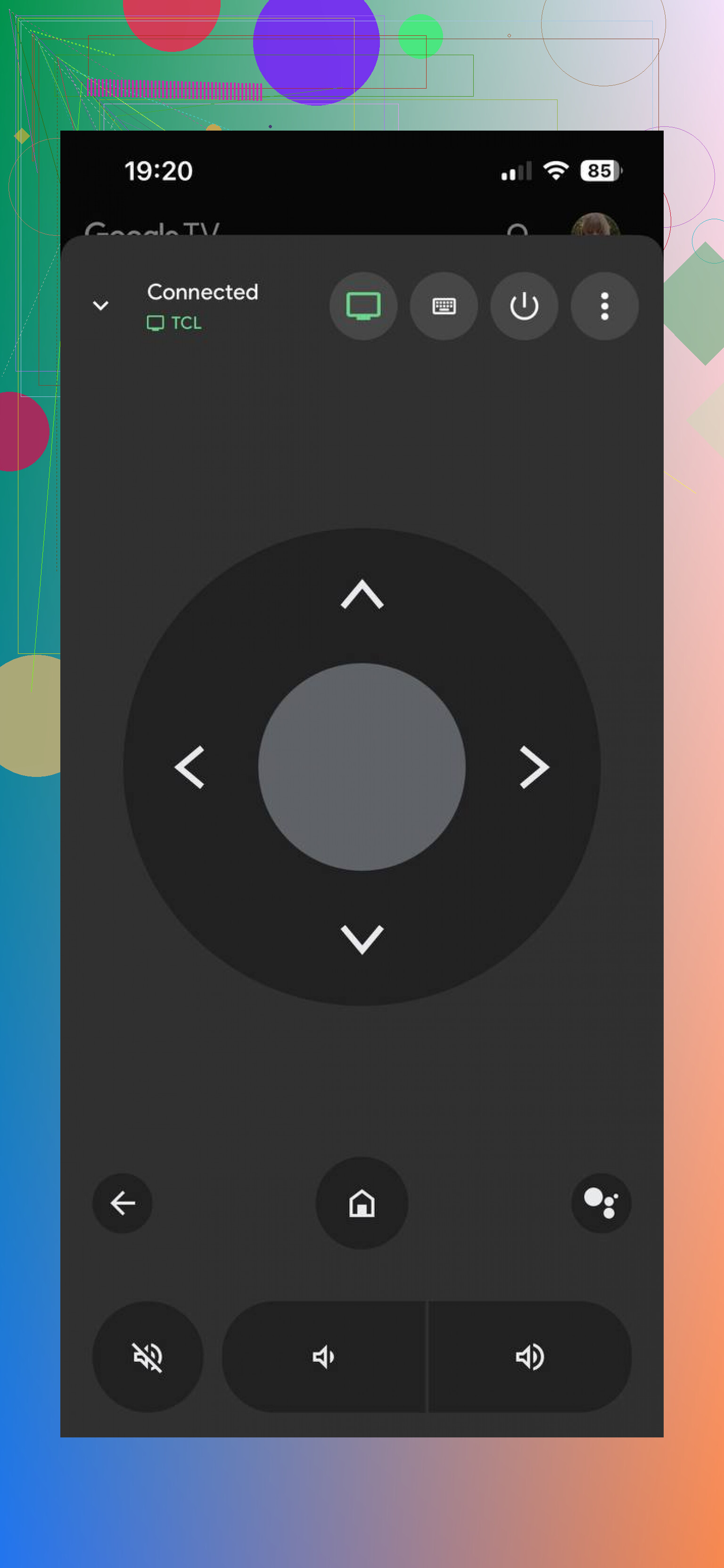
What it gives you:
• Basic directional pad with OK, back, home
• Volume and power for the TV
• Keyboard from the phone for some text fields
Requirements:
• TV and iPhone on the same Wi‑Fi network
• Both signed into the same Google account, or at least the TV added to that account in Home
Limitations I hit:
• It feels like a widget inside a bigger app, not like a remote app built for daily use
• No rich touchpad control, only arrows
• Fewer quick shortcuts, so you still dig through menus on the TV side more often
• If Wi‑Fi glitches for a moment, the remote screen sometimes loses the TV and needs a second to reconnect
So the Google Home remote is fine if you want an official, minimal solution and you do not care about extra comfort. For quick emergency use, it works.
What I ended up keeping
For daily control of TCL Google TV and other screens, I stuck with TVRem:
Main reasons:
• One app handles Google TV, Android TV, Roku, Samsung, LG, Fire TV in my place
• Touchpad control is faster for long sessions
• Phone keyboard and voice entry save time when searching
Google Home stays installed as a backup. TVRem is what I reach for when I actually plan to watch something instead of wrestling with a basic remote UI.