I lost my LG TV remote and need a free LG universal remote app that actually works. I tried a couple of apps, but they either wouldn’t connect or wanted payment after install. I need help finding a reliable free app to control my LG TV from my phone.
If you keep losing the stock LG remote like I do, using your iPhone is the easier fix. I went through a bunch of LG TV remote apps on the App Store after getting tired of hunting between couch cushions. Some were full of ads. Some connected once, then stopped. A few looked free until the useful buttons were locked.
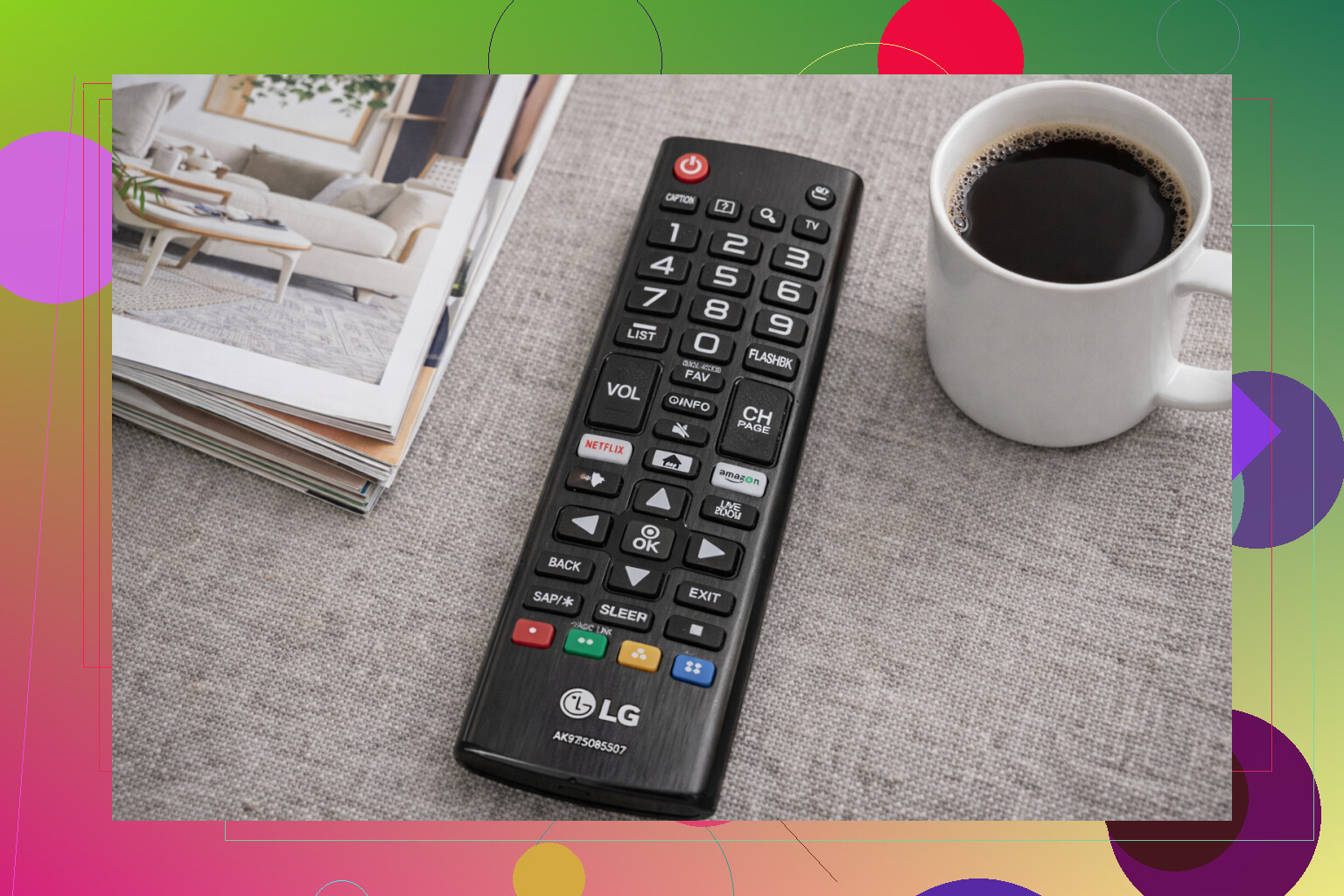
After testing a handful of the common ones, these are the iPhone apps I’d keep on the list for an LG Smart TV.
- TVRem – Universal TV Remote
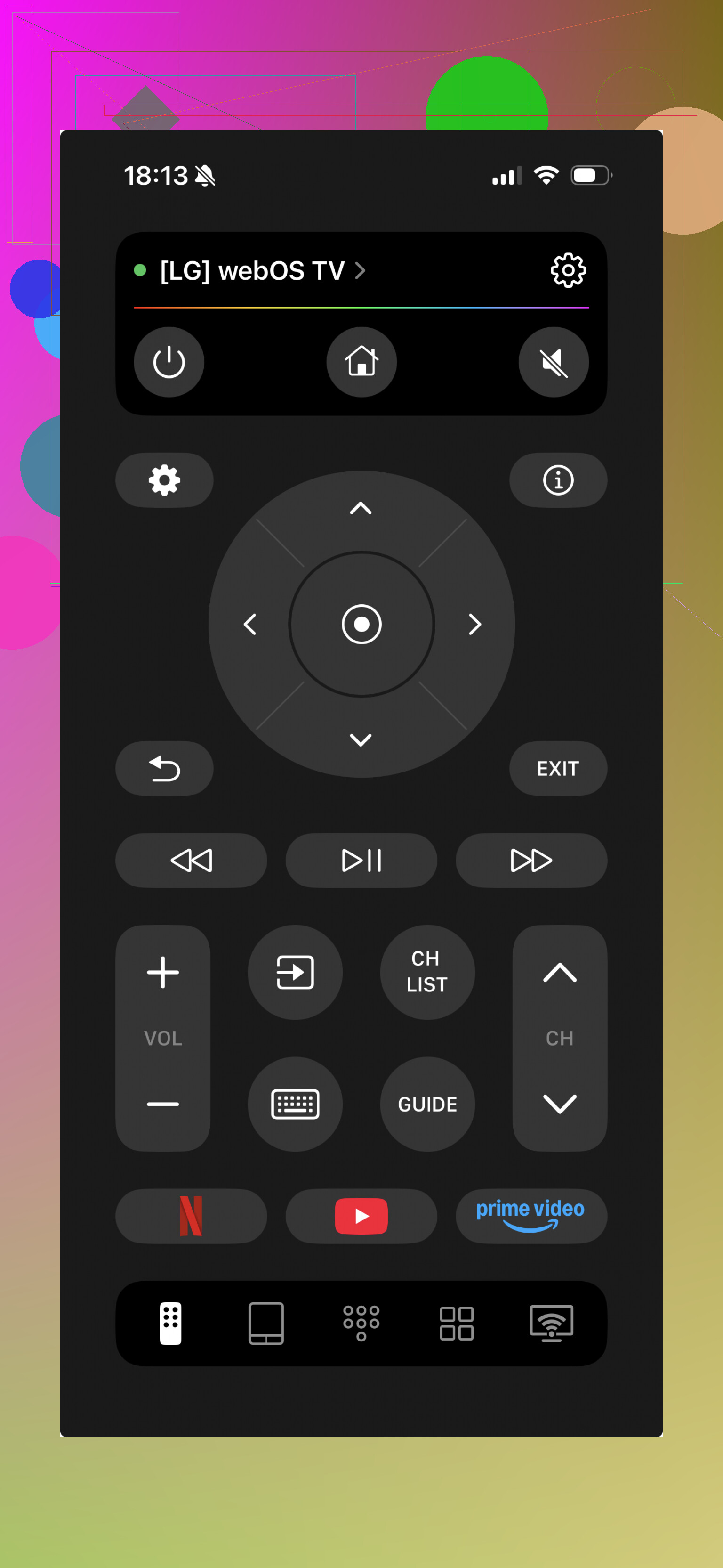
This one ended up being the easiest pick for me. It worked without the usual nonsense. I connected it, changed volume, opened apps, typed into search fields, and didn’t hit a paywall two taps later.
It also works with more than LG. I saw support for Samsung, Roku, Fire TV, Android TV, Google TV, and Apple TV, which matters if you’ve got a mixed setup at home.
What you get:
- Full remote controls
- Volume and channel buttons
- Touchpad navigation
- Built-in keyboard
- Voice search
- Shortcuts for apps like YouTube and Netflix
- Auto-detection for nearby TVs
Why I kept coming back to it:
A lot of remote apps feel like demos pretending to be products. This one didn’t. All stuff was usable for free, and I didn’t have to fight the interface. Pairing was fast too, which sounds small until you’ve tested three apps in a row and all of them stall on the connection screen.
- Universal Remote Smart TV
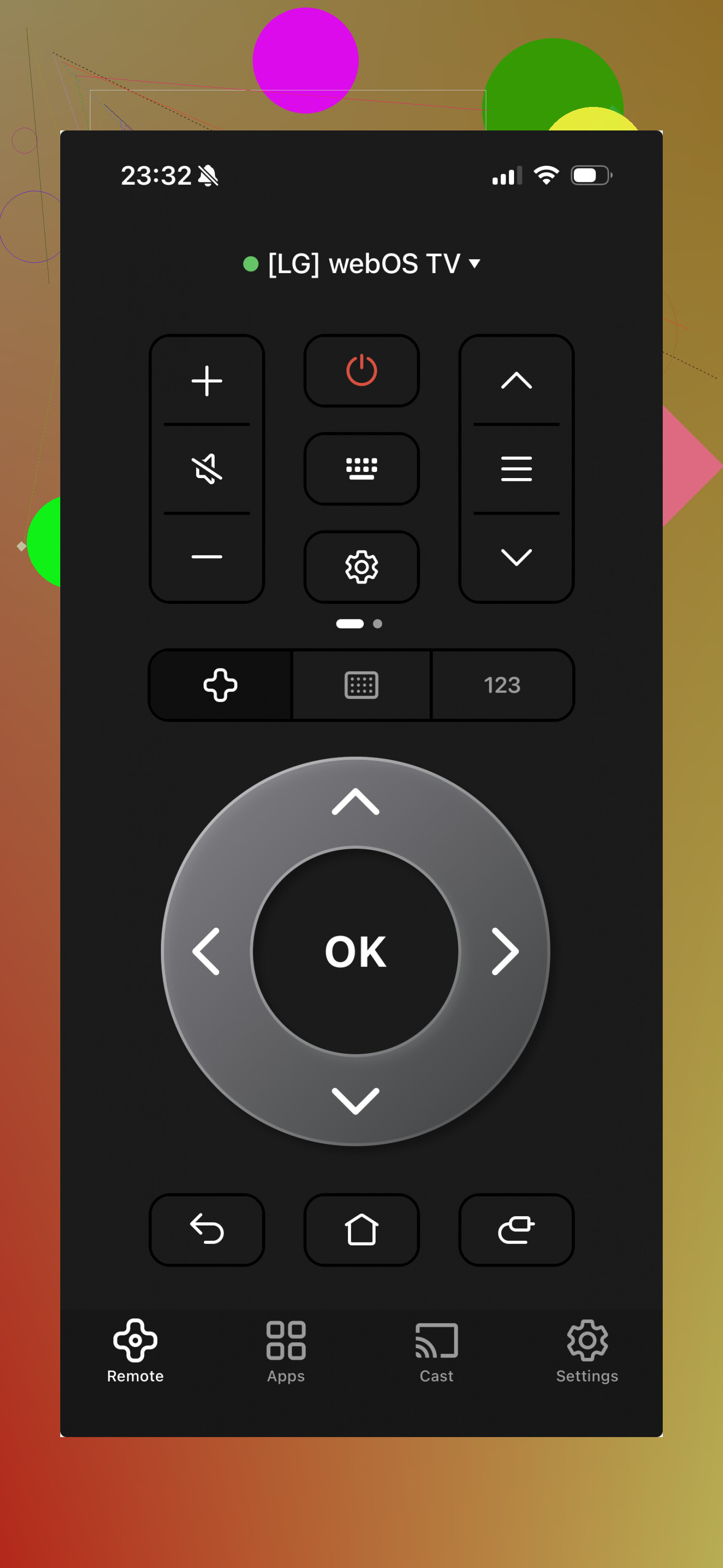
This felt fine if you want one remote app for different brands around the house. Setup was simple on my end, and the layout made sense right away.
What it includes:
- Standard remote controls
- Touchpad
- Text input keyboard
- Shortcuts to streaming apps
What I liked:
Supports a bunch of brands.
Easy to set up.
The design looks current.
What bugged me:
Some extra features sit behind a subscription.
- Remote Control for LG TV
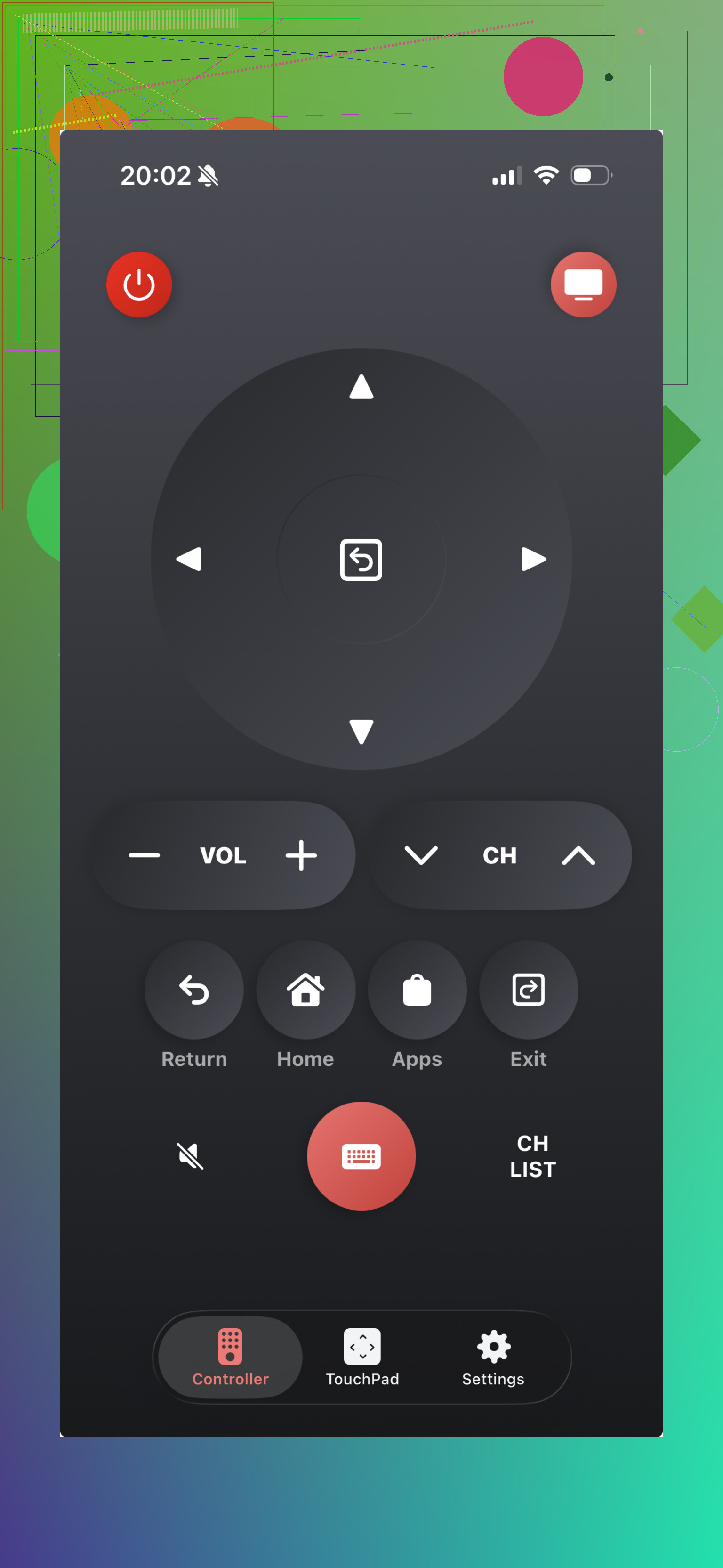
If you only care about LG and don’t need support for other TVs, this one stays focused. No extra clutter, no trying to be everything for every device.
Main features:
- Power and volume controls
- Touchpad
- Keyboard for typing
- Fast access to smart TV apps
Good parts:
Built for LG TVs only.
Simple enough for daily use.
Covers the stuff most people need.
Downside:
Useless for non-LG sets.
- TV Remote – Universal Remote
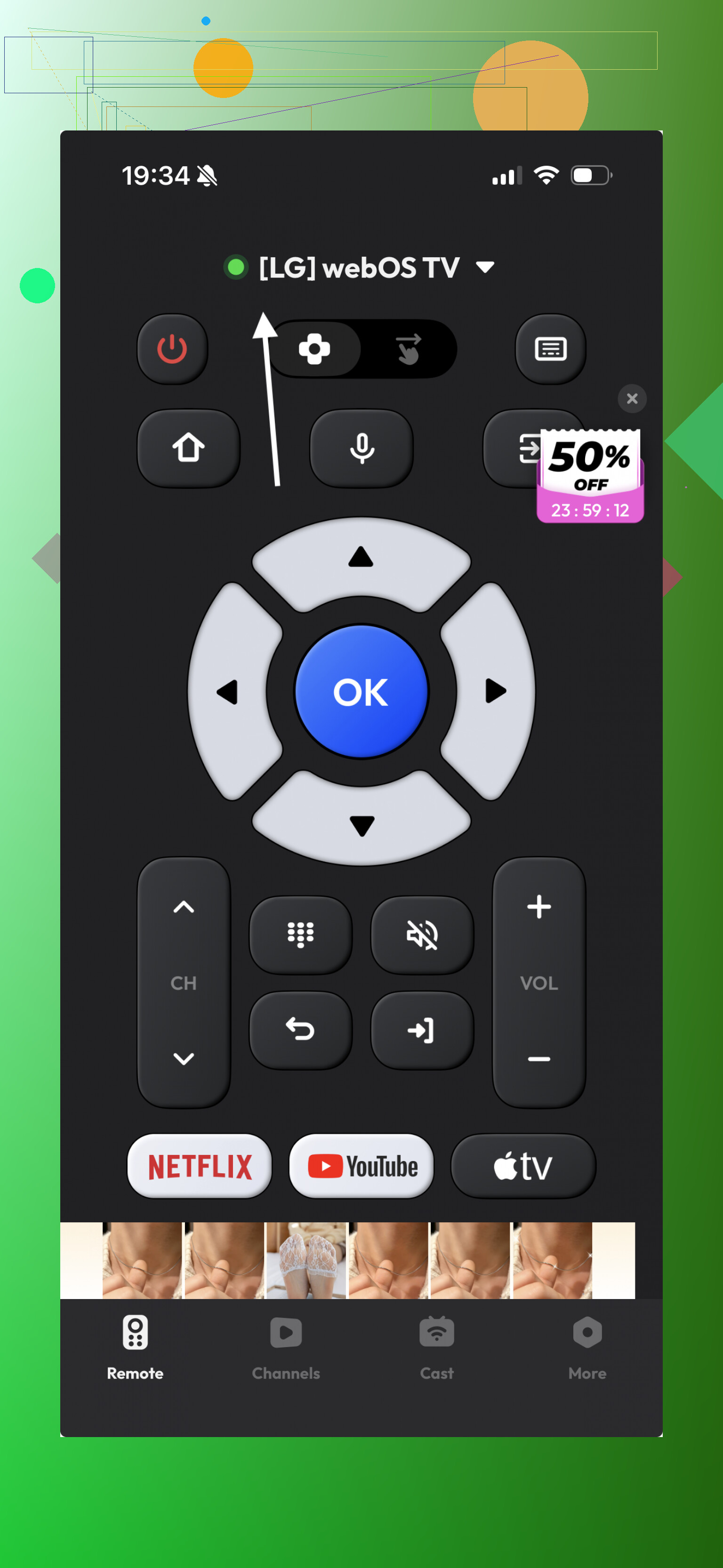
This one was decent, though I didn’t find much in it that pushed it ahead of the others. Still, if you compare apps by layout and button placement, it’s worth trying once.
Included features:
- Basic remote buttons
- Touch navigation
- Keyboard input
Pros:
Works with different TV brands.
Clean enough interface.
Cons:
Some functions are locked unless you pay.
- Remote Control for LG
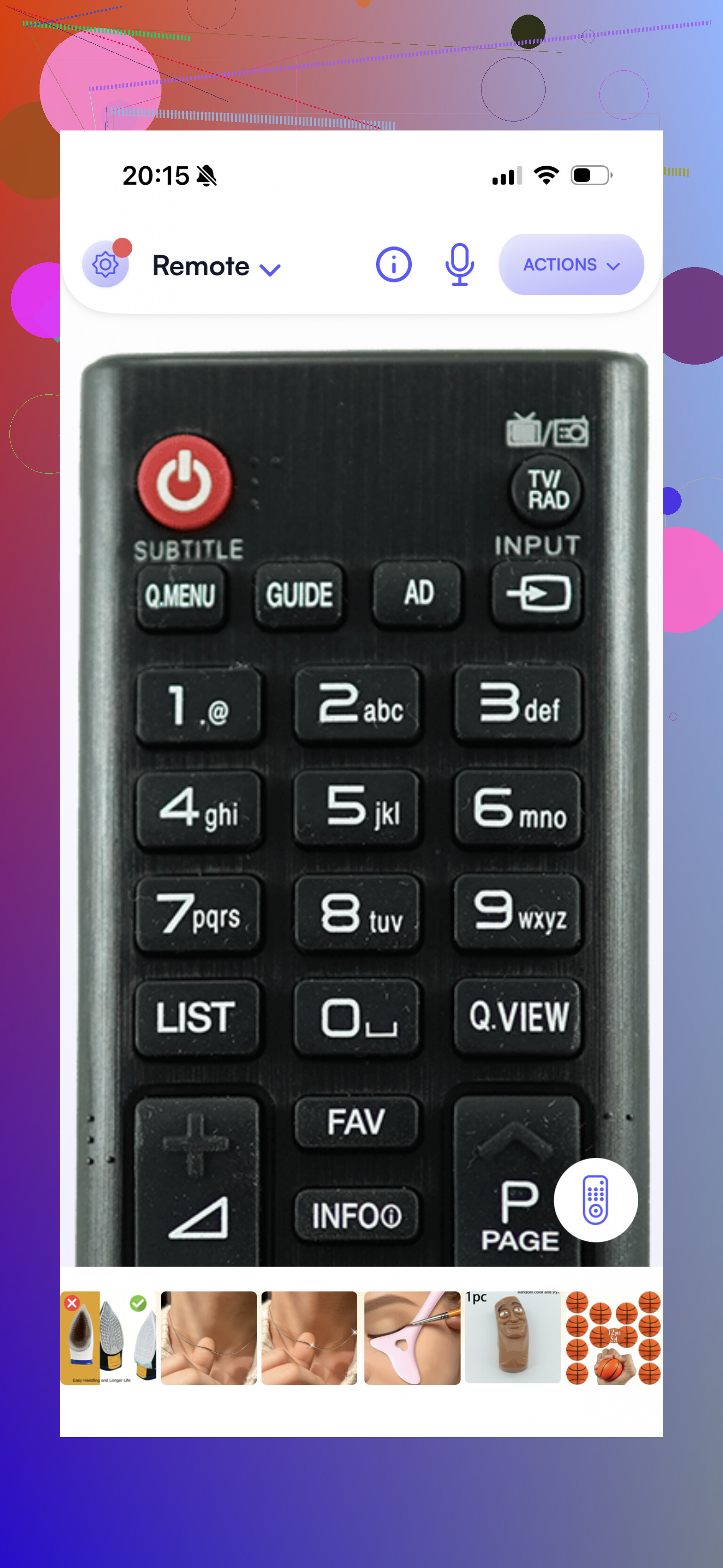
This app feels older, and you notice it fast. Still, older doesn’t always mean broken. It handled the basics well enough when I tried it.
You get:
- Power, volume, and channel control
- Input switching
- Navigation buttons
What worked:
Made for LG TVs.
Straightforward.
Stable in normal use.
What didn’t:
The interface looks dated, kinda stuck a few design trends back.
My pick
If you want the best free LG universal remote app for iPhone, TVRem is the one I’d start with.
Why:
- All features are free
- No surprise lock screen asking for payment
- Works with LG and other TV brands
- Typing from the phone is much faster than using the TV remote
- Touchpad and voice search are built in
- Connection stayed quick and stable for me
The part I liked most was simple. One app handled almost every TV I had access to. So if your main set is LG now, and you swap brands later, you’re not starting over.
For day to day use, TVRem felt closest to replacing the original remote without adding extra friction.
20 Likes
Skip the random “LG remote” apps with fake free labels. A lot of them connect once, then hit you with ads or a trial wall.
If you have an iPhone, I’d start with TVRem. @mikeappsreviewer already covered it, and I agree on one part. It tends to connect fast and fully free. I do disagree a bit on universal apps in general though. For LG TVs, brand-specific apps often stay more stable after updates.
Before you try any app, check these 3 things:
- Your LG TV and phone must be on the same Wi-Fi.
- Your TV must be a smart LG model with network control enabled.
- If the TV was never connected to Wi-Fi before you lost the remote, phone apps won’t help much.
That last part trips people up all the time. No remote, no Wi-Fi setup, no app pairing. Annoying, but true.
Best free route:
- TVRem, if you want broad support and a clean setup.
- LG ThinQ, if your TV supports it. Less “remote app” feel, more official control option.
- Any app asking for payment before basic buttons work, delete it imediately.
If nothing connects, use a USB mouse on the TV for setup. Sounds dumb, works more often than people think.
I’d add one option neither @mikeappsreviewer nor @viajantedoceu really leaned on enough: LG ThinQ. It’s LG’s own app, and in my experience official apps are less flashy but usually less scammy. Not perfect, but way fewer fake “free” tricks.
Couple catches though:
- It works best on newer LG smart TVs
- Your TV has to already be on the same Wi-Fi
- Some older LG models barely cooperate, so don’t expect miracles
Also, small disagreement with the “just use any universal app” idea. Universal apps are fine, but they’re kinda hit-or-miss with LG stuff like input switching or home/menu behavior. Sometimes the basic buttons work and the rest is busted. Super annyoing.
If you can’t pair anything:
- try LG ThinQ first
- then try one of the apps they mentioned
- if the TV isn’t on Wi-Fi already, plug in a USB mouse or keyboard and set network up that way
If an app asks for payment before you can even test volume or navigation, delete it imediately. That’s usually the whole scam.
I’d actually push back a little on the “start with universal apps” angle from @viajantedoceu and @mikeappsreviewer. For LG specifically, the first thing I’d test is LG ThinQ if your TV is a WebOS smart model. It is not the prettiest app, but it’s usually the least sketchy free option.
My order would be:
- LG ThinQ
- TVRem
- Then whatever @andarilhonoturno mentioned after that
Why ThinQ first:
- Official app
- Free basic control
- Less likely to fake “free” and then lock volume behind a trial
- Better odds for input/app navigation on LG sets
Pros for TVRem:
- Cleaner interface
- Good if you also have other TV brands
- Usually faster to use for typing and general navigation
Cons for TVRem:
- Universal apps can be inconsistent with some LG-specific buttons
Pros for LG ThinQ:
- Official LG support
- Usually more stable with LG TVs
- Good for basic remote replacement
Cons for LG ThinQ:
- Older LG models may not work well
- Setup can be annoying
- Useless if the TV was never connected to Wi-Fi
One thing not mentioned enough: if your LG TV supports HDMI-CEC, you might be able to use a console remote, streaming stick remote, or soundbar remote for basic navigation until you get the TV online. That can save you from downloading five junk apps in a row.