I accidentally deleted a folder of family photos from my SD card and emptied the trash before I realized it. I’m looking for the best photo recovery software that actually works on Windows and can recover deleted pictures without damaging the card. If you’ve used one successfully, I’d really appreciate your recommendations.
I’ve screwed this up more than once, so I’ll keep it plain. Few things feel worse than finishing a shoot, popping in an SD card, and getting the lovely “this drive needs to be formatted” message. The other bad one is wiping the card in-camera by mistake. I’ve done both. It sucks.
I kept testing recovery tools over the years because losing photos isn’t some abstract problem when you shoot a lot. Backups help until they don’t. Sync apps mirror deletions. Sometimes the missing files are gone before any backup job even runs. At that point, recovery software is the only thing I’ve found worth trying.
- My first pick is Disk Drill
This is the one I reach for first. Not because of marketing. Because it saved my stuff more than once and didn’t waste my time. The layout is clean, the scan options make sense, and you don’t need to fight the app before you even start. From what I’ve seen in published tests, recovery rates sit around 91%, which is higher than most tools people throw around in these threads.
What pushed it ahead for me was video recovery. If you use GoPro, DJI, Canon, or similar gear, your clips often get stored in pieces across the card. A lot of tools will recover the file name and spit out a clip that plays like garbage, freezing, skipping, or refusing to open. Disk Drill does a better job rebuilding fragmented video into something usable. For photo work, it also handles a long list of RAW formats like CR3, NEF, and ARW, which mattered for my workflow. There’s a free recovery allowance too, so you get to test your card before paying. I liked thta.
- If your budget is zero, PhotoRec is still worth a look
PhotoRec is free, open source, and blunt. It looks old. It feels old. You’re not getting a polished app here. You’re getting a tool built for people who care more about results than comfort.
The reason it works in rough cases is simple. It doesn’t depend on the file system. It scans the raw sectors of the card and looks for file signatures, JPEG, RAW, and so on. So if the card structure is damaged, PhotoRec still finds things other tools miss.
The downside is messy output. Since it ignores the original file table, you lose names and folders. You’ll end up with a heap of files named like f12345.jpg and spend too long sorting through them. There’s also QPhotoRec if you want a basic interface, though I never found it smooth enough to call pleasant.
- Other tools I’ve used when the job was weird
DiskGenius
This one feels like older Windows software, and I mean old old. Still, it’s fast and it goes deep. Good for RAW photo recovery and disk-level work if you know what you’re doing. If you don’t, it gets confusing fast.
DiskDigger
Useful when the files are on an Android phone and you don’t want to involve a computer. One catch. If your phone isn’t rooted, results are often thumbnails or cached previews, not the original full-resolution files. People miss this and think the app failed. It didn’t. Android access did.
Recuva
For Windows users who deleted a few files from a healthy drive five minutes ago, this is still a decent free option. Quick to run. Easy enough. I would not use it for corrupted SD cards or ugly recovery jobs. For small mistakes, sure.
A couple things matter more than the software
Stop using the card right now. Don’t keep shooting on it. Don’t copy stuff onto it. Don’t format it to “see if it helps.” Every write raises the odds of overwriting the files you want back.
When you recover anything, save it somewhere else. Your computer. An external SSD. Anything except the same SD card.
And if this is an SD card, use a card reader. Don’t connect the camera over USB and expect the same result. In my tests, direct readers gave recovery tools better low-level access. Cameras often don’t.
If you want the least painful starting point, I’d begin with Disk Drill. It handled both photos and broken-up video better than most of what I tried, and it avoids the giant renamed-file mess you get from the free options. Hope you get your files back, srsly.
23 Likes
Stop using the SD card now. Don’t shoot more photos. Don’t copy files back to it. Recovery success drops fast once data gets overwritten.
My short list for Windows:
-
Disk Drill
Best first try for most people. Good preview support for JPG, PNG, and many RAW formats. It’s easier to sort recovered photos than a lot of older tools. If your folder was deleted and the card still reads, this is where I’d start. The free scan helps you see what’s there before paying. -
R-Studio
Less friendly, more technical. I’d pick it over some consumer apps if the SD card has file system damage or shows weird partitions. It’s strong, but the interface is kinda ugly and easy to misclick if you’re stressed. -
EaseUS Data Recovery Wizard
Simple to use. Decent results on accidental deletion. I don’t rank it first because pricing feels rough for what you get, but it does work for plenty of people.
I slightly disagree with @mikeappsreviewer on Recuva being worth much for SD cards. For internal drives, fine. For photo recovery from flash media, I’ve had mixed resutls.
One more tip. Make an image of the SD card first if the card seems unstable. Then scan the image, not the card. Safer.
If you want more options, this video on photo recovery tools for Windows is a decent roundup:
best photo recovery software for deleted pictures and SD cards
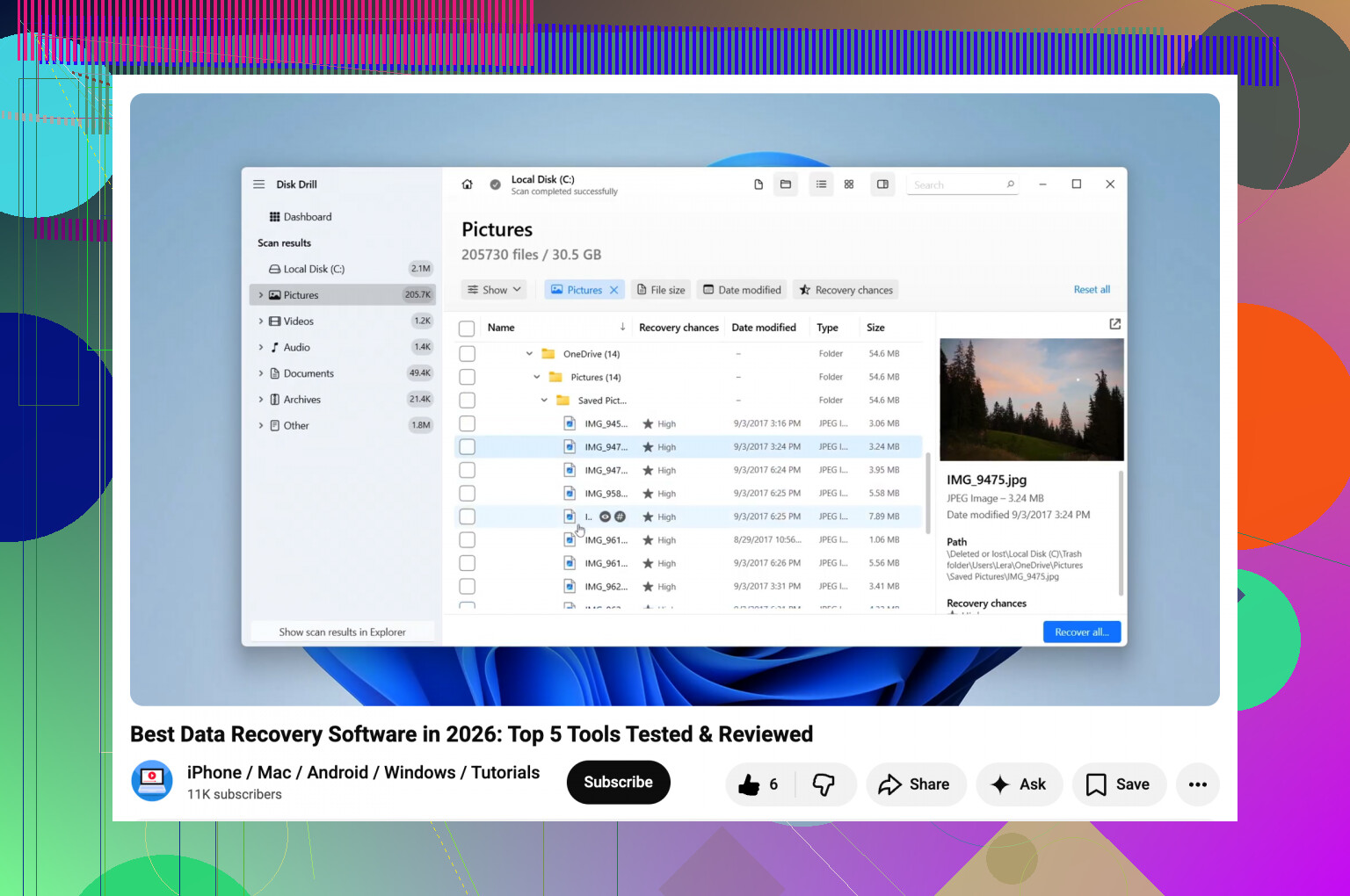
If it was just deleted from the SD card and not overwritten, you still have a real shot.
I mostly agree with @mikeappsreviewer and @kakeru, but I’d rank the options a little differently for family photos specifically, not pro media workflows. For plain Windows photo recovery, Disk Drill is probly the best balance of easy + effective. That matters when you’re sorting through hundreds of JPGs and maybe RAW files and don’t want a disaster of random filenames.
My take:
-
Disk Drill
Best first try on Windows. Strong photo preview, easy filtering, and it tends to be less annoying than the older recovery apps. If you deleted a folder and emptied trash, this is exactly the kind of thing it handles well. -
PhotoRec
I actually disagree a bit with @mikeappsreviewer here. Yeah it’s powerful, but for family photos it can become a giant pile of recovered junk with no folder structure. Great fallback, terrible for sanity. -
R-Photo
This one doesn’t get mentioned enough. Free from the R-Tools people, Windows-friendly, and surprisingly solid for photo/video recovery from SD cards. Not as polished, but worth trying before paying for some overpriced apps.
I’d skip the super-hyped “wizard” tools unless Disk Drill or R-Photo fail. Some of them recover files fine, then smack you with weird limits or pricing.
Also, if the card is not showing up right in Windows, this may help: how to recover photos from a microSD card not detected by your laptop
Main thing now: do not use that SD card again. Not even once.
I’d split this by what you care about most: easiest recovery vs cleanest results.
For a deleted photo folder on a readable SD card, Disk Drill is probably the most practical first pass on Windows. Not saying it’s magic, but it usually does a better job than the old free tools at showing previews and helping you sort what’s recoverable.
Disk Drill pros
- very easy scan workflow
- good photo preview support
- handles common camera RAW formats
- better organization than raw-carving tools
Disk Drill cons
- full recovery is paid
- deep scans can return duplicates and clutter
- not my first pick if the card has serious hardware failure
I slightly disagree with the “just use PhotoRec next” crowd. PhotoRec is great when things are really broken, but for family photos it can turn recovery into a giant cleanup project. If you want a free option before paying, I’d actually test R-Photo first, then move to PhotoRec only if needed.
Briefly on the others mentioned by @kakeru, @shizuka, and @mikeappsreviewer:
- R-Studio: strong, but more tool than most people need here
- EaseUS: usable, but pricing annoys me
- Recuva: okay for simple deletes, weaker on SD card cases
My order would be:
- Disk Drill
- R-Photo
- PhotoRec
- R-Studio if the card is acting weird
One thing I’d add that hasn’t been stressed enough: check whether the recovered photos actually open at full size. Some apps “recover” thumbnails or corrupted partials and count them as wins. Preview alone is not enough.