I accidentally formatted my WD My Passport external hard drive and lost important photos, documents, and backup files before I could move them anywhere else. I’m looking for advice on WD Passport data recovery, including whether recovery software actually works after an accidental format and what steps give the best chance of getting my files back.
I’ve had to deal with a few WD My Passport failures, and yeah, it sucks. Most of the time those drives behave fine, but when one starts misbehaving, I stop everything and treat it like it’s on borrowed time.
First step, stop using it now. If files were deleted, or the drive started freezing, dropping off, or throwing errors, every extra write puts your data in a worse spot. I learned this the hard way once and made a small problem bigger.
Open Disk Management from the Start button menu. Look for the Passport there. If it shows up with the right capacity, even if Windows labels it RAW or Unallocated, you still have a decent shot at recovering stuff yourself. If it’s clicking, grinding, or not showing there at all, I’d stop and think lab recovery, not more home fixes.
What I’d do first
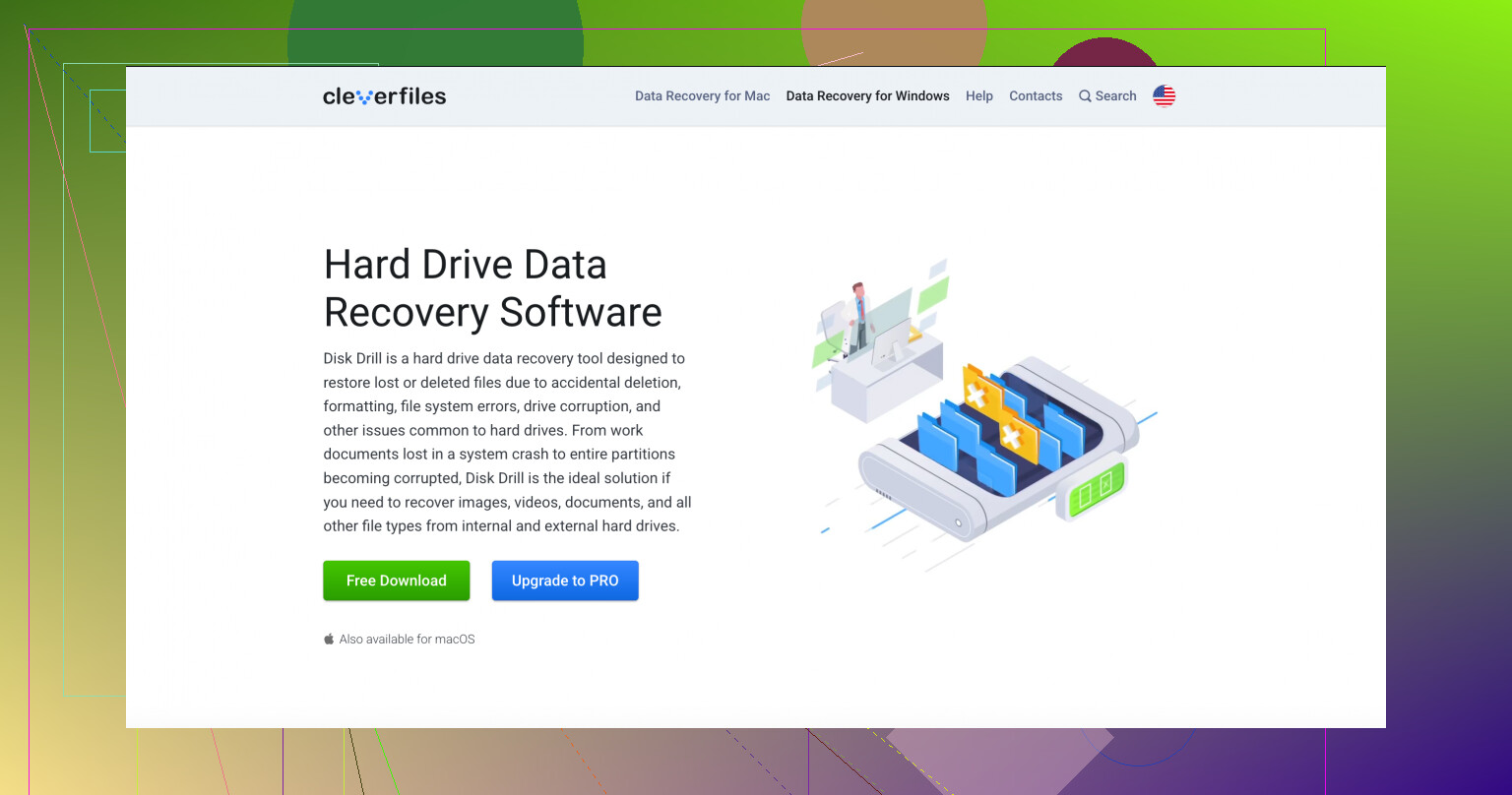
If the system still detects the drive, I’d go with recovery software before trying random repairs. Out of the ones I’ve used, Disk Drill has been the easiest pick for this kind of WD external.
Why this one? It reads the file systems these drives usually show up with, NTFS, FAT32, and exFAT, and it does a good enough job when the drive is visible but the files aren’t.
If the Passport feels slow, disconnects mid-scan, or hangs your PC, don’t hammer the disk for hours. Use the Byte-to-byte Backup option in Disk Drill first. Make an image of the drive, sector by sector, then scan the image instead of the hardware. I started doing this after one weak drive died halfway through a scan. It saved me on another job later. Less stress on the disk, fewer regrets.
Other tools people bring up
For a plain file deletion, Recuva is still worth a shot. Old interface, sure. Still useful for simple mistakes. I wouldn’t lean on it for corruption or partition damage, but for “I deleted the wrong folder,” it’s fast.
If you know your way around disk structures, TestDisk is one of those tools people keep around for a reason. It’s free, command-line based, and sometimes it restores a lost partition table without needing a long recovery scan. Still, I’d be careful. It doesn’t hold your hand, and a tired late-night clickfest is how people make things worse.
One part people miss with My Passport drives
Don’t pull the drive out of the enclosure unless you know exactly what model you’re dealing with. A lot of My Passport units rely on hardware encryption tied to the USB board inside the case. I’ve seen people remove the drive, hook it up another way, then panic because the data looks blank or RAW. The files were still there, but unreadable through the wrong board path. If the USB connector is damaged, repair on the original board makes more sense than trying to bypass the enclosure.
If you set a password in WD Security, you need it. No cute trick here. The AES-256 hardware encryption on these is serious. Recovery software won’t read the data until the drive is unlocked through WD’s tool.
After you get your files back, set up some kind of backup. I don’t even care if it’s fancy. WD points people to Acronis True Image now, and sure, use it if you want. But even a second drive, OneDrive, or Google Drive is better than reliving this mess again.
6 Likes
If the format was quick format, your odds are still decent. If it was a full format on a modern Windows build, recovery drops a lot because Windows writes zeros during the process.
I’d do two things first.
- Stop using the WD Passport.
- Check S.M.A.R.T. health with CrystalDiskInfo.
I disagree a bit with @mikeappsreviewer on one point. I would not start with partition repair tools after an accidental format unless you know the old layout for sure. A bad write to the partition table turns a recoverable drive into a mess fast.
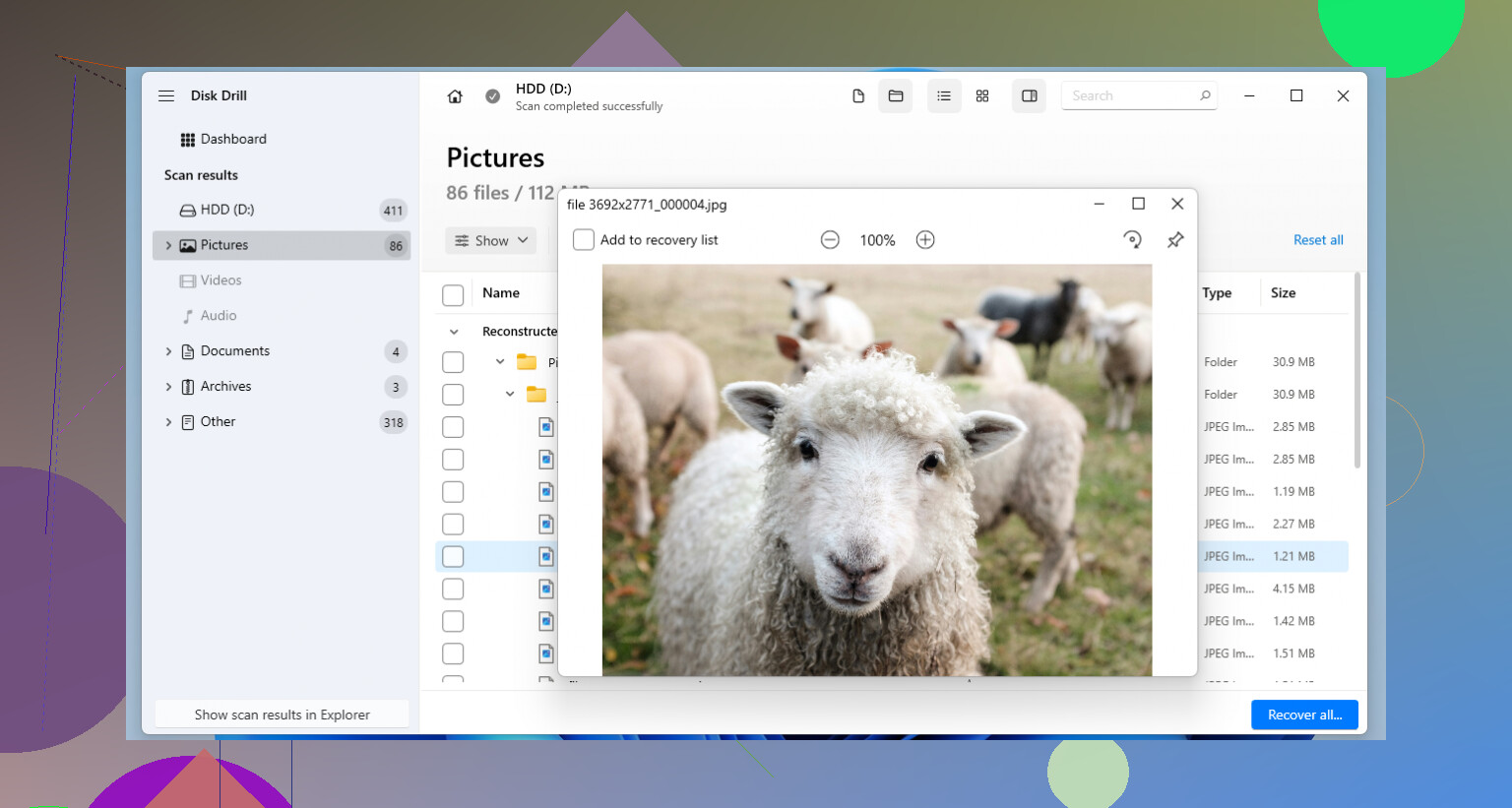
For an accidental format, file recovery first makes more sense. Disk Drill is a solid pick for WD Passport data recovery because it handles exFAT and NTFS well, and formatted-drive scans are one of the cases where it tends to do fine. Preview your photos before recovery. Recover to a different drive, not back to the Passport. That part matters a lot.
If the drive health shows bad sectors or read errors, clone it first with something like HDD Raw Copy Tool or ddrescue, then scan the clone. That’s the safer route, imo.
Also, WD Passports sometimes have onboard encryption. Keep the drive in its original enclosure. If you shuck it, the data mgiht look like garbage.
If you want a quick walkthrough, this video is useful for recovering files with Disk Drill from a formatted drive:
watch how Disk Drill recovers deleted and formatted drive files
If this was just an accidental quick format, I’d actually be a little more optimistic than most people. Not relaxed, just… less doomed.
What I’d add to what @mikeappsreviewer and @sternenwanderer already said:
- Do not run CHKDSK, “repair drive,” or Windows error-checking on it. That stuff is great when you don’t care about the old data anymore. For recovery, it can make a mess fast.
- Look at the recovered folder structure, not just file count. After a format, some apps will find 200,000 files with garbage names, zero organization, and half the photos broken. A smaller but cleaner recovery is often better.
- Prioritize file types that matter most before doing one giant dump. If family photos are the main thing, filter for JPG, CR3, NEF, PSD, DOCX, XLSX, etc. Saves time and disk space.
- Check whether the drive was reformatted to the same file system or a different one. NTFS to NTFS quick format is often kinder to recovery than converting it to exFAT, for example.
I slightly disagree with the “try every free tool first” mindset people usually have. Sometimes that just means multiple deep scans on a stressed Passport until it gets slower and weirder. Pick one solid tool, recover what matters, done. For formatted WD My Passport recovery, Disk Drill is one of the more practical choices because it’s easy to sort results and preview files before restoring them. That matters more than people think.
Also, recover to another drive, not back onto the Passport. Seems obvious, yet ppl still do it.
If you want a broader guide to the best data recovery software for formatted, deleted, and corrupted drives, that list is worth skimming before you start clicking random stuff off Google.
One extra check I’d add that nobody mentioned clearly: look at the volume size after the format. If the new format was done to a smaller partition than the original, a chunk of old data may still sit outside the new file system metadata area and be easier to carve out. If it was reformatted full-capacity, recovery tends to be messier.
I’m also a little less eager than @sternenwanderer and @voyageurdubois to jump straight into a very long deep scan if the drive is healthy and the format was recent. Sometimes it’s worth first checking whether the old file system signatures are still partially visible with a read-only tool, just to estimate how much structure might survive before spending hours scanning.
About Disk Drill for WD Passport data recovery:
Pros
- good preview support for photos/docs
- simple sorting by type and recoverability
- handles NTFS/exFAT cases pretty well
- can scan disk images instead of the physical drive
Cons
- deep scans can take a long time on big Passports
- file carving can lose original names/folders
- not the cheapest option if you only need one recovery
- less ideal if the drive has serious hardware issues
I do agree with @mikeappsreviewer on one thing: keep the enclosure intact. That matters a lot with many My Passport models.
My order would be:
- verify SMART / basic health
- unlock it if WD security was used
- image it if unstable
- scan with Disk Drill
- save recovered files elsewhere
- only after recovery, think about repairs or reformatting
Big rule: if the recovered previews look corrupt across many files, stop guessing and consider a lab before the drive gets worse.