Hey, I’ve been there with the rough internet times, and it’s super frustrating. Finding a good Wi-Fi analyzer can definitely help. Here are a few tools worth checking out:
1. NetSpot
: This is my go-to recommendation. It’s pretty intuitive and does a detailed site survey to pinpoint issues. You can visualize your Wi-Fi coverage in easy-to-understand heatmaps, which helps see where the dead spots are. Plus, it supports both Windows and Mac. It’s at https://www.netspotapp.com if you wanna give it a whirl.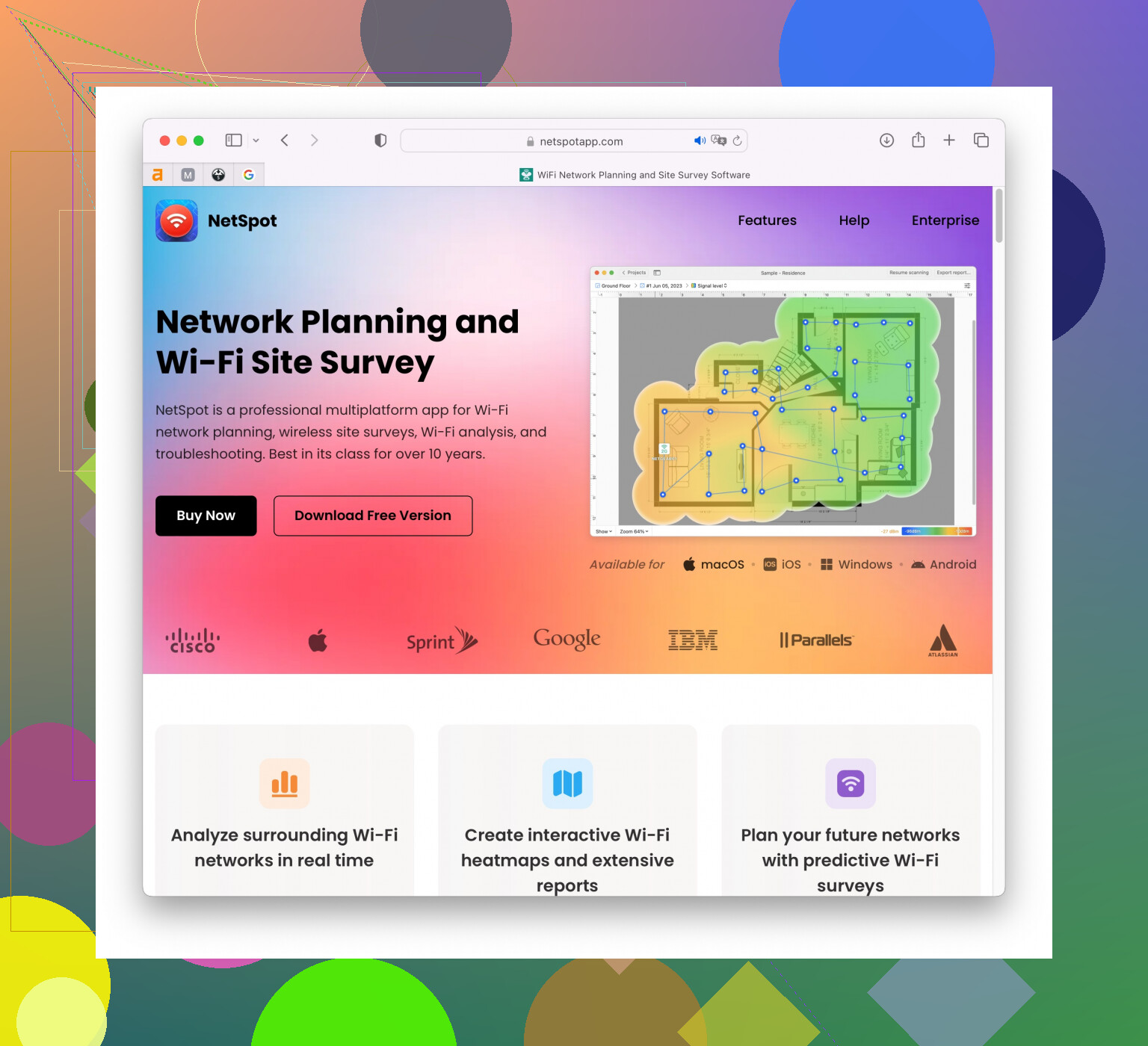
2. Wi-Fi Analyzer (Windows Store): This one’s solid if you’re on a Windows machine. Good at identifying overcrowded channels which might be the cause of interference. It’s straightforward and less intimidating than some of the more comprehensive tools.
3. Acrylic Wi-Fi Home: Another Windows-specific analyzer. It’s got a free version that’s pretty powerful. It offers real-time analysis and helps you identify the less crowded channels, which can be a lifesaver if you live in a dense area with lots of networks overlapping.
4. WiFi Analyzer (Android): If you’ve got an Android phone, this app is really handy. It’s not as comprehensive as the desktop applications, but it’s great for quick diagnostics and has a clean interface. It shows you signal strength and channel overlap, so you can quickly find less congested channels.
5. AirMagnet WiFi Analyzer PRO: OK, this is more on the professional/pricey side, but if the problem’s persistent and you want a deep dive into the RF spectrum analysis, AirMagnet’s really thorough.
Keep in mind:
- Check for firmware updates for your router; sometimes that alone can solve random drop issues.
- Placement is key. Make sure your router is in a central location, off the ground, and free of obstructions.
- Your neighbors’ Wi-Fi could be causing interference. That’s why tools like NetSpot are great; they help you find the best channels to avoid this conflict.
Hope this helps and you get your Wi-Fi issues sorted pronto!