Dealing with an unstable home WiFi network can be pretty annoying. If you’re looking to diagnose and fix these issues, a good WiFi tester can make a huge difference. Here are a few options you might want to consider:
-
NetSpot
: This one’s a solid choice for both Windows and Mac users. It’s a very comprehensive tool for WiFi analysis and troubleshooting. You can run site surveys to map out your entire home and identify dead zones, interference from other networks, and signal strength issues. Plus, it’s super easy to use even if you’re not super techy. You can check it out here. -
WiFi Analyzer: If you’re looking for something a bit more basic and want to start diagnosing issues from your phone, WiFi Analyzer is a popular app for Android. You can see which channels are the most crowded and pick the best one for your router. It’s got a pretty straightforward interface, which makes it easy to get to the bottom of what’s going wrong.
-
Ekahau HeatMapper: This is another good one if you’re into more detailed network planning and analysis. Although it’s on the pricier side, it provides a heat map of your WiFi coverage, so you can visually see where the signal is strong and where it drops off. This can really help in pinpointing where you need to move or add additional routers or extenders.
-
Acrylic WiFi Home: A bit more advanced maybe, but it’s also free for home use. It allows you to gather and display WiFi information in real-time, like signal strength, channel interference, and more. Definitely a good option if you’re on Windows and want a free yet powerful tool.
-
InSSIDer: Simplifies some of the complexities of WiFi testing. It’s good at identifying and fixing WiFi performance problems, such as signal overlap and interference. It’s designed with ease of use in mind but does cost a little after the free trial period.
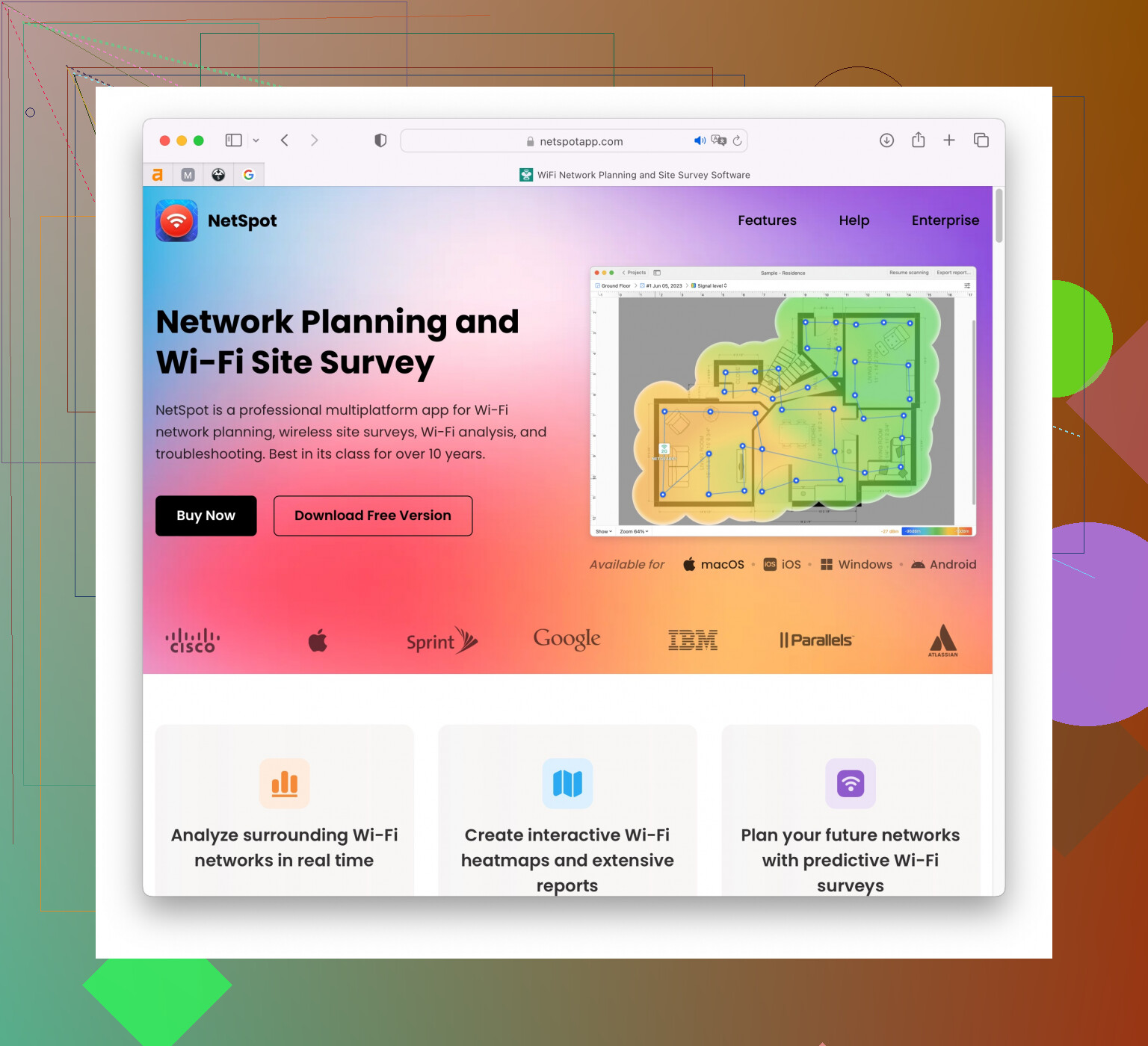
For a thorough approach, I’d start with NetSpot. It offers a lot of detailed insights and it’s designed in a way that doesn’t overwhelm you with data, allowing you to see the exact points where your WiFi is experiencing issues. Easy setup and its survey mode can be really helpful in visualizing network problems.
Remember, part of having a stable WiFi network also involves making sure your router’s firmware is up-to-date, and strategically placing your router in a central location free of major obstructions like thick walls or large electronic devices. If you’ve got the budget, mesh systems like the Google Nest WiFi or Eero can also provide better coverage across your home.
Good luck getting your network sorted! Let us know how it goes.