I noticed the Synced Media storage on my iPhone keeps increasing even though I haven’t added much new content. It’s taking up more space over time, and I’m not sure what’s causing it or how to reduce it. I need help figuring out why synced media storage keeps growing on iPhone and what steps can fix it.
I hit this mess after iOS 17 too, and yeah, the 'Synced Media' chunk looks worse than it is.
Here’s what I found.
On iOS 17 and newer, Apple changed the way storage gets labeled. Stuff you downloaded straight from Apple, music, movies, books, stays tied to its app. Stuff you pushed over from a Mac or PC through Finder or iTunes gets grouped under Synced Media. So if you loaded MP3s, ripped movies, audiobooks, or old photo folders from your computer, they often land there now.
The ugly part is the number is sometimes wrong. I saw my storage report count the same music twice, once under Music, once under Synced Media. A lot of people saw the same thing. So the phone looks full, even when part of it is bad reporting.
How I removed it
- Sync from your computer again
Plug the iPhone into your computer. On a Mac, open Finder. On Windows, open iTunes. Pick your device, open the Music or Photos section, uncheck what you don’t want on the phone, then sync again. - Use an empty folder for photos
If synced photos refuse to leave, make a new empty folder on your computer. Then point Finder or iTunes photo sync to that empty folder and run sync. It replaces the old synced photo set with nothing. Weird fix, but it worked for me. - Remove and reinstall the related app
I saw people clear stubborn media by deleting the Music app or Apple Books app, then installing it again. Sometimes this shakes loose cached synced data.
One thing to watch with photos
If iCloud Photos is on, deleting a photo from your iPhone removes it from iCloud too. I learned this one slowly and with some stress. If your goal is to clear the phone while keeping cloud copies, turn off iCloud Photos first and choose 'Remove from iPhone.' I’d back stuff up to a computer or drive before touching bulk delete.
My phone got sluggish when storage was pinned near full. App launches dragged. Animations skipped. I kept getting storage warnings. Once I cleared space, the phone felt normal again. So if your iPhone suddenly feels old, check storage before blaming the battery or the update.
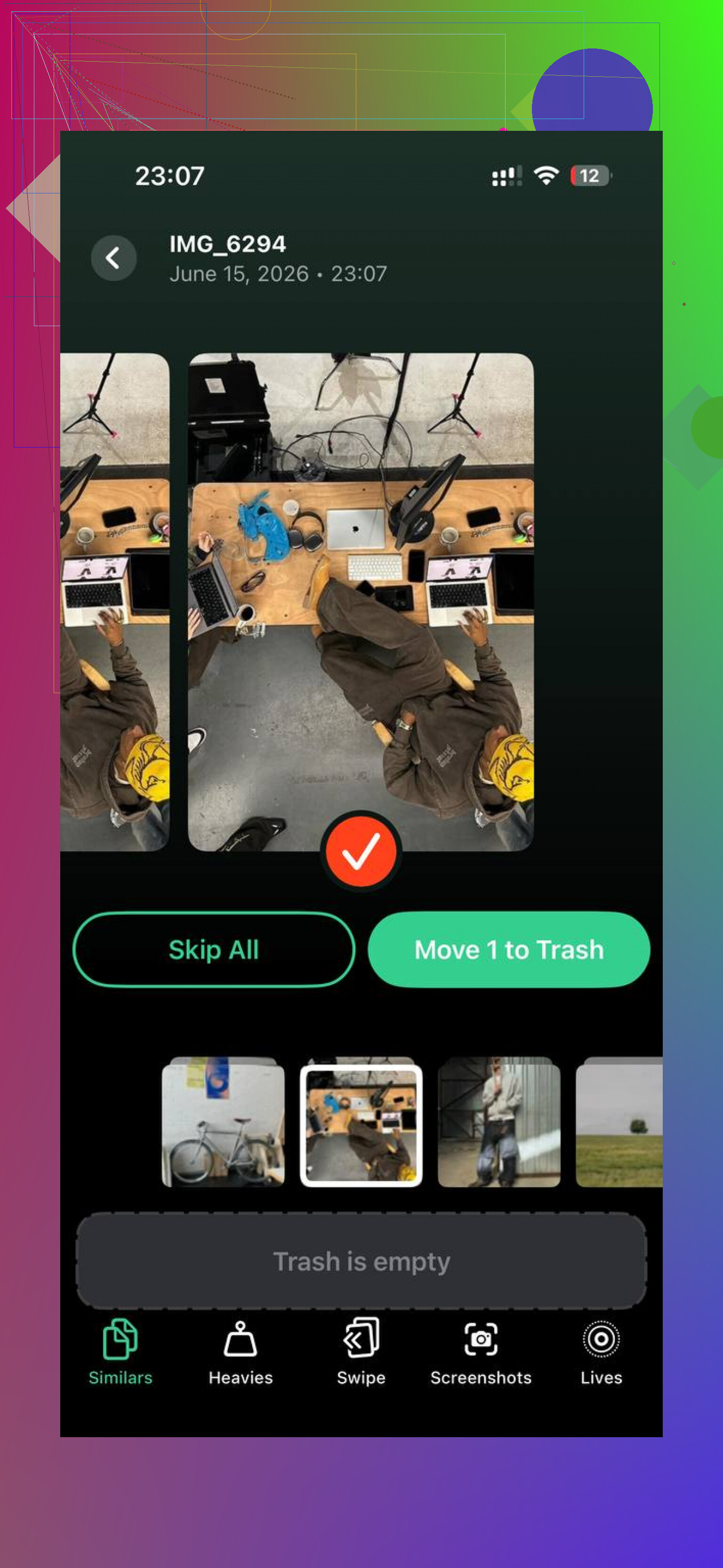
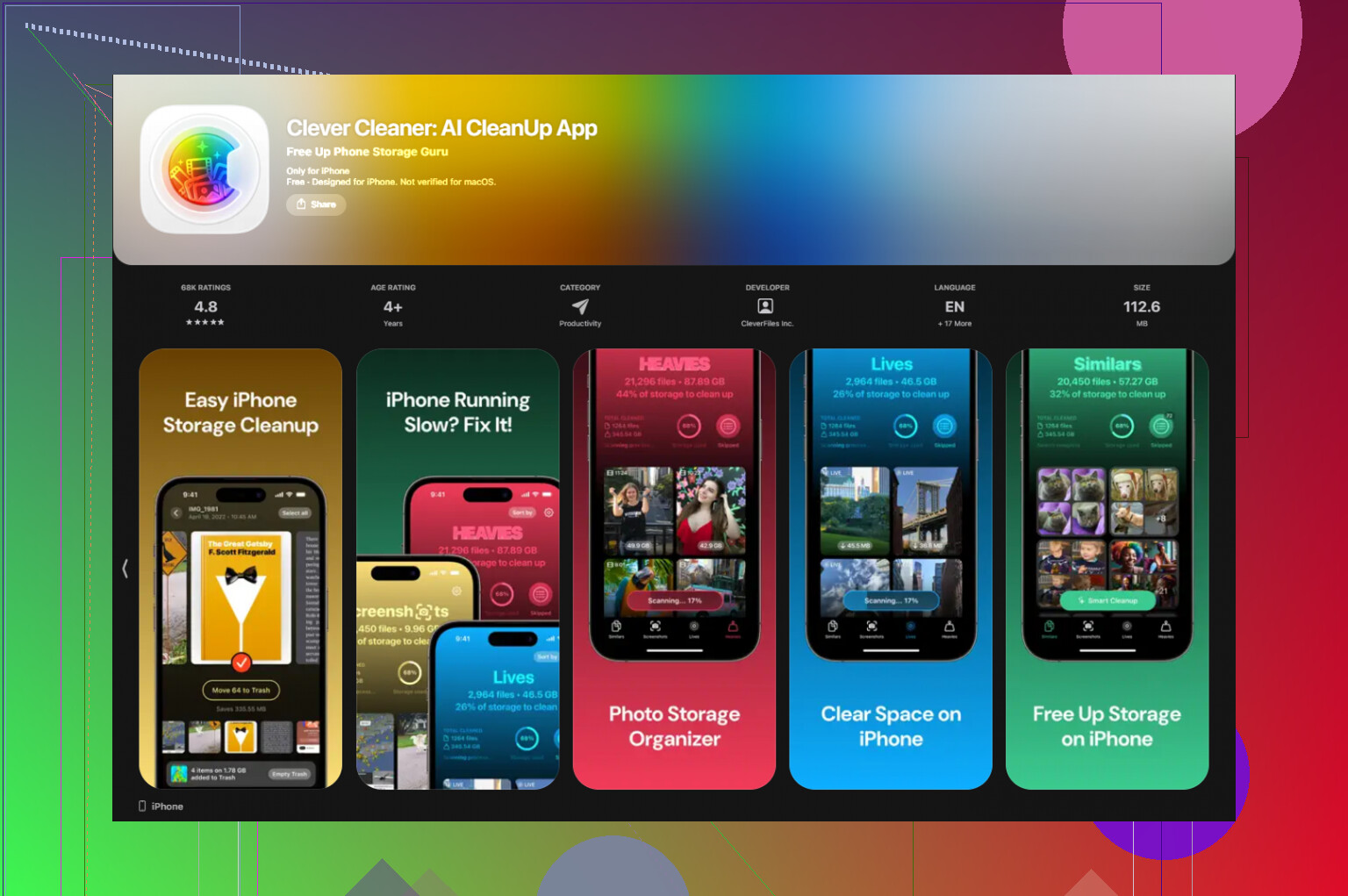
After fixing Synced Media, I still had a bloated photo library, screenshots, duplicates, blurry junk, giant videos I forgot about. I tried cleaning it by hand for a while and got tired of it. The tool I kept using was Clever Cleaner.
What I liked was the simple part. No paywall popped up on me. No ad spam. It runs on-device, so your photos aren’t being pushed off to some random server for sorting.
The useful tabs were easy to spot:
- Similars, for near-duplicate shots
- Best Shot picks, so you keep one and dump the rest
- Heavies, which surfaces the giant files first
- Screenshot size details, so you see what is wasting room fast
I went from almost full storage, around 99%, down to roughly 60%, and the lag mostly disappeared. If Synced Media looks like a ghost chunk on your phone, I’d start with the empty-folder sync trick. After that, clean the local photo mess. In my case, both problems were feeding each other.
19 Likes
What grows under Synced Media is often old stuff your iPhone keeps indexing, not new files. I don’t fully agree with @mikeappsreviewer on one point, it is not always bad reporting. On some phones, the size grows from cached album art, podcast transfers, voice memos synced through a computer, and failed sync leftovers.
Try this first.
Go to Settings, General, iPhone Storage. Wait 2 to 3 minutes. If the number drops after the phone finishes calculating, it was partly indexing.
Then check these spots.
Music app, downloaded songs.
TV app, offline video.
Files app, On My iPhone.
Books app, downloaded audiobooks or PDFs.
Podcasts, especially old episodes.
Also do a hard restart. Then reconnect to Finder or iTunes and look for items set to sync automatically. People forget one old playlist or movie folder and it keeps re-copying. Seen it more than once.
If storage stays wrong, make an encrypted backup, erase the iPhone, then restore. Annoying, yep. But this fixes corrupted storage databases a lot better than random deleting.
If your real issue is space pressure from photos and videos after this, Clever Cleaner is worth a look. It helps remove duplicates, heavies, screenshots, and blurry junk fast. This short review covers what it does well: see how Clever Cleaner frees up iPhone storage fast.
Also check free space. If you’re under 5GB free, iOS gets weird and bloated stats get worse. Kinda dumb, but yup.
This usually happens because Synced Media is a catch-all label, not a clean category. I agree with parts of what @mikeappsreviewer and @nachtschatten said, but I wouldn’t jump straight to erase/restore unless the number is obviously broken.
A few things people miss:
- Storage graphs lag behind reality. iPhone can hold onto old accounting data for days.
- Messages attachments can indirectly bloat media databases, especially if you sync music/video from a computer too.
- System indexing after an update can make Synced Media look like it’s growing when it’s really just being re-cataloged.
What I’d try that’s different:
- Turn off Sync Library for Music temporarily, reboot, then turn it back on.
- Check Settings > Music > Downloaded Music and see if failed downloads are sitting there.
- In Files, look for media dumped into app folders that iOS counts weirdly.
- Leave the phone charging on Wi-Fi overnight. Sounds dumb, but iOS often re-processes storage then.
Also, if you use Apple Music, imported MP3s, or old desktop sync habits, the categories get messy fast. Apple’s storage reporting is kinda janky tbh.
If the real pain point is just reclaiming space fast, Clever Cleaner is actually useful for cleaning duplicate photos, big videos, screenshots, and other junk that stacks up beside Synced Media. This review explains it better: see why Clever Cleaner is a truly free iPhone cleaner worth checking out.
If Synced Media keeps rising even with no new transfers, I’d suspect a stuck media library database more than actual new files. Apple doesn’t make this stuff very clear, annoyngly.