The thing I had wrong, coming late to phone remotes, was assuming “universal” meant any TV would cooperate. These apps need the phone and TV on the same Wi-Fi network. A locked hotel-mode TV or guest network that prevents devices from communicating can stop discovery entirely. Installing another app won’t persuade the hotel’s network to develop manners.
I started by sorting out the extras
Half these apps have nearly identical names, which hasn’t helped me catch up.
Universal Remote | Smart TV is iPhone-only. It adds YouTube, photo and browser casting, plus a sleep timer. That sounds useful, but most features require a subscription after the trial.
TV Remote - Universal takes the simpler, lightweight route on iPhone and iPad. Its compatibility list includes LG, Roku, Samsung, Sony, Philips, Fire TV, Android/Google TV, Hisense and Vizio. There’s a premium subscription too.
I’m learning to separate features I might enjoy from things I’d actually need with a missing or dead remote. Casting photos is one category. Entering a streaming password without endless directional-button tapping is another.
The boring features would decide it for me
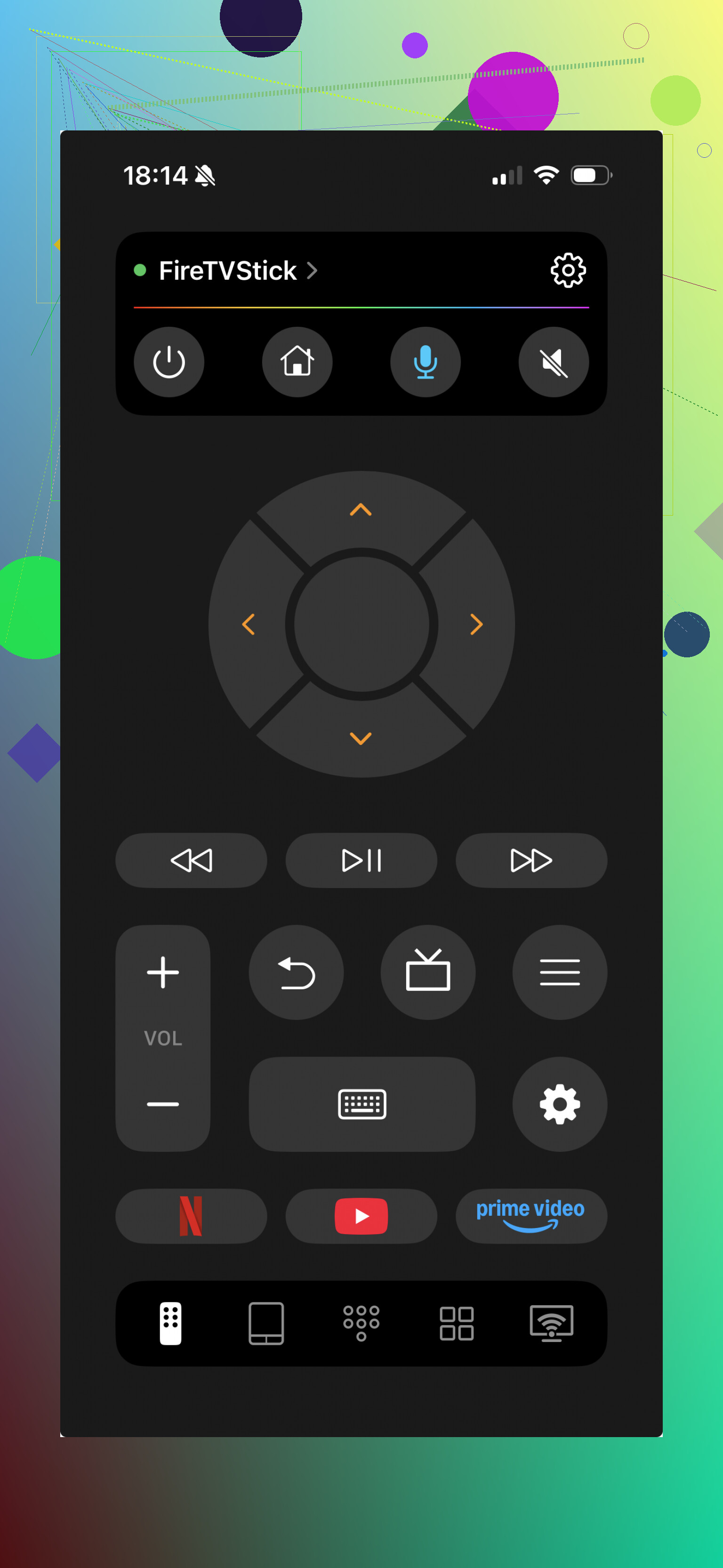
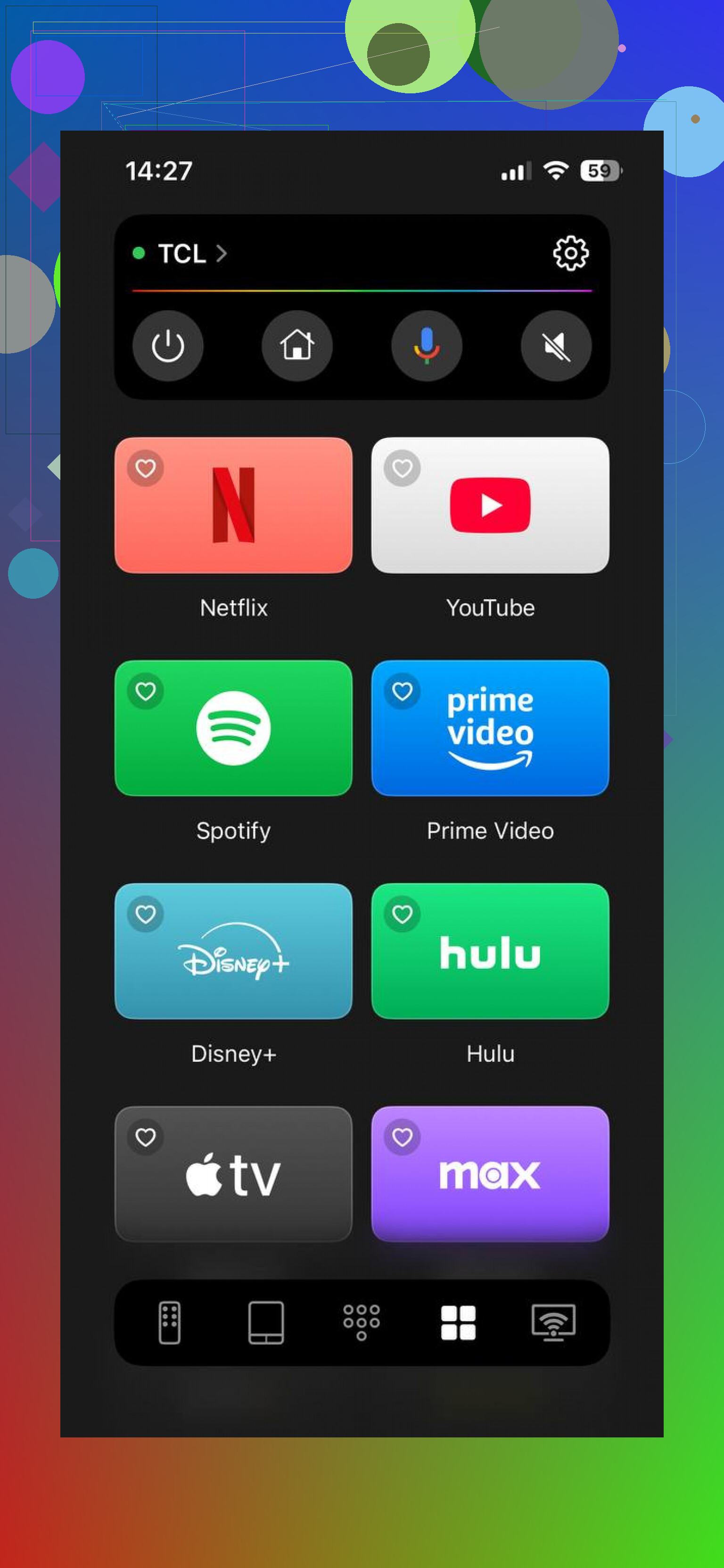
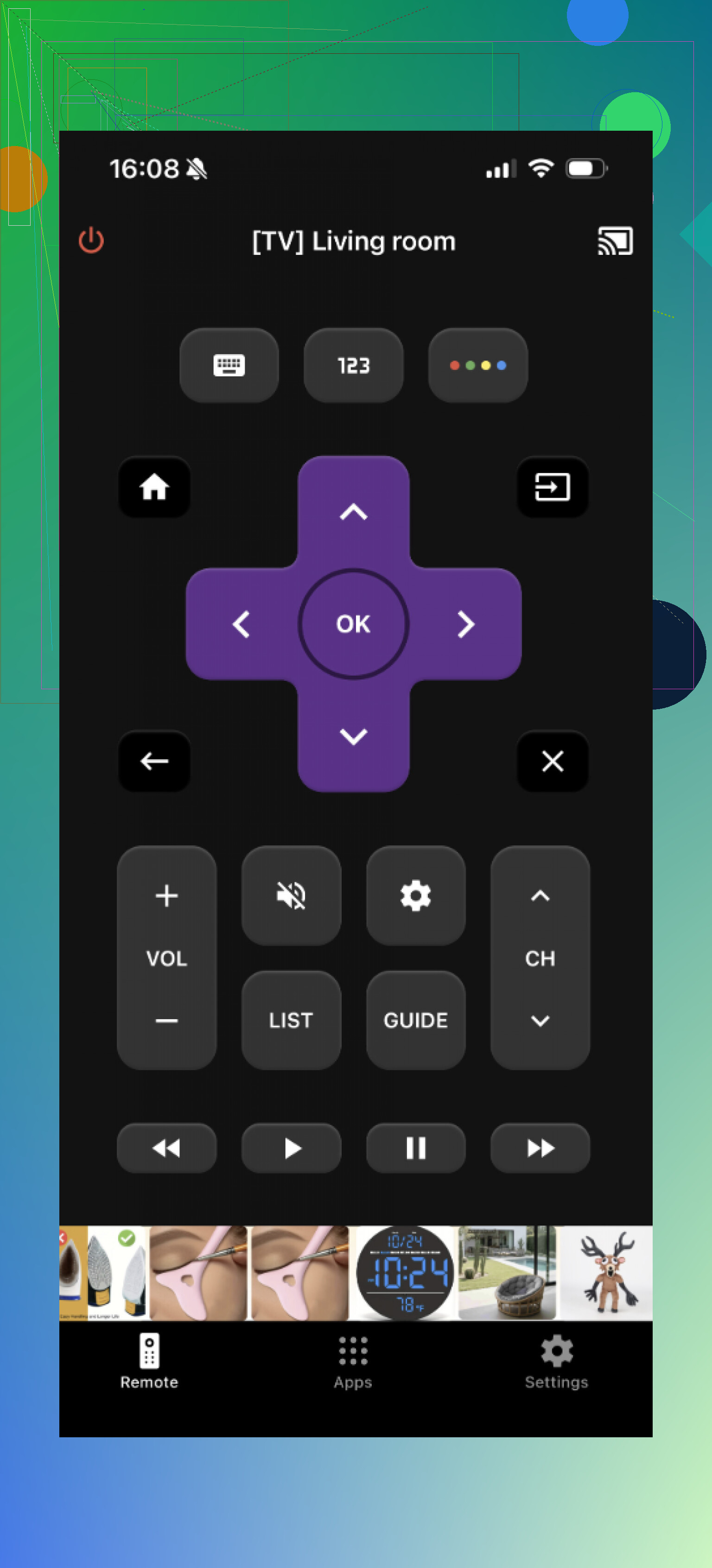
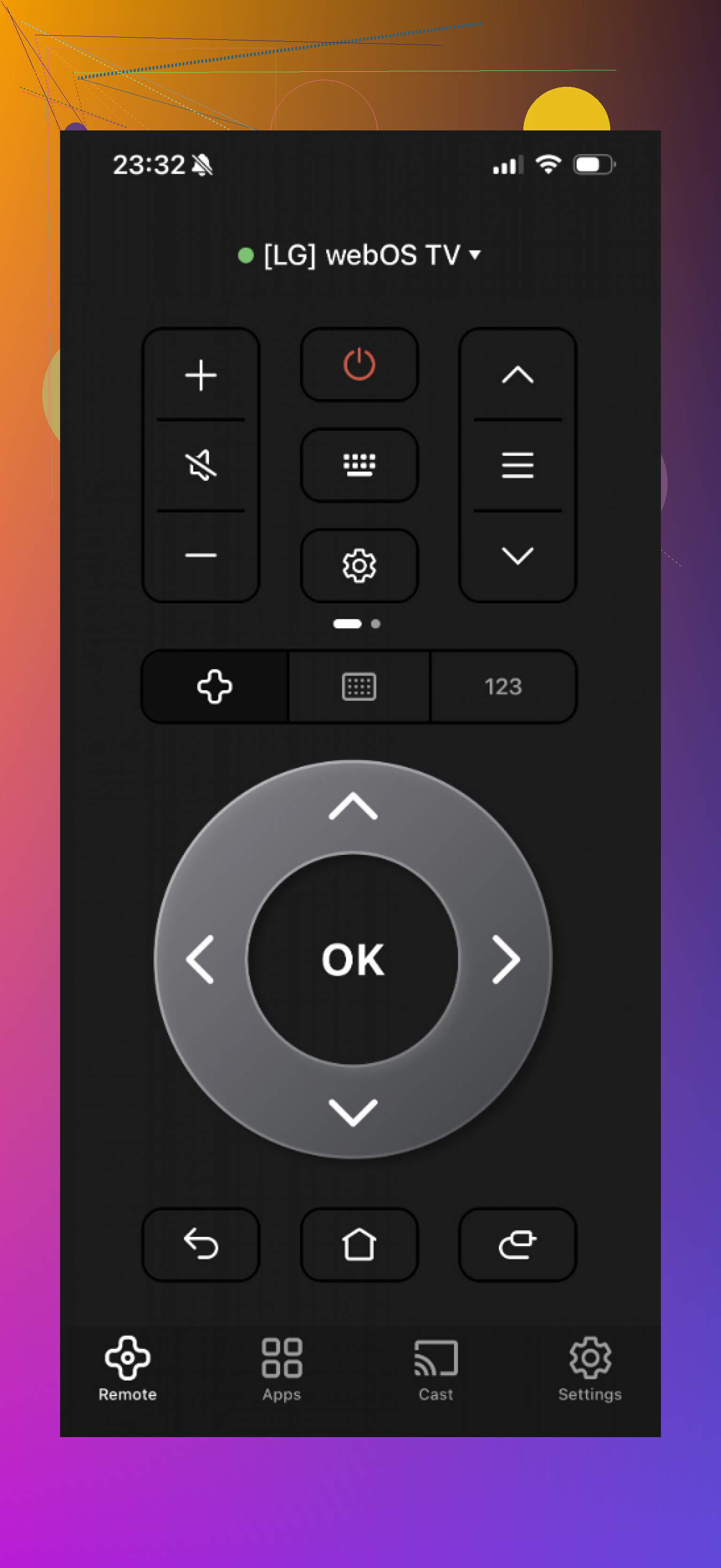
That puts the TVRem app ahead for my purposes. It supports Samsung, LG, Roku, Fire TV, Android/Google TV and Apple TV. The reported experience was quick setup with automatic discovery, a clean interface and no annoying interruptions. Its phone keyboard handles Netflix/YouTube logins, and supported TVs let you launch apps directly from the app list.
The account accompanying these TVRem details also described ads or paywalls interrupting the alternatives, but not TVRem.
My takeaway is to install before traveling, not at 11pm on slow hotel Wi-Fi. Smaller hotels, guesthouses and Airbnbs usually work fine; if discovery fails at a hotel, I’d call the front desk.
My verdict: I’d choose TVRem for the keyboard and compatibility, not the casting extras.