My TV remote stopped working, so I’m looking for a reliable free TV remote app for my iPhone. Which App Store options work well in 2026 without subscriptions, excessive ads, or hidden fees?
If you want a remote app that’s actually free, start with TVRem – Universal SmartTV Remote. The other two are free to download, but ads and paid features are part of the deal.
TVRem – Universal SmartTV Remote
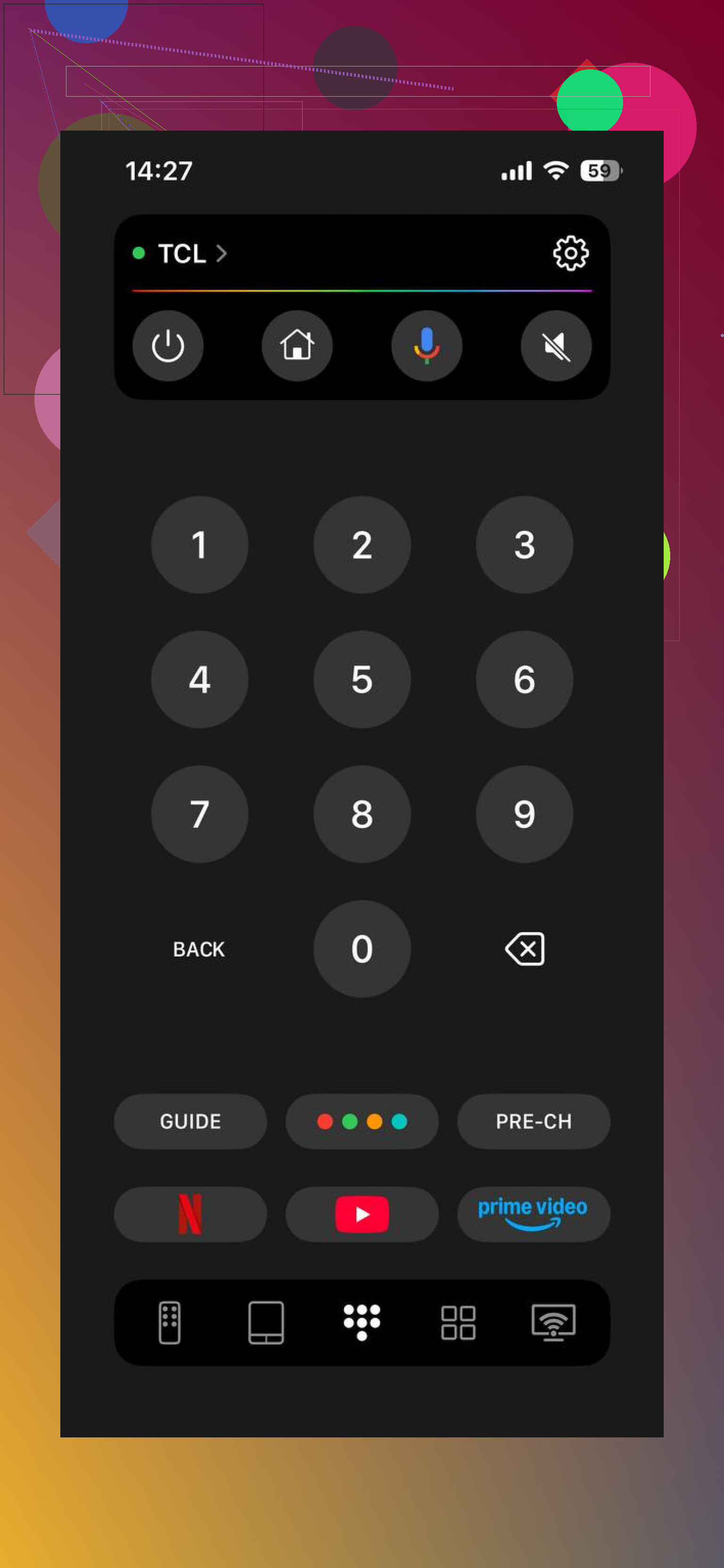
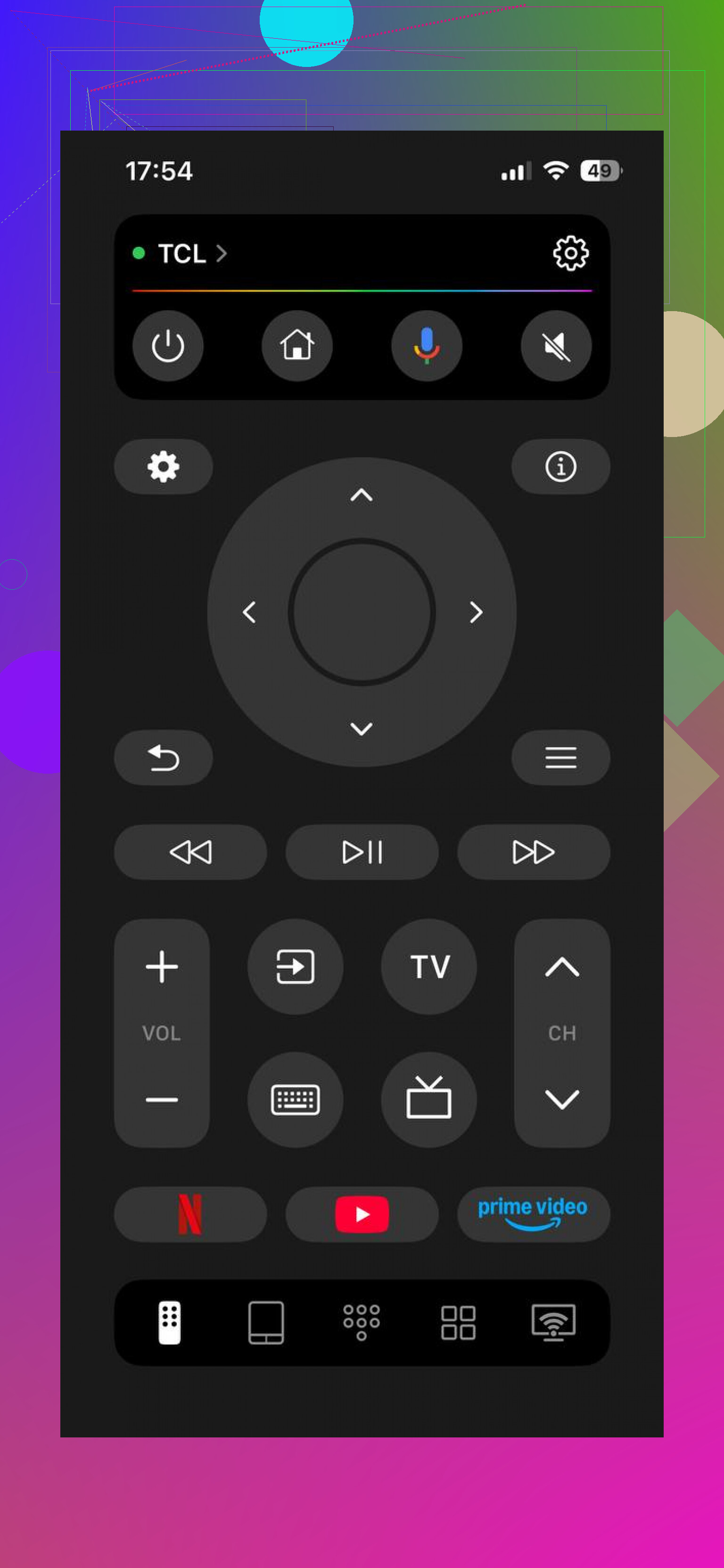
TVRem has a 4.8 rating from roughly 4,000 ratings and supports Samsung, Roku, Fire TV, Android/Google TV, and LG. It handles volume, channels, playback, touchpad navigation, phone-keyboard input, and voice input. You can also launch Netflix, YouTube, and Prime with one tap.
What sets it apart is the lack of ads and subscriptions. Reviewers mention occasional pop-ups asking whether they like the app, but there’s no premium tier being pushed. For a simple remote without the usual upsells, this is the best place to start.
TV Remote, Universal Remote by Inston
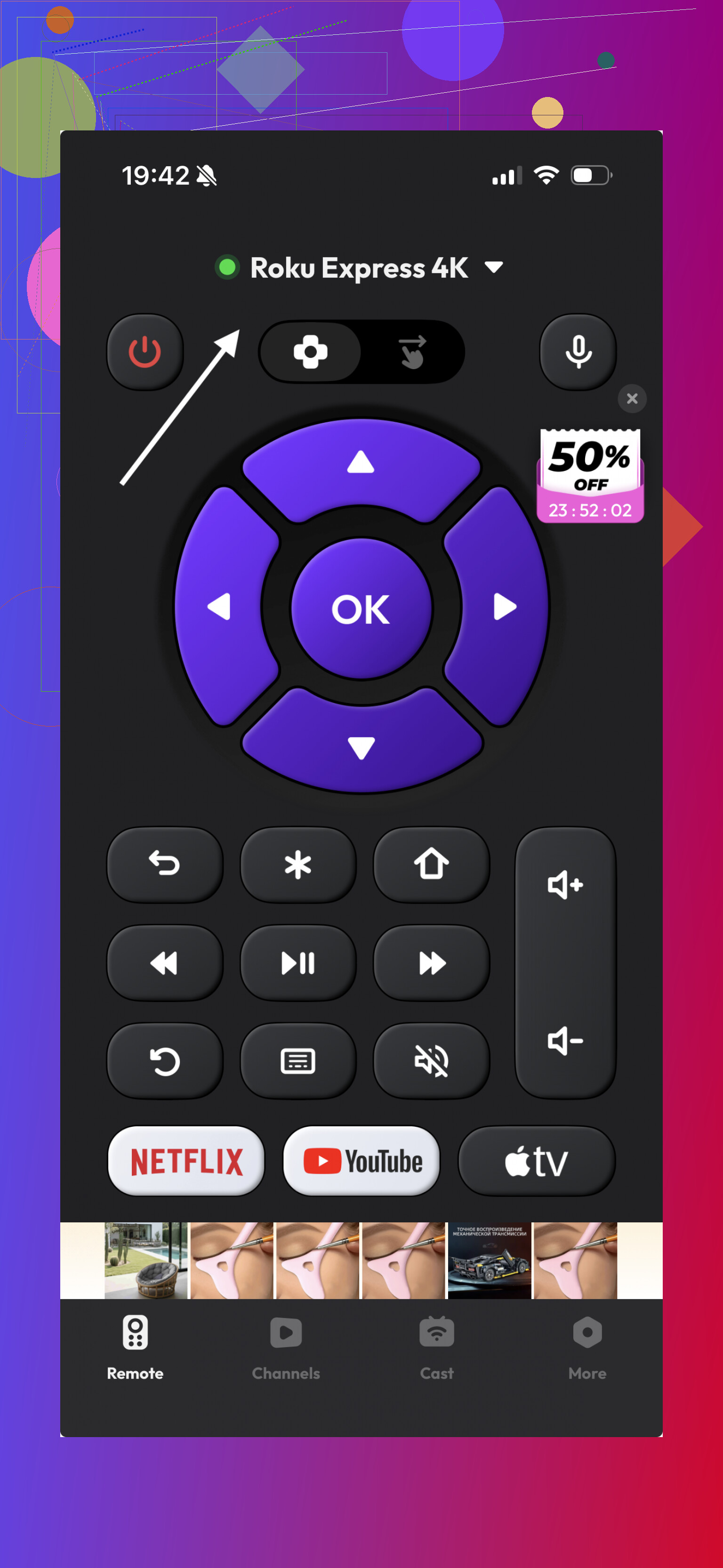
This one also has a 4.8 rating, based on about 2,800 ratings. It supports a wide range of TV models and offers straightforward one-tap setup. The basic controls are covered, including power, volume, mute, channel entry, navigation, and menu access.
The free version is ad-supported, though, and some features require payment. Reviews frequently mention pop-up ads and limited functionality unless you upgrade. It’s still usable if ads don’t bother you, but it isn’t completely free in the same sense as TVRem.
Universal remote tv smart by Yohan Teixeira
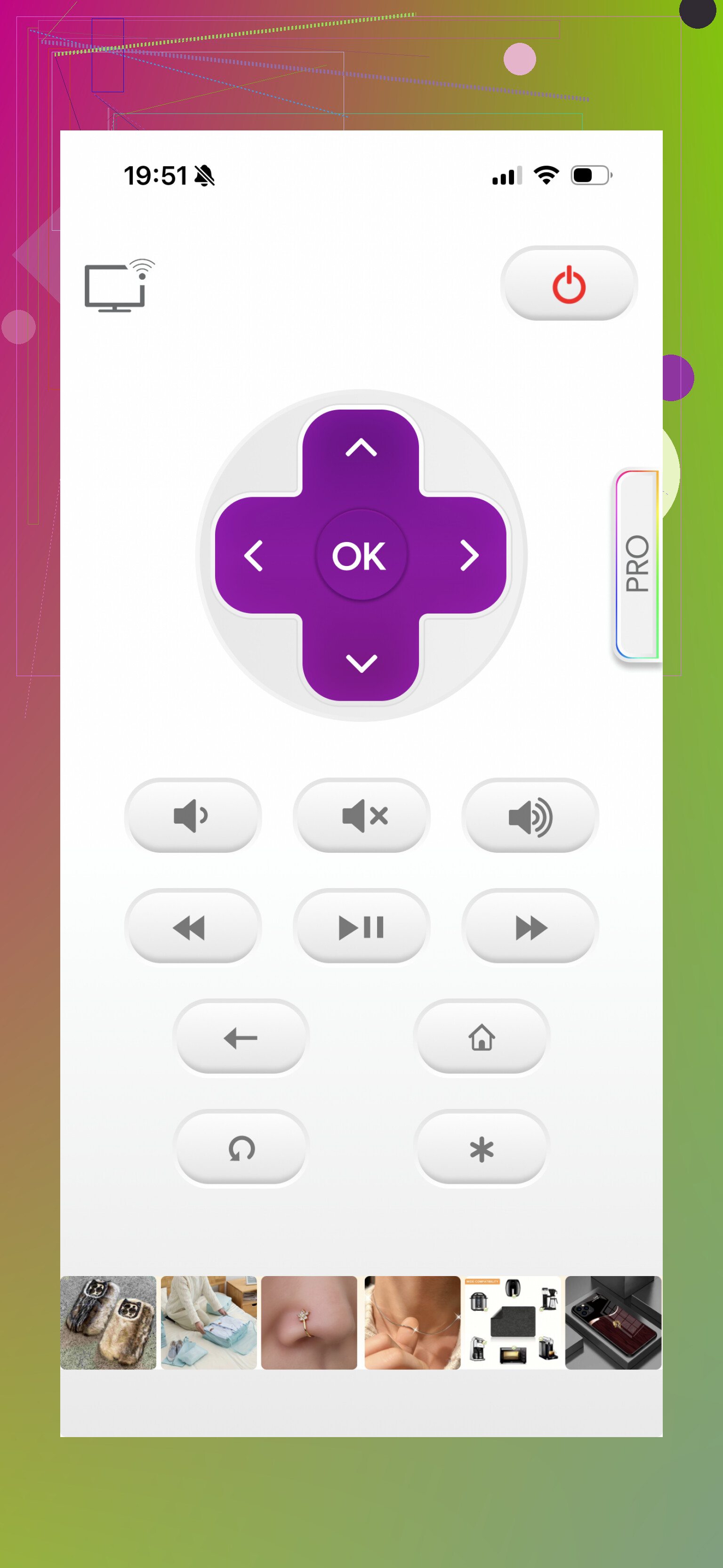
This is the most established option here, with a 4.2 rating from around 43,000 ratings. Brand support is broad and includes Samsung, LG, Sony, Philips, Panasonic, TCL/Roku, and quite a few others. It provides volume and channel controls, a navigation pad, video controls, menu access, and power-off functionality.
Its free version is heavily dependent on ads. Reviewers describe frequent interruptions and complain that the ad close button sits awkwardly close to the power control. The paid version is solid, but the free experience can be frustrating.
So while all three cost nothing to install, only TVRem is genuinely free of ads and subscriptions. The other two make more sense if you’re willing to tolerate advertising or pay for the full version.
Also, these apps need a smart TV connected to the same Wi-Fi network as your phone. They won’t connect to an older non-smart TV.
Before installing a universal remote, check your TV maker’s official app: Roku, Amazon Fire TV, Samsung SmartThings, LG ThinQ, and VIDAA all provide free iPhone controls. TVRem makes more sense if you have several TV brands, but the official app is usually the simpler first try.
A phone remote is a decent backup, but it may not get you past the initial setup problem. Your iPhone and TV generally need to be on the same Wi-Fi network, and some TVs display a pairing code or approval prompt on the screen. If the TV was disconnected from Wi-Fi, reset, or moved to a new router, no remote app can magically reach it.
For a TV that is already online, I’d use this order:
-
The manufacturer’s app if you own only one brand. Roku’s official app and Amazon Fire TV are free, while SmartThings and LG ThinQ provide remote controls for supported Samsung and LG sets. They are less likely to put ordinary buttons behind a weekly subscription, although account requirements and extra setup can be annoying.
-
TVRem if you have mixed brands or want a smaller, remote-focused app. @dan_bit’s recommendation makes sense on that basis. Its current App Store listing is simply marked free rather than “free with in-app purchases,” which is an important distinction in this category. I still wouldn’t choose any remote solely from its star rating, since these listings and payment models can change quickly.
-
A cheap replacement remote if the app cannot wake or pair with the TV. Power-on support varies by model and settings. For example, some LG TVs require “TV On With Mobile” to have been enabled, and older models may only allow the app to turn the TV off.
Be especially cautious with apps carrying generic names such as “Universal TV Remote” or “Roku Remote.” “Free” often means free installation, followed by ads, feature locks, or a trial that turns into a subscription. Check the App Store’s In-App Purchases section before opening the app, and decline any trial screen if all you need is volume and navigation.
The blunt answer for 2026 is that the official app is usually the safest free choice, while TVRem looks like the better universal option from those already discussed. Neither route will help an older infrared-only TV because iPhones do not function as ordinary IR remotes.
If you watch through an Apple TV box, you may not need an App Store app at all. The Apple TV Remote is already built into iPhone Control Center, costs nothing, and has no ads or subscription prompts. That is the cleanest option, although it controls the Apple TV rather than every function on the television itself.
For Roku, Fire TV, Samsung, or LG, I agree with @primedrone that the official app should be your first install. A third-party universal app only becomes worthwhile when you have mixed brands or dislike the manufacturer’s app. TVRem looks reasonable for that role because it avoids the usual weekly-payment trap, but I would still confirm that your exact TV model is supported before relying on it.
A common annoyance is separate audio equipment. If your sound comes through a soundbar or receiver, an app may navigate the TV perfectly but fail to change the volume. HDMI-CEC can sometimes solve that, but otherwise a basic replacement remote may be less frustrating than juggling two phone apps.
Install the official app for your TV brand first, then make sure you allow its “Local Network” permission when iPhone asks. If that permission is denied, the app may look completely broken even though the TV and phone are on the same Wi-Fi. You can change it later in iPhone Settings.
Next, temporarily disable any VPN and check that neither device is using a guest Wi-Fi network. Guest networks often prevent devices from seeing each other. Open the app, let it scan, and accept the pairing message on the TV. If your television supports Ethernet, plugging it into the router can be a quick way to restore network access when the missing remote prevents you from entering a new Wi-Fi password.
If the official Roku, Fire TV, SmartThings, LG ThinQ, or other manufacturer app works, stop there. Those are usually the least annoying free choices. If you need one app for several brands, TVRem is the reasonable universal option mentioned above. I would avoid installing five generic remotes at once because many immediately push a trial, and it becomes hard to remember which subscription screen you accepted.
Finally, test power, volume, and text entry before treating any app as a full replacement. Some apps can navigate menus but cannot wake the TV, and volume may still belong to a soundbar. In that situation, a basic replacement remote is often simpler than paying a recurring fee for phone controls.
If your television runs Google TV or Android TV, skip the generic “universal remote” category. The free Google TV iPhone app already has remote controls, pairing, text entry, playback, volume, and power support. It belongs with Roku and Fire TV on the official-app-first list.
TVRem makes sense when you actually need one app for several brands. @dan_bit is right about avoiding the usual subscription nonsense, but universal apps are still Plan B. “No ads” is irrelevant if the app cannot handle your exact model’s power, inputs, or external sound system.
Set your expectations low on how a phone remote actually feels day to day. Even the good ones make you unlock the phone, open the app, wait a second or two for it to find the TV, and then poke at a flat screen with no buttons you can feel. Fine for a temporary fix, mildly irritating if it becomes your only remote for weeks.
The official-app-first advice from @primedrone and @ninja1612 is the right call, and I’d stress that mostly because those apps are far less likely to nag you. TVRem coming up as the universal pick is fair, and the fact that it isn’t hiding buttons behind a weekly fee already puts it ahead of most of that category. Just don’t expect any Wi-Fi app to feel instant. There’s usually a little lag between tapping volume and the TV reacting, which gets old fast when you’re just trying to mute a loud ad.
Honestly, if your old remote flat out died and the TV works otherwise, price out a replacement before committing to the phone route. A generic or model-specific replacement for a lot of TVs runs cheap, wakes the set instantly, and never asks you to rate it. Use the app as a stopgap this week, order the physical one, and skip the whole soundbar-volume headache @mr_node mentioned since a real remote usually handles that through CEC without you juggling two screens.
Before installing an app, try fresh batteries in your original remote. Check the plus and minus markings, then test it agian.
If it still fails, remove the batteries and wipe the battery contacts with a dry cloth. Press and release each button to free any stuck keys, then reinstall the batteries.
This costs nothing if you have spare batterys and avoids accounts, pairing, ads, and subscriptions. If it works, you keep your familiar controls.