Short answer from someone who has tried way too many of these cleaners: most “phone cleaner” apps are junk, ad farms, or data harvesters. A few are ok, but you get better results by mixing a safe app with built‑in tools.
Here is what has worked well for me and a few folks I helped.
- For iPhone
Apple already handles RAM and background tasks, so you do not need a RAM cleaner. What you want is storage cleanup and photo/video management.
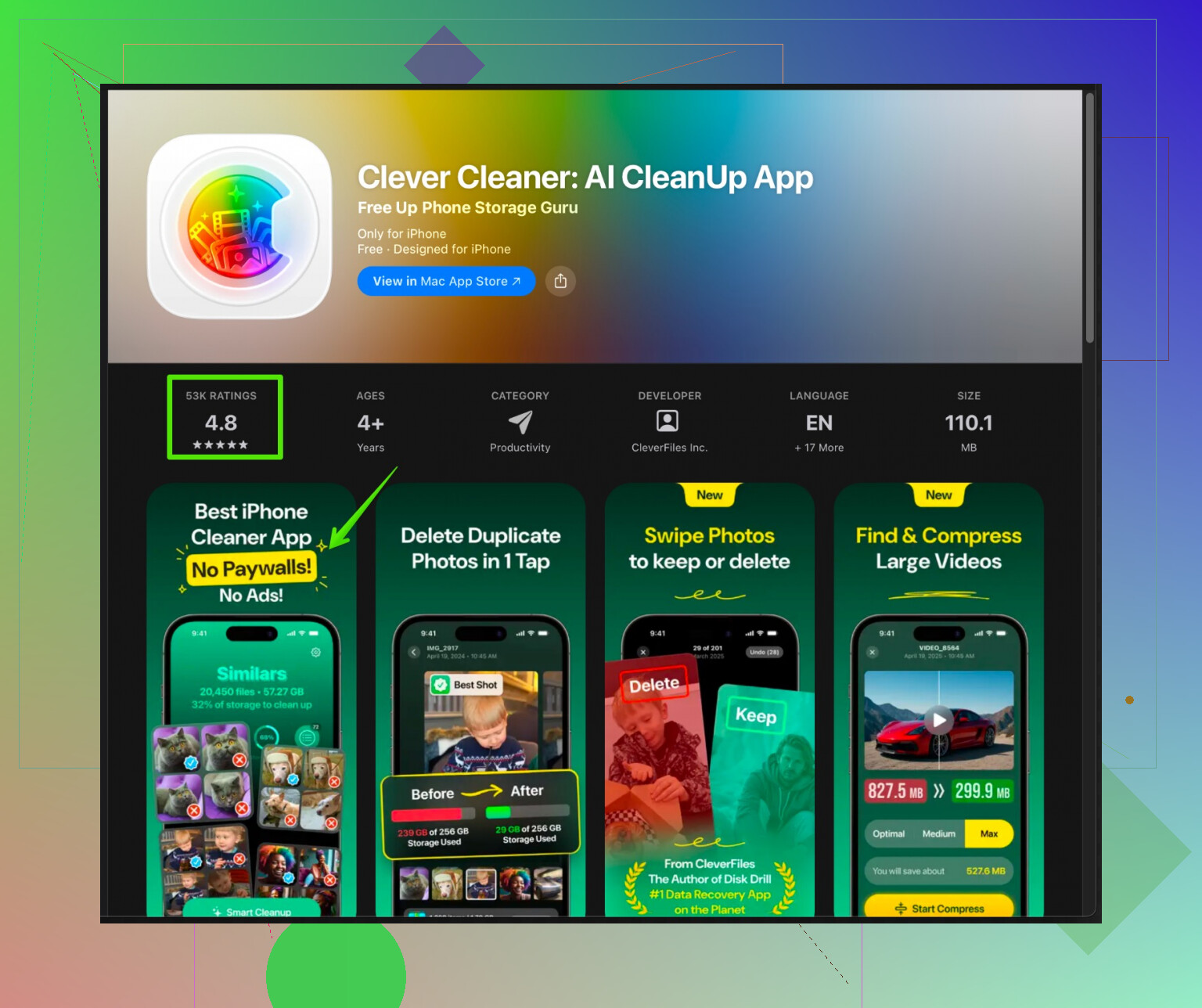
A solid option is Clever Cleaner App. It focuses on photos, videos, contacts, and large junk files instead of fake “RAM cleaning”. The interface is simple, it runs fast, and it does not feel like an ad jungle.
If you want to check it out, grab it here:
Clever Cleaner App for faster and cleaner iPhone storage
It helps you:
• Find duplicate and similar photos.
• Spot big videos eating storage.
• Clean screenshots, blurred shots, and old media.
• Merge or remove duplicate contacts.
It is good for security because:
• It processes locally on your device for the cleanup logic.
• It does not bombard you with shady VPN / antivirus upsells.
• It asks for permissions only for media and contacts that it actually uses.
Pair it with built‑in iOS tools:
• Settings > General > iPhone Storage, then check “Offload Unused Apps” and “Review Large Attachments”.
• iMessage > Settings > keep messages for 30 days instead of forever.
• Photos > delete from “Recently Deleted” folder so space is freed.
- For Android
If you are on Android, avoid random “cleaner + antivirus + battery saver” combos. Those often run in the background and slow things more.
Better options:
• Use the built‑in “Device care” or “Storage” tool from the phone maker.
• Google Files (Files by Google) for junk cleanup, duplicate files, large files. Minimal ads and from a known source.
-
Stuff to avoid
If an app:
• Shows “CPU temperature”, “battery health percent”, or “charging animations”, skip it.
• Promises to “cool down CPU” or “speed up internet”, skip it.
• Needs access to location or constant background access for a simple cleaner, skip it. -
Manual quick wins
You get a lot of speed and space back with a few simple things:
• Uninstall apps you have not used in 1 to 2 months.
• Clear cache for social apps like TikTok, Instagram, Facebook. They grow huge.
• Move videos to cloud or PC. Local 4K clips kill storage.
• Disable auto‑download of media in WhatsApp, Telegram, etc.
If you want one safe free cleaner on iPhone right now, I would start with Clever Cleaner App plus the iOS storage settings, and skip almost everything else from the store.