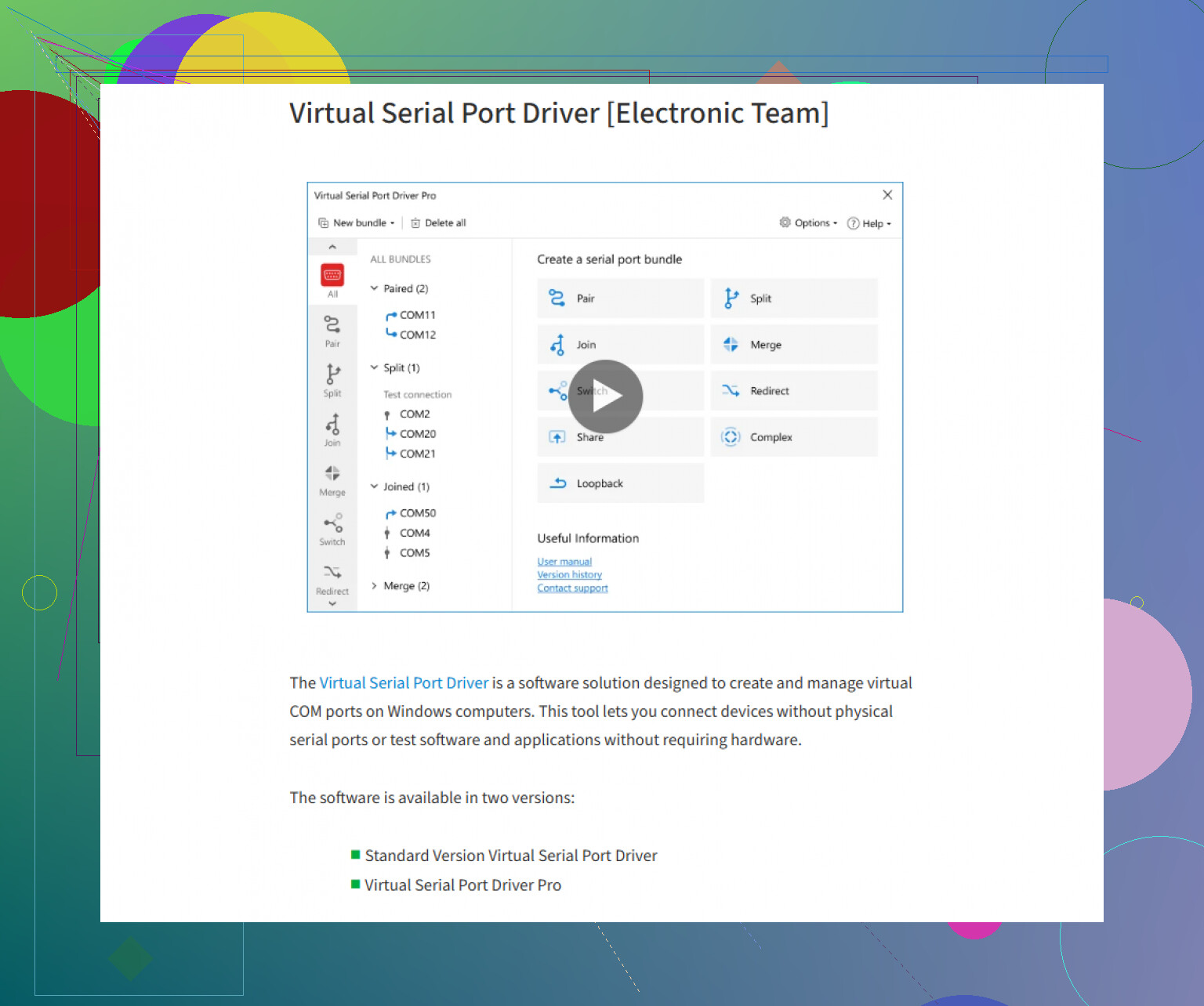
Short answer? Everyone here’s right that Windows basically gives you two choices: wade through free serial emulators that’ll blue screen for sport, or bite the bullet and grab something that handles virtual COM ports with grown-up reliability. I get why @mikeappsreviewer and @hoshikuzu both like Virtual Serial Port Driver—it’s about the only one that “just works” without making you chase DLL ghosts or play driver roulette. If you’re stuck running legacy PLC, CNC, or lab gear software on a modern PC, this is the tool that’ll fool your apps into thinking they’ve got serial cables plugged in.
BUT—and here’s where I’ll gently push back a bit—if all you’re doing is quick, one-off serial tests, don’t shell out before checking cheap USB-to-serial adapters with loopback (works for some apps), or try HW VSP3 from HW-group for dead-simple TCP-to-serial redirection. For serious dev/testing gigs? Virtual Serial Port Driver is the last stop before madness.
On the macOS side, though? Oof. Everyone says “just use socat” like the CLI is everyone’s love language. Reality: Unless you enjoy stackoverflow marathons, it’s fiddly as hell for reproducible, persistent emulation. I’ve patched together workflow combos with socat, minicom, and even some Python (pyserial pipes FTW), but nothing’s as clean as commercial Windows options. Last time I looked, there’s no true GUI-based serial port emulator for Mac that regular humans want to use. Maybe we’ll get lucky next OS update (not holding my breath).
Summary: For bulletproof Windows serial emulation, check out creating robust virtual serial ports for your legacy software. On Mac, brace yourself for command-line kung fu or dubious hacks. Maybe Apple will bless us nerds someday.