My phone has gotten really slow over the last few weeks, with apps taking forever to open, typing lagging, and even basic things like switching between screens freezing for a few seconds. I’ve tried restarting it and closing background apps, but nothing seems to fix it. Can someone explain what might be causing this slowdown and what I can do to speed my phone back up?
This usually comes down to a few boring things: storage, background junk, updates, heat, or a dying battery. Here is what I would check, step by step.
-
Check storage
If your storage sits at 85 to 95 percent or more, the phone slows down a lot.
Go to Settings → General → iPhone Storage (or similar on Android).
Delete big stuff first. Videos, old downloads, offline Netflix, unused games.
Aim for at least 10 to 15 GB free, or 20 percent of total storage. -
Kill heavy background apps and features
Some apps sit in the background and eat RAM.
Turn off or reduce:
• Background App Refresh
• Auto sync for apps you do not care about
• Live wallpapers and extra widgets
On Android, disable or uninstall preinstalled crap you never use. Some of it runs all the time. -
Check recently installed apps
You said it got slow over a few weeks.
Think about what you installed in that time.
VPNs, “security” apps, some file managers, and shady cleaners often slow things down.
Force stop or uninstall those and see if it gets better. -
Clear app cache and temp files
On Android, go to each heavy app (browser, social media, messages) and clear cache.
Do not wipe data unless you are ok logging in again.
On iPhone, offload unused apps or reinstall apps that feel laggy.
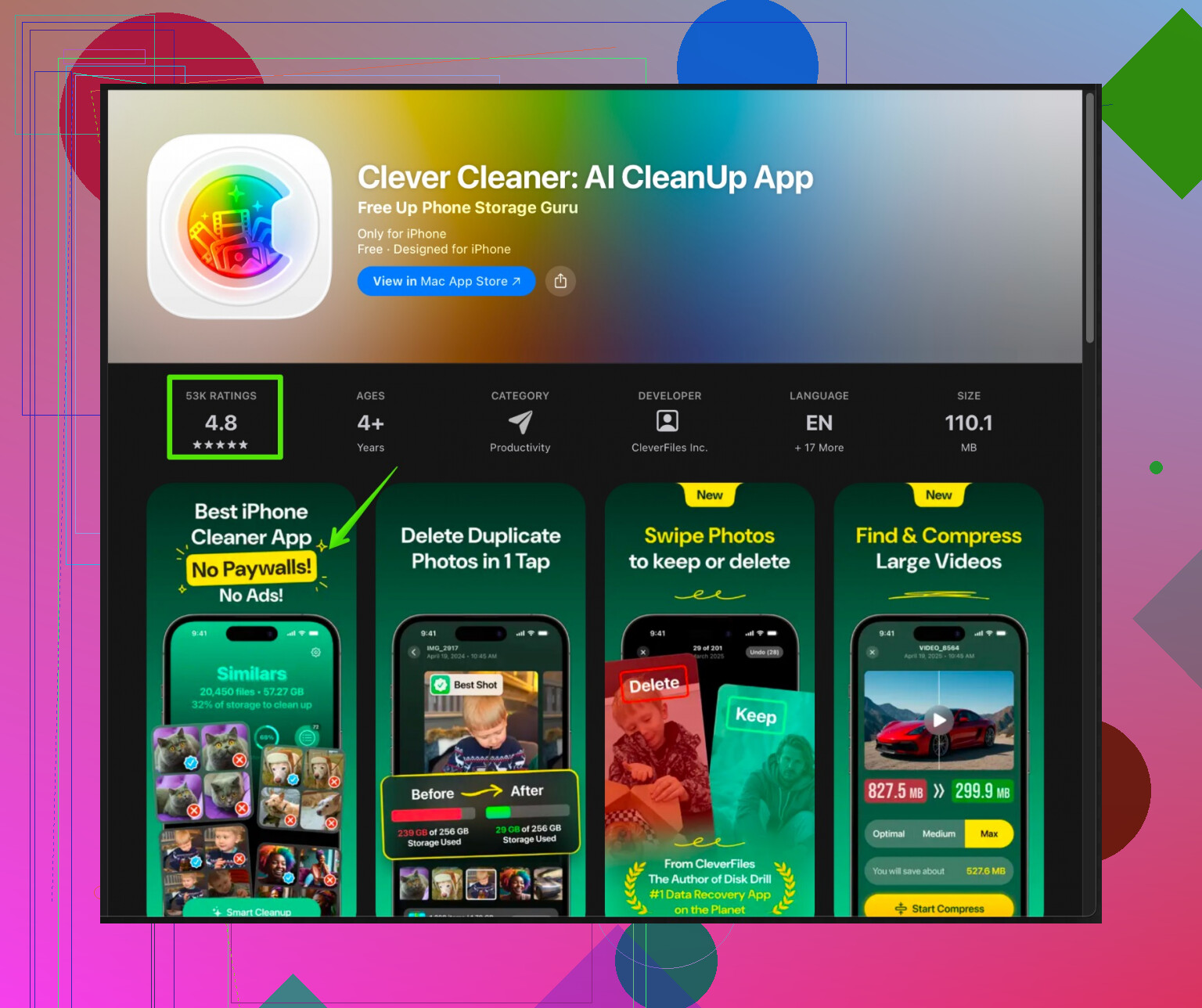
If you are on iPhone, a dedicated cleaner can help with clutter like duplicate photos, burst shots, similar videos, junk screenshots, and old large files.
The Clever Cleaner App for iPhone tends to help with that type of stuff.
It focuses on cleaning storage, organizing photos, and removing junk so your iPhone feels faster and smoother again.
You can check it out here:
clean up and speed up your iPhone
-
Update system and apps
Old versions glitch more.
Update iOS or Android to the latest stable version.
Update your most used apps.
If the slowdown started exactly after a major OS update, sometimes a reset of settings helps. -
Battery health
On iPhone, check Settings → Battery → Battery Health.
If it sits under 80 percent, the system can throttle performance to avoid shutdowns.
On Android, some brands hide this, but lag under load with fast drain is a hint.
If the battery is old, a replacement often makes the phone feel faster. -
Heat and environment
If the phone stays hot, it throttles performance.
Do not play heavy games while charging.
Remove thick cases during heavy use.
Avoid direct sun or hot car interiors. -
Worst case, backup and reset
If you tried all of this and it still lags badly, do a full backup.
Then factory reset and set up as new, not from an ancient backup full of old junk.
Reinstall only the apps you use every week, not every single thing from the last 5 years.
Most of the time, freeing storage plus removing a few bad apps plus a reboot fixes 70 to 80 percent of the lag. The rest is often old battery or older hardware simply struggling with newer apps.
Honestly, @caminantenocturno covered most of the “normal” causes, but there are a few angles I’d look at that people usually skip.
- Check for input lag vs. app lag
You mentioned typing lag and screen switching freezing. That’s often not just storage or background apps, it can be:
- Your launcher / home screen getting buggy (mostly Android).
- Try switching to a different launcher temporarily. If things suddenly feel snappier, your current one is choking.
- Keyboard app going nuts.
- Swap to the default keyboard for a day. If typing suddenly stops lagging, your fancy keyboard or its autocorrect/AI features are the culprit.
- Look at animations & visual effects
I kinda disagree a bit with “just clean storage and you’re done.” Newer OS versions add animation fluff that older or midrange phones hate.
- On Android:
- Enable Developer Options → set Window / Transition / Animator scale from 1x to 0.5x or off.
- On iPhone:
- Settings → Accessibility → Motion → Reduce Motion ON.
Sometimes it feels like “performance gained” when really you’re just not staring at slow animations.
- Settings → Accessibility → Motion → Reduce Motion ON.
- Check your network-dependent apps
Apps “taking forever to open” is sometimes actually them waiting on the internet, not the phone itself. Test this:
- Turn Wi‑Fi and mobile data off, then open a few apps like Settings, Photos, basic tools.
- If those feel normal, your phone might be fine and it’s bad network + bloated online apps (social apps, cloud backups, etc.) making it feel slow.
- Look for sync storms & backups
Over a few weeks, something like:
- Google Photos / iCloud / WhatsApp / Telegram backup
might decide to reindex or resync a ton of stuff in the background. That can cause: - Random freezes
- Heat
- Battery drain + lag
Temporarily pause big backups and see if the lag improves.
- Check for weird accessibility services
On Android especially, some apps use Accessibility to “overlay” or “assist” things, like:
- Screen filters
- Button remappers
- “Floating” helpers or quick ball tools
Those can introduce a lot of jank. Go to Accessibility settings and disable anything non-essential.
- Storage health, not just storage space
Even if you free up storage like @caminantenocturno suggested, very old phones can have worn-out flash storage. Signs:
- Random stutters when installing/updating apps
- Lag when saving photos or videos
- Occasional “freezes” for no clear reason
There’s no easy home fix for that besides full backup + factory reset and, if it still lags badly, it might be genuine hardware aging.
- Don’t blindly restore everything after a reset
If you end up doing a factory reset:
- Set it up as new, then install apps one by one, starting with essentials only.
- After each “batch” of installs, use the phone for a bit.
This helps you catch that one trash app that kills performance. A lot of people restore everything and bring the problem straight back.
- If you’re on iPhone specifically
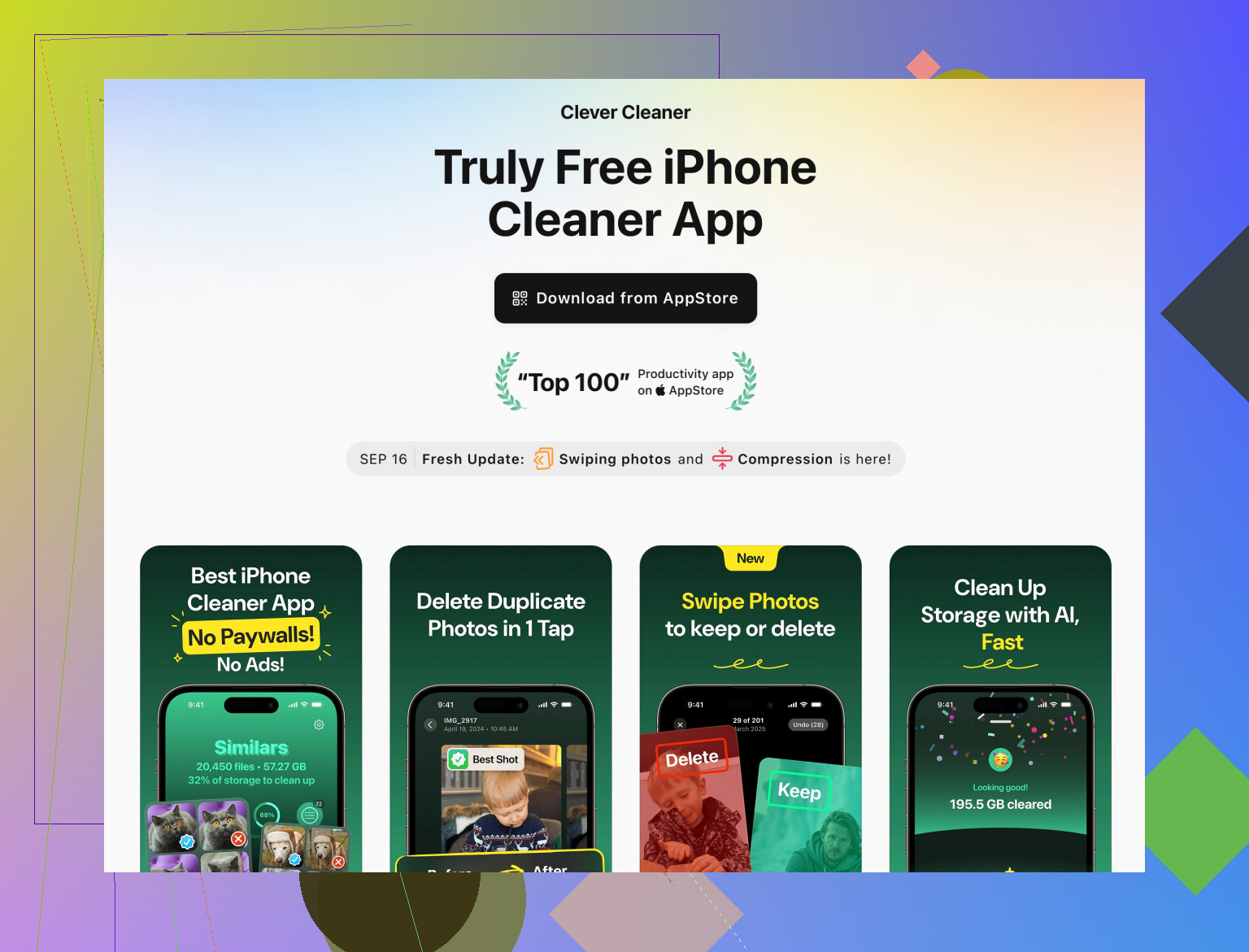
Once storage and background issues are sorted, something that actually helps with clutter and overall smoothness is using a proper cleaner to tame the photo and file mess.
There is an iOS tool called Clever Cleaner App that focuses on getting rid of:
- Duplicate and similar photos
- Useless screenshots
- Big old videos
- Random junk files
If your camera roll is a dumpster fire from years of use, that can seriously bloat your backups and storage indexing. It’s worth checking out something like
cleaning and boosting your iPhone’s speed
to streamline storage and reduce that background indexing load.
- Finally, be realistic about age
If your phone is 3–5+ years old, running the latest OS, and all of the above only gives small improvements:
- Newer apps are heavier
- OS is built for newer chips
At some point the hardware is just outgunned. If everything stutters even after cleaning, tweaking, and maybe a fresh install, it might be that the phone has simply aged out of “smooth” territory.
If you share what phone model + OS version you’re on and roughly how much storage is used, people here can probably point to more specific culprits instead of guessing.
30 Likes
Both replies already nailed the usual suspects, so I’ll zoom in on a few less obvious angles that often get missed and can explain “suddenly” slow phones.
1. Keyboard & IME bloat (big one for typing lag)
Typing lag is very often the keyboard itself, not the whole phone.
- Temporarily switch to the stock keyboard only.
- Disable: predictive suggestions, AI typing, stickers, GIF search, automatic cloud sync of dictionary.
If that fixes it, keep the lighter setup or find a leaner keyboard. This can matter more than clearing caches.
2. Notification overload & messaging history
If you use chat apps heavily (WhatsApp, Messenger, Telegram, iMessage), they can:
- Build massive local databases.
- Constantly index search and media.
Try: - Archiving or deleting very old chat threads with tons of media.
- Turning off previews and high‑frequency notification features for very busy groups.
This alone can smooth scrolling and reduce random stutters.
3. Your home screen is heavier than you think
I partly disagree with the idea that it is only storage or background junk. A cluttered home screen can choke older hardware.
- Reduce the number of widgets, especially live ones (weather, news, market tickers, etc.).
- Limit dynamic wallpapers.
- On Android, if you are using a 3rd party launcher with gesture packs and themes, test the stock launcher for a couple of days.
4. Auto backups & cloud sync “storms”
Building on what was said about backups: sometimes the lag spike lines up with:
- A big new auto‑backup rule (full‑device backup, auto cloud gallery sync, auto upload for videos).
- Migration from one cloud provider to another.
Try pausing all automatic backups for a day, especially photo and video backups, and see if the phone settles.
5. System search & indexing
Search features keep indexes of apps, messages, photos and files. When those indexes get huge or corrupt:
- System search becomes slow.
- General navigation feels laggy when the OS looks things up in the background.
Try: - Turn off search / indexing for sections you never search (e.g., messages or email) in system search settings.
- On some Android skins, disable global “device search” for all but apps and contacts.
6. Hidden overlays & “helpers”
Beyond accessibility services that @nachtdromer mentioned, watch for:
- Screen recorders running live overlays.
- Floating toolballs, FPS counters, performance monitors.
Kill anything that is always on top. Even system game boosters can glitch and sink performance.
7. Power saving modes & throttling settings
A lot of people accidentally flip these on. Symptoms:
- Animations feel choppy.
- Apps “reload” every time you switch back to them.
Check: - Power saving / battery saver is off for normal daily use.
- No “CPU limiting” or “performance profile: power saving” toggled in vendor game / performance tools.
8. About cleaners and the Clever Cleaner App
You do not need a cleaner to fix most lag, and I actually agree with being cautious about “magic cleaning” tools. That said, there is a use case where something like the Clever Cleaner App for iPhone is practical:
- It focuses on photos, videos and junk that clog storage and indexing, rather than fake “RAM boosts”.
Pros of Clever Cleaner App
- Good for quickly finding duplicate or similar photos and huge old videos.
- Helps reduce storage index size, which can indirectly make Photos and backups feel less sluggish.
- Easier than manually hunting through years of screenshots and clips.
Cons of Clever Cleaner App
- It is another app you install, so it briefly adds overhead before you clean things up.
- You still need to review what it wants to delete. If you just tap through, you can lose stuff you actually care about.
- It will not fix hardware limits or a worn battery or dying flash storage.
Used thoughtfully, it is a tool that fits in after you have:
- Freed some obvious space,
- Tamed your photo / video chaos,
- Checked that your slowdown is really storage or indexing related and not just one rogue app.
9. Hardware age & realistic expectations
If your phone is more than 3–4 years old and on the latest OS, no cleaning or tuning will fully hide the fact that apps got heavier. @caminantenocturno and @nachtdromer already touched on that, but the key is:
- If things like Settings, Contacts and Dialer lag even after a cleanup and fresh reboot, that points to aging hardware or storage wear, not just “too many apps”.
If you share exact model, OS version, and how much storage is used, people can help narrow down whether it is fixable with tweaks or if you are bumping into the physical limits of the device.
Good review. You hit keyboards, chat bloat, widgets, sync storms, search indexes, overlays, power limits, cleaners, aging.
Simpler path. Do a clean baseline. Reset all settings, not data. Update OS and all apps. On Android, set Window and Transition animation scale to 0.5x. On iPhone, turn on Reduce Motion. Reboot. If speed returns, stop. If not, try Safe Mode on Android for a day. If smooth, remove the last 5 to 10 new apps. This isolates teh offender fast.