Opening MKV Files on a Mac in 2025: My Approach
You ever try clicking on an MKV file on your Mac and get that dreaded “can’t open” error? Been there too many times—Apple’s default media player just throws its hands up like, “not my problem!” So, let’s be real: if you’re dealing with lots of video formats (I’m talking anime, indie movies, weird codecs, you name it), you need something better.
My Go-To Apps for MKV Playback
Alright, so after chasing my tail with half-baked quick fixes and sketchy downloads, I settled on two apps that never let me down—Elmedia Player and IINA. Been using them for ages, and here’s how it’s played out.
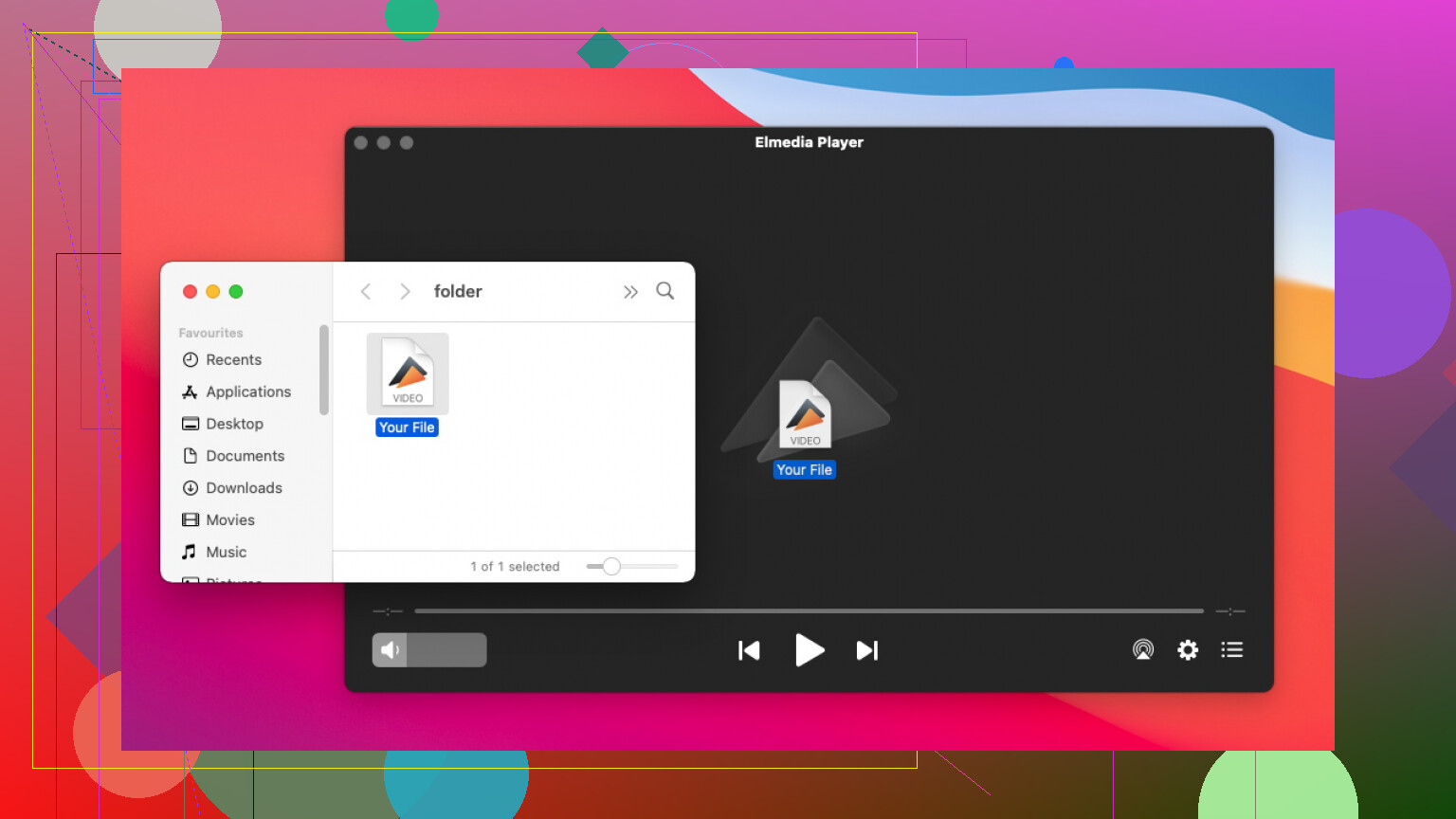
Elmedia Player: Forget About Codecs & Compatibility Drama
Let’s cut to the chase—Elmedia Player is my “set it and forget it” tool. I throw pretty much ANY file at it (MKV, AVI, even some files I found on an ancient hard drive), and it just plays. No extra downloads, no sketchy codec packs.
Real talk: the feature that’s saved my sanity is how it beams videos straight to my living room TV. Got a Chromecast? Smart TV? Hit the streaming button and it’s up there in seconds, no crazy router setup. Tiny thing, but when I pause halfway through a show for a snack run, it remembers right where I left off.

IINA: Apple Vibes, No Nonsense
If you’re into sleek, modern interfaces and an app that feels like it belongs on a Mac (not some Windows 98 port), IINA is where it’s at. It’s open source and feels tailor-made for macOS—think dark mode, buttery smooth trackpad gestures, and native picture-in-picture for multitasking overload.
I get way more control over playback with keyboard shortcuts, scrolling for volume, easy subtitle switching—super intuitive. When binge-watching a series, flipping through episodes is practically muscle memory.
Getting Started: As Easy as Toast
I’m not gonna hand you a step-by-step epic—both Elmedia and IINA work like the apps you already know. Open your player of choice, find “Open File,” pick your .mkv, and hit play. Or just drag and drop the video onto the player window. It doesn’t get simpler than that—seriously, you’ll have your files rolling in no time.
Bottom line: macOS might ignore weird video formats, but you don’t have to. Give these a try and you’ll wonder why you ever put up with “file can’t be opened” nonsense.