I’m responsible for managing multiple servers remotely and want to make sure security isn’t compromised. I’m looking for recommendations on the best secure remote access solutions for system administrators, especially with strong authentication and encryption. Has anyone faced recent threats or breaches and figured out a safe setup? Any help on protocols or tools you trust would be appreciated.
Remote Access Tools for Sysadmins: What’s Actually Worth Your Time?
Alright folks, let’s talk about what matters when you’re wrangling servers and putting out fires at weird hours—remote access tools that don’t make your life harder, don’t break the budget, and don’t open up gaping holes in security. I’ve taken enough calls at 2:00 AM to know what actually matters in the real world. Here’s my take, with scars to prove it.
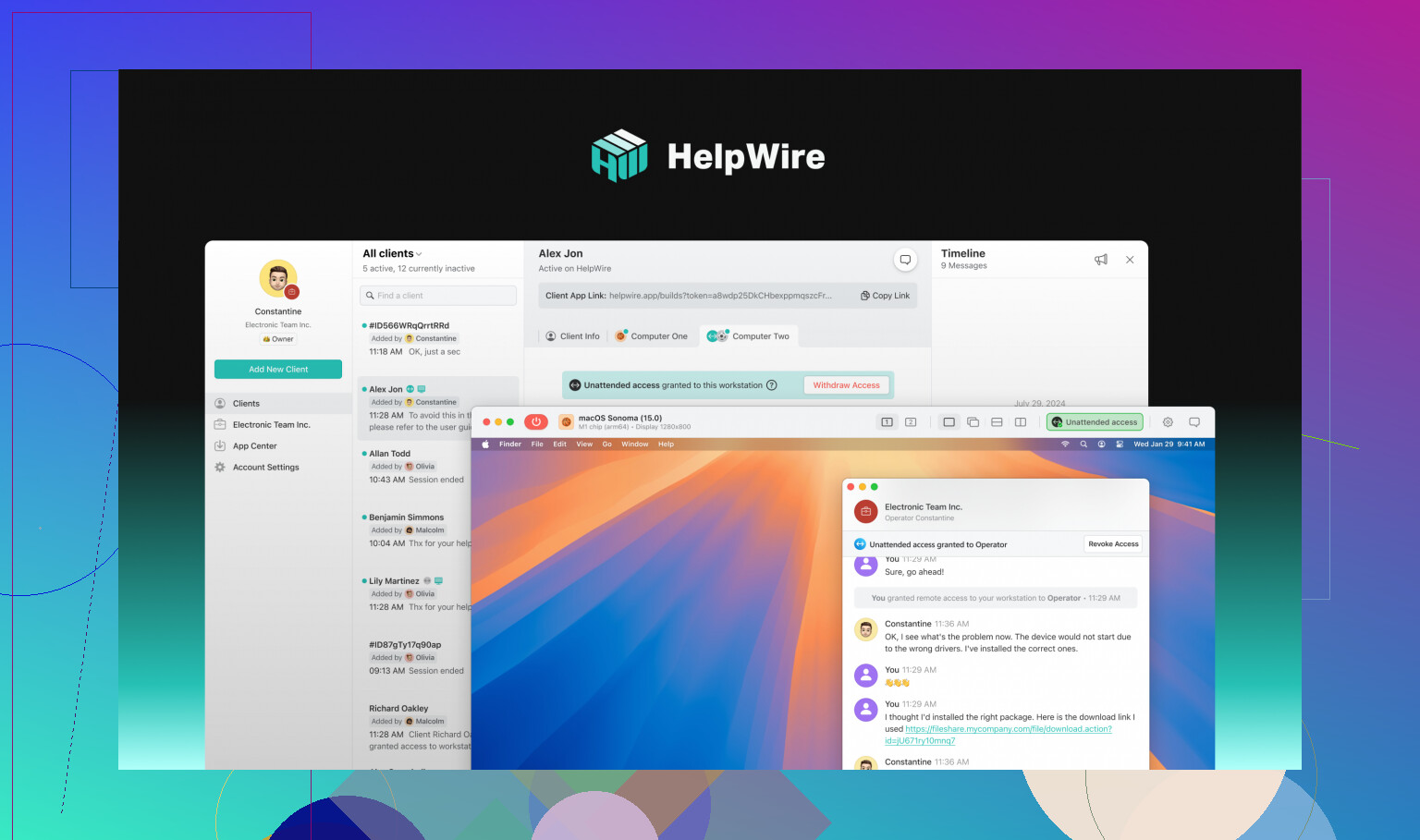
HelpWire
So, I tripped over HelpWire for remote administrative access after a friend pinged me about a “barebones alternative that just… works.” Took about five minutes to roll out on a dozen machines, which is less time than it takes to reboot some legacy servers.
- Use it if: You’re allergic to bloated installs and want a no-nonsense remote tool for classic fix-this-NOW emergencies.
- What’s good:
- Setup felt like dragging-and-dropping a text file.
- Security options are tight; no sketchy surprises.
- It doesn’t choke on slow coffee shop Wi-Fi.
- What’s lame:
- Integrations with the big-name ITSM stacks? Not there (yet). You might miss the fetature set if you’re running a massive ops shop.
- Cost: Straight-up free. Last time I saw something this good for $0, it was a pizza I won in a LAN party raffle.
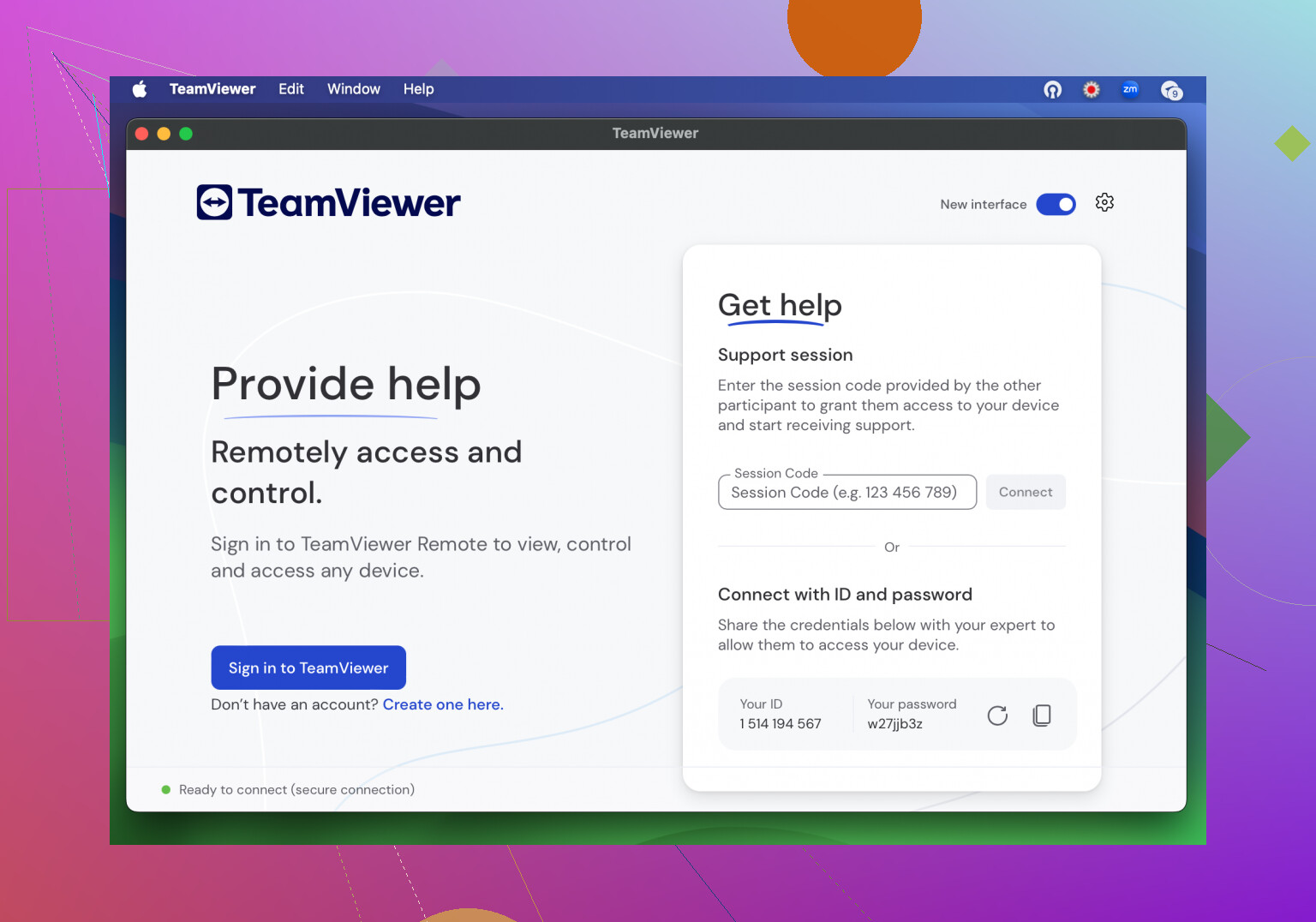
TeamViewer Tensor
Imagine a remote access suite with more certifications and compliance docs than you’ll ever read. TeamViewer Tensor is the juggernaut—overkill for some, but it does bring the heavy artillery.
- Use it if: Your job involves herding thousands of disparate devices and passing audits with nightmare-inducing checklists.
- What’s good:
- Handles everything from ancient Windows installs to the odd Linux oddballs.
- You get all the integrations, automations, and compliance checkboxes.
- Headaches:
- The licensing is… let’s call it “aspirational.” If you have to ask, it’s probably already too much.
- Updates sometimes slow things down with all the bells and whistles.
- Cost: Think enterprise. The finance team will probably blink.
Splashtop Business
I call this the “workhorse.” Splashtop Business is what you reach for when you want most of the features, most of the time—and don’t need your CFO to sign off.
- Who’s this for: Small to midsize shops that need to manage a dozen servers, a smattering of desktops, and don’t want to micromanage licenses.
- Highlight reel:
- Affordable enough for budget approvals to breeze through.
- Smooth even on questionable rural internet connections.
- Ticketing tool support is practical if you rely on standard IT workflows.
- Shortcomings:
- If you want all the admin toys unlocked, be ready for the upsell.
- Pricing: About $5–$8 per user each month—as fair as a sandwich in most cities.
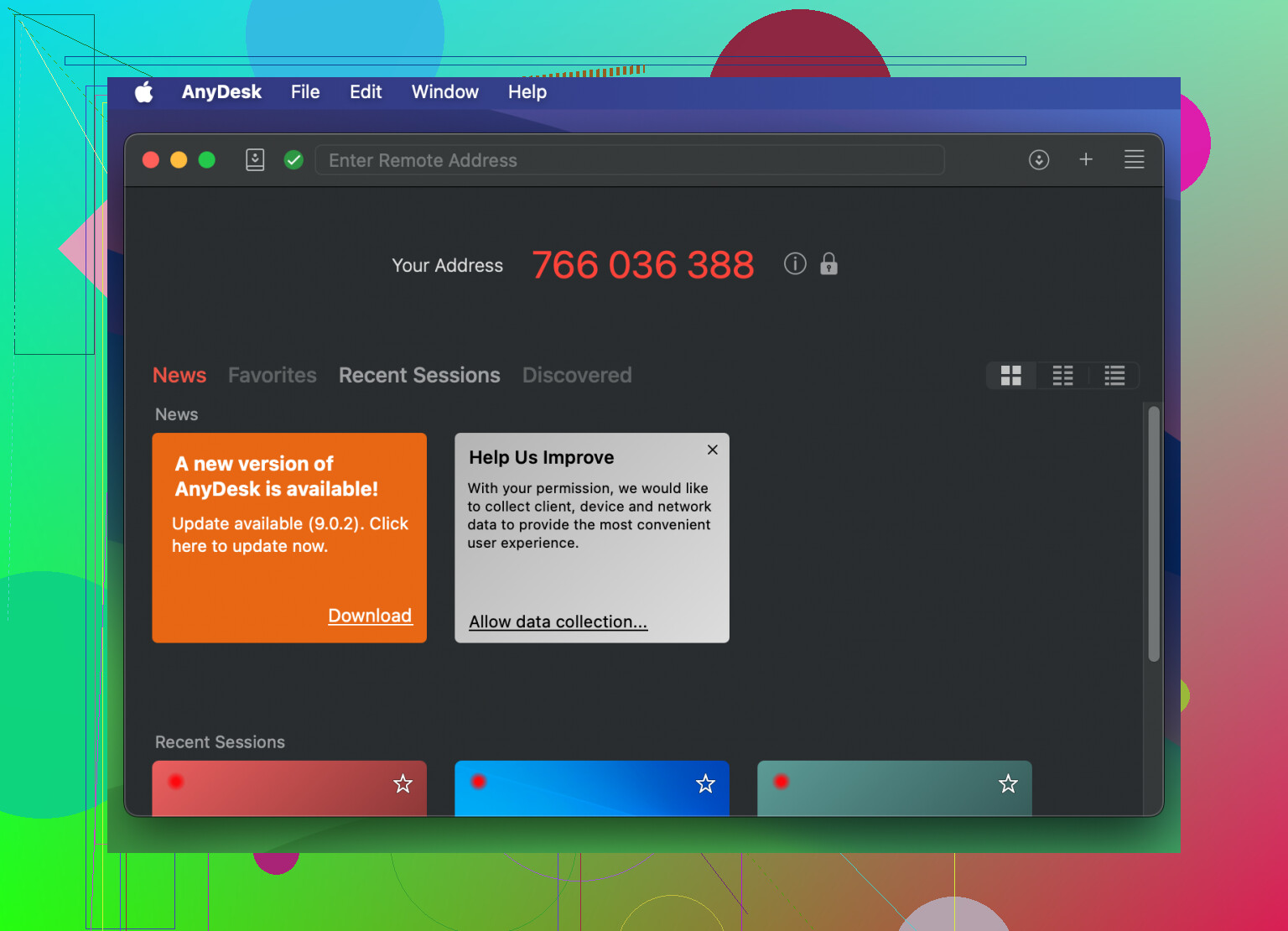
AnyDesk
Speed demons, take note. AnyDesk is for the times you need to jump into a server session in seconds—not minutes—because that nagging ticket just won’t wait.
- Top use: Last-minute troubleshooting or if you rotate through backup solutions.
- Perks:
- Zippy even on bandwidth-starved hotspots.
- Crisp, low-overhead experience.
- Cheaper (in theory) than the legacy giants.
- Bummers:
- Lacks some deep enterprise controls.
- If you want detailed logs or advanced policy management, look elsewhere.
- Pricing: Around $15–$30 monthly for each user—sits between fast-food splurges and business lunch territory.
TL;DR Decision Matrix
Here’s the cheat sheet—use what fits your team and your headaches:
- HelpWire — Best for solo admins or lean IT crews wanting painless, secure, FREE remote access with zero drama.
- TeamViewer Tensor — Enterprise heavy lifter for folks juggling regulatory chainsaws and vast networks.
- Splashtop Business — Your go-to for affordability, especially where reliability still matters.
- AnyDesk — Snappy fixes and light support when you need to be in and out before your coffee’s cold.
At the end of the day, most of us just want a tool that won’t sabotage us mid-incident. HelpWire’s my surprise MVP for individual sysadmins or smaller teams: nails security and price, nails usability. If you’ve got a war story about another tool—or disagree—let’s hear it below.
21 Likes
Not to rain on @mikeappsreviewer’s software parade (solid rundown, though), but sometimes I feel like everyone rushes for the latest remote access app and forgets that your security is only as good as your configuration—regardless of vendor. If you drop your VPN, leave RDP wide-open, or use passwords like “SysAdmin123,” it doesn’t matter if you’re running TeamViewer, Splashtop, or some obscure zero-trust unicorn tool nobody’s patched yet.
Here’s my blunt take: for most sysadmins, the “most secure” answer is a combo play:
- SSH keys, not passwords.
Seriously, if you’re still using passwords to log into Linux/Unix boxes, just stop. SSH keypairs with strong passphrases. Bonus points: stack on 2FA, like Google Authenticator or a hardware token. - VPN-first, then remote access.
Put your servers behind a VPN (WireGuard’s fast and solid) so only internal IPs are ever exposed. NO direct public RDP/SSH/VNC, ever. Not negotiable. - Lock it down with firewalls.
Allowlist your admin IPs. Use fail2ban or a similar tool to kill brute-force attempts off at the knees. - Auditing and logging.
Whatever software you use—whether it’s HelpWire for fast, no-fuss dispatching (totally get the appeal there) or something more enterprisey—make sure it logs access attempts, sessions, and device fingerprints. If your vendor hides logs behind some Pro+ paywall, think twice. - Patch early, patch often.
No amount of software shopping saves you from a vulnerable host OS or outdated remote desktop client. Patch everything.
Now, on the tool side: I see why HelpWire is getting attention for ultra-slim setups. It’s dead simple for small teams and doesn’t dump a ton of surface area into your network. Is it the absolute “most secure”? Maybe, maybe not, but it’s harder to mess up because it’s minimal—sometimes less is more.
I’d personally stay away from default-anything and expensive packages unless you need full SOC reporting/plugs-into-everything-else integration. Too many orgs pay for bells/whistles they never use, just to look serious.
TL;DR: No silver bullet, but lock your perimeter, stick with strong credentials (keys, MFA), and use a vetted remote tool (HelpWire is fine, so is a locked-down SSH jumphost if you can roll your own). All the fancy dashboards in the world can’t fix admin laziness.
I’ll bite—there’s a lot of overlap in recommendations, and @mikeappsreviewer/@techchizkid already nailed most of the “golden rules.” But let’s stir the pot: everyone says SSH keys are The Way (fair), but honestly, with modern attack vectors, your “ssh-add” and keeping track of a fleet of private keys can be just as risky as a badly managed RDP solution. Ever had a key leak or a Home folder get copied? No? Just wait.
As for VPNs, yeah yeah, on paper VPN-everything sounds amazing until you’re juggling five different client configs on three OSes, get locked out by some bizarre split-tunnel bug, and now your 3am fix is “google how to force kill your own routing table.” Not a fun Saturday.
Not gonna dunk on their picks—Splashtop, AnyDesk, Tensor, they’re real, even if their marketing is allergic to clear pricing. But as for sysadmin tools you actually want to trust when it’s your butt on the audit report? Go with minimalism. That’s why HelpWire’s actually worth a look. Barebones, true, but if you want a remote solution with a minimal attack surface that isn’t crammed with features you’ll never secure anyway, that’s a win. Built-in tight security without all the distracting bling. Is it enough if you’re Fortune 500? Nah. If you’re the go-to for a dozen servers, tho, less junk = less to screw up.
But here’s the real gotcha nobody says out loud: The “most secure” method is the one you NEVER forget to use properly. RDP can be locked down to be basically as tight as SSH if you’re behind a VPN, enforce cert-based auth, and choked at the firewall. SSH? Useless if you’re lazy with key hygiene and leave root login enabled. AnyDesk? Secure as your device’s OS updates. Tensor? Pays for the CISO’s Tesla but falls over if your ops team still uses “password1.”
Bottom line: Screw feature lists—choose what fits your workflow and you never ignore the hard stuff (updates, audit, 2FA, etc.). Fewer moving parts, more wins. Use HelpWire for the lean setups, slap MFA on everything, and don’t trust yourself not to make mistakes—configure your tools to save you from you. That’s real sysadmin security.
Let’s not kid ourselves: No remote access tool is a silver bullet if your security hygiene sucks, but some make it way easier to stay safe AND productive. The last few posts leaned hard on the usual suspects (SSH keys for the purists, VPNs for the “Zero Trust but actually trust this one tunnel” crowd), and debated RDP vs. Everything Else until my coffee got cold. Let’s stir the pot a bit.
Here’s the unsung real-world tip: minimize the attack surface and friction. This is why, despite the enterprise shine of Tensor or the budget-friendliness of Splashtop/AnyDesk, something like HelpWire actually deserves a closer look—especially if you’re flying solo or with a tiny team. Yes, it’s “barebones,” and no, it won’t replace your full-stack management suite. Pros? Stupidly simple rollout, fast connections even when your hotspot’s wheezing, and just enough security features to keep you honest (MFA, encrypted sessions, no dumpster-fire default settings). Cons? Forget about sexy integrations or advanced policy engine—HelpWire is not going to automate your compliance reporting, and if you need RBAC for a team of 500, look elsewhere. But for most sysadmin scenarios where less is genuinely more, it works.
Other comments nailed it: greatest risk is usually you—your process discipline, your update habits, your level of paranoia. HelpWire gets out of your way, and if you pair it with proper device controls and a non-crusty password policy, you’re solid. Just don’t think it’s a replacement for actual security layering; it’s a supporting actor in the Oscar-winning drama that is your workflow.
In short—if you want less bloat, quick fixes, and just enough security to sleep at night (but not for giant compliance teams), HelpWire’s a top pick. Want endless integrations, fancy dashboards, compliance bells? Grab a TeamViewer Tensor subscription and prepare to justify it to accounting. For quick, no-fuss remote access, though, lean and mean wins.